
YouTube Thumbnail Guide: Size and Design Tips for Success
YouTube Thumbnail Size: 1280x720 Recommended
The YouTube thumbnail is a key factor in determining click-through rate, so it's important to stick to the correct size. According to YouTube's official guidelines, 1280x720 pixels is the recommended size, and smaller images may get cropped.
Images that are too large often don't display properly as thumbnails, or parts of them may not show on mobile screens. Creating your thumbnail at 1280x720 ensures it displays perfectly on both desktop and mobile devices.
The size of a YouTube thumbnail plays an important role in making a strong first impression. Especially with mobile users now dominating YouTube usage, the 1280x720 ratio provides an optimized display for modern screens.
When creating YouTube thumbnails, pay attention to image resolution. When working at 1280x720, maintain a minimum of 72dpi resolution. Lower resolution can cause blurriness in the thumbnail, which is especially noticeable on mobile displays.
You should also consider aspect ratio when designing your thumbnail. The 1280x720 size has a 16:9 ratio, matching standard screen proportions. Deviating from this ratio may result in stretched or cropped images. For example, using a 4:3 ratio image will make the thumbnail appear narrow and hinder clear communication of content.
YouTube Thumbnail Design Tips
The success of your thumbnail depends on emphasizing text, choosing colors, and clearly communicating information. Opt for simple, eye-catching colors instead of complex backgrounds.
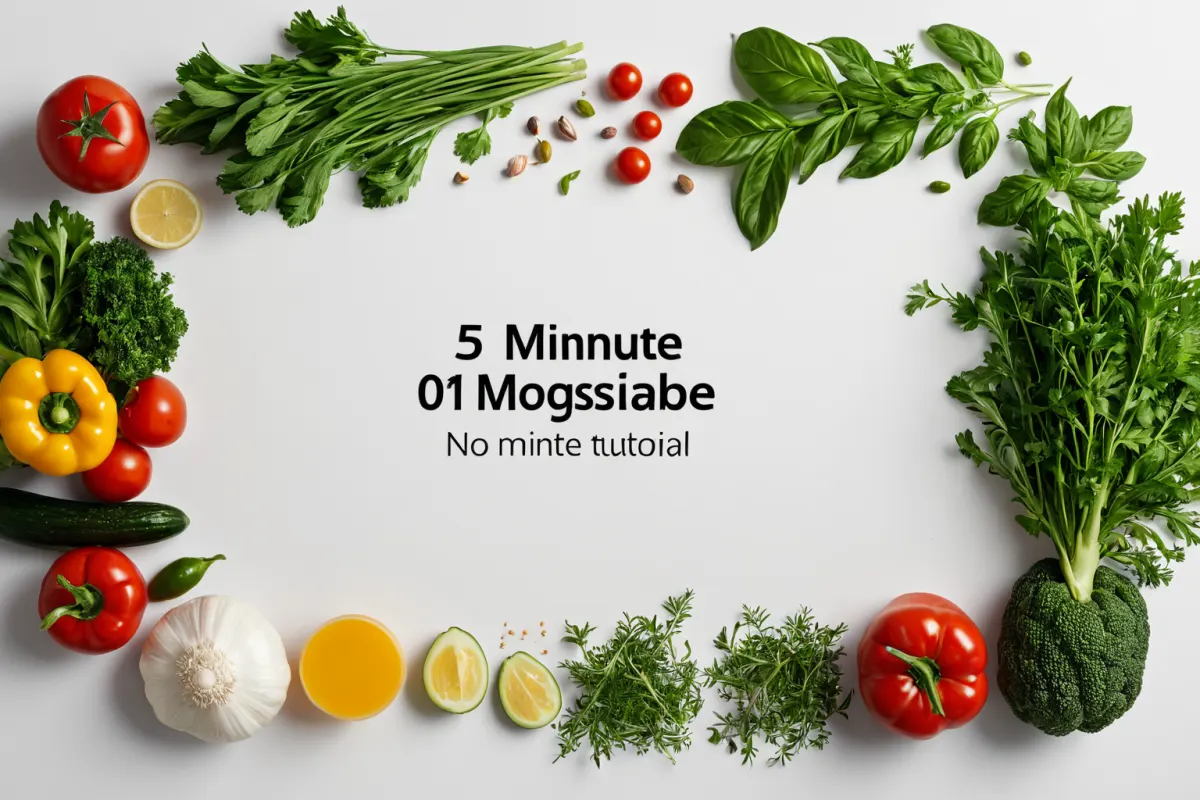
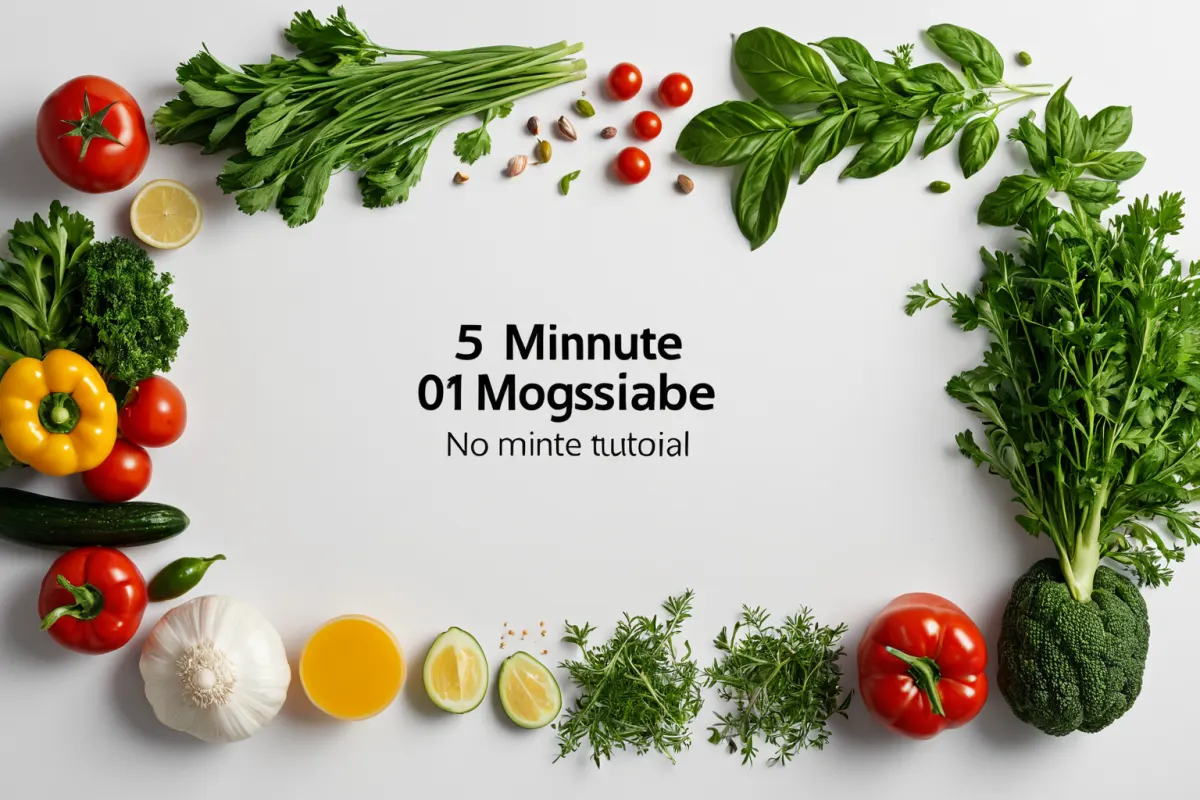
Keep text short—3-5 characters—and ensure font size is at least 1/4 the total thumbnail area. For example, phrases like 'Learn in 5 Minutes' work well.
Color choice plays a key role in evoking emotional responses. Bold colors (like orange or yellow) attract attention but can create negative impressions if overused. Match your color scheme to your content's nature; for health-related videos, blue or green tones are often effective.
Clarity of information is essential so viewers immediately understand what the video covers. For a cooking video, include images of ingredients and kitchen tools in the thumbnail. This helps convey the core value of the content beyond just visual appeal.
Avoid certain design pitfalls: too much text can confuse viewers and reduce attention, while dark backgrounds lower readability on mobile screens and decrease click-through rates.
Recommended Thumbnail Creation Tools
MangoBoard is a free tool optimized for YouTube thumbnails. Selecting the 'YouTube thumbnail' option automatically sets the size to 1280x720. Its simple drag-and-drop interface makes it accessible even for beginners.
Besides MangoBoard, many creators use AI-powered tools and QuickThumbnail services. AI-based tools analyze key content keywords to generate thumbnails automatically.
QuickThumbnail is a service that lets you create YouTube thumbnails quickly—within one minute. It's ideal for creators needing fast uploads, especially during the early growth phase of new channels.
Design Failure Examples and Improvements
Overused text or dark backgrounds can lower click-through rates. Vague phrases like 'This is Real' make it hard for viewers to understand the content's value.
Instead, visually represent your video's core content. For a cooking video, use images of ingredients and tools in the thumbnail so viewers instantly grasp what they'll see.
Another common failure is photo-centric designs—using only photos without text can lead to unclear messaging and lower clicks. Improve this by combining text with imagery for better communication.
Ranking Changes and Future Outlook
How do you check the thumbnail size on YouTube?
In the YouTube editor, selecting 'Thumbnail' automatically sets it to 1280x720.
Do AI-generated thumbnails compromise quality?
Ai-based tools can produce high-quality images, and free options like MangoBoard offer sufficient quality for most creators.
Is including a person's face in the thumbnail beneficial?
Human faces draw attention but should be sized appropriately—too small may feel uncomfortable to viewers.
You can find similar articles all in one place.
View Related ArticlesFAQ
How do you check the thumbnail size on YouTube?
In the YouTube editor, selecting 'Thumbnail' automatically sets it to 1280x720.
Do AI-generated thumbnails compromise quality?
AI-based tools can produce high-quality images, and free options like MangoBoard offer sufficient quality for most creators.
Is including a person's face in the thumbnail beneficial?
Human faces draw attention but should be sized appropriately—too small may feel uncomfortable to viewers.
Korean Source
This article is an English localization of a Korean-language report from BlogScore. Original: 유튜브 썸네일 만들기 가이드: 크기와 디자인 팁