
Why KTX Tickets Sell Out Quickly and How to Secure a Seat
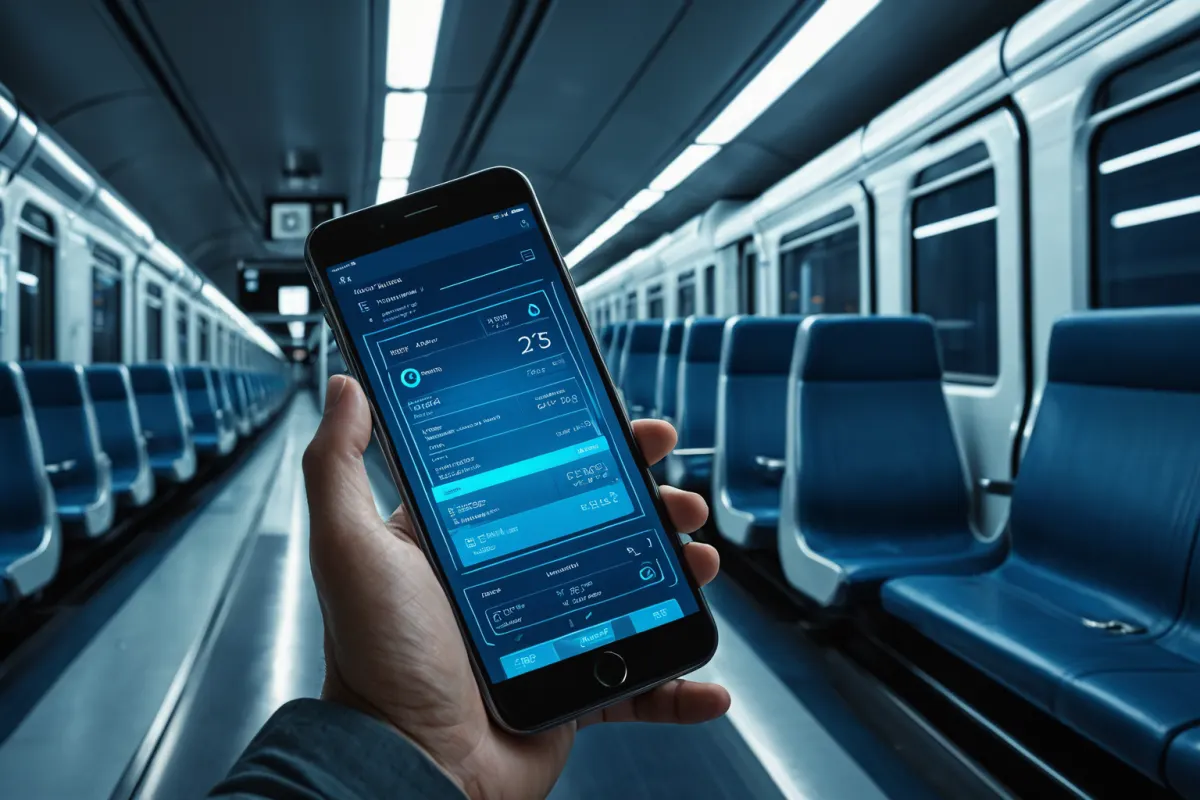
The most common reason for seeing "sold out" on Korail TALK is simply that all seats have been booked. Other frequent causes include delayed system updates, unreflected cancellation tickets, or apparent connectivity issues.
Especially during rush hours, holidays, and weekend mornings, popular time slots fill up quickly. However, knowing when tickets become available again can significantly increase your chances of securing a seat.
The Most Common Reasons for "Sold Out" Displays
The simplest explanation is that no seats remain on the train you're looking for. Popular routes like KTX, ITX, and Mugunghwa trains often sell out immediately after reservations open.
However, a "sold out" message doesn't always mean there are truly no seats available. Sometimes the system hasn't updated yet, or a seat that was being processed for payment hasn't fully been released. Poor internet connection can also cause the list to display incorrectly.
For example, if you're searching for a Friday evening KTX from Seoul Station to Busan Station, there might be almost no seats available within 1-2 minutes of reservation opening. In such cases, checking alternative trains in the same time window or revisiting the search after 10-20 minutes may yield better results.
You can find similar articles all in one place.
View Related ArticlesWhen Tickets Become Available Again
Korail TALK reservations typically open well before departure, but for popular times, the first few minutes after opening are critical. Knowing your desired date's reservation start time is important.
Seats don't always appear all at once. Cancellations, unprocessed payments, and changes can cause seats to reappear, especially during early morning or late evening hours.
Particularly worth checking are the evening before departure and early morning on the day of travel. If your schedule is flexible, focusing on these two windows can help you secure tickets that appeared sold out initially.
How Internet Connection Affects "Sold Out" Displays
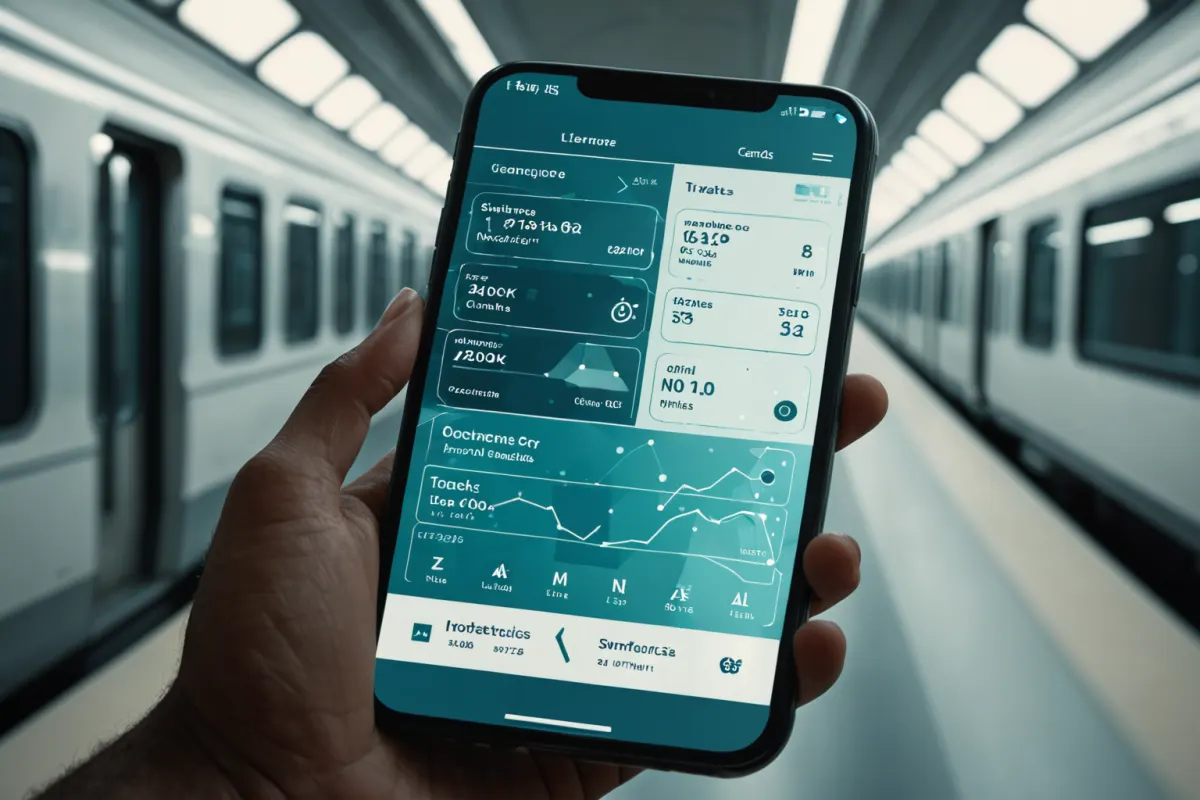
If Korail TALK app is slow or internet connection unstable, it may display as "sold out" even when seats are available. This happens because the list hasn't updated properly to show available seats.
In such cases, switching between Wi-Fi and mobile data (LTE/5G) can help. Closing and reopening the app often resolves issues where previous screens remain visible.
For example, if you keep seeing "sold out" for the same train, try searching for different times or departure stations first, then return to your original route. This approach sometimes reveals available seats.
Practical Ways to Secure Cancellation Tickets
A common oversight is missing cancellation tickets. A "sold out" message doesn't mean the ticket is permanently unavailable—someone may cancel their reservation or change plans, freeing up a seat.
The simplest method is checking every 5 minutes. Checking too frequently can be annoying, while waiting too long risks losing the seat again. Especially on the evening before and early morning of travel day, frequent checks are recommended.
For instance, during family trip planning, initial searches might show all seats sold out for a preferred time, but checking again the next morning could reveal two available seats. Thus, "sold out" often means temporarily unavailable rather than permanently closed.
Search Habits to Reduce Failed Reservations
Fixating on one specific time increases how often you see "sold out." Expanding your search by 30-60 minutes before or after your preferred arrival time can improve success rates.
Don't just check one departure station—also consider nearby stations. For example, different trains with the same direction might have available seats at different stops, and adjusting transfer times could provide viable options.
Also, don't limit yourself to one seat class. Compare general class, premium class, and other train types for the same route. Different time slots may feel less crowded even on the same route.
When You Need to Check or Print Your Ticket
Korail TALK allows you to check your ticket directly within the app, which is convenient. However, if you can't save the screen or have login issues, you might need to recheck your reservation details.
Printing tickets may be necessary in some situations—like when mobile access is difficult or you need to provide paper copies for traveling companions. But most of the time, showing the app screen is sufficient for boarding.
After booking, double-check payment confirmation, departure time, and train number. Korail TALK ticket usage isn't complicated, but it's surprisingly common to accidentally select the wrong date or time.
Important Considerations When Canceling or Changing Reservations
If you need to cancel due to schedule changes, also check when refund payments will be processed. The refund timing varies by payment method.
If you need to quickly book a new ticket, avoid missing your reservation window while waiting for refunds. Especially during holidays and weekends when seats move quickly, it's safer to secure the new ticket first before canceling the old one.
Conversely, if you canceled a ticket but later need it again, don't just check refund status—also monitor newly available seats.
Practical Reservation Example
For example, if traveling from Seoul to Daejeon on Saturday morning, instead of repeatedly checking only at 9:00 AM, also look at trains departing at 8:30 AM, 9:10 AM, and 9:40 AM. Expanding your time window makes it easier to avoid sold-out periods.
If you're about to give up on a "sold out" display, close the app and check again after 10 minutes. During this time, cancellations may occur, and screen update issues might resolve themselves.
On highly competitive dates like holiday travel, don't focus only on one train route—compare buses, alternative trains, and transfer options. Ultimately, the goal isn't to secure a specific minute but to find any available time window that gets you to your destination.
FAQ
Q1. Does "sold out" mean no tickets are available?
No. Cancellation tickets or unprocessed payment seats may become available again, so it's worth checking back.
Q2. Can poor internet connection make it look like tickets are sold out?
Yes. If the app is slow to update, you might not see available seats—try switching networks and refreshing.
Q3. Can I board with just the app screen instead of printing a ticket?
Most of the time, yes. However, it's safer to check your reservation details in advance since some situations may require physical confirmation.
Finally, reservation availability and seat release patterns vary by route and season, so always verify the latest information before traveling.
Continue exploring similar topics.
View Category ArticlesFAQ
Does "sold out" mean no tickets are available?
No. Cancellation tickets or unprocessed payment seats may become available again, so it's worth checking back.
Can poor internet connection make it look like tickets are sold out?
Yes. If the app is slow to update, you might not see available seats—try switching networks and refreshing.
Can I board with just the app screen instead of printing a ticket?
Most of the time, yes. However, it's safer to check your reservation details in advance since some situations may require physical confirmation.
Korean Source
This article is an English localization of a Korean-language report from BlogScore. Original: 코레 일톡 매진 나오는 이유와 예매 가능 시간