
Tailwind CSS in Next.js: A Practical Guide for Developers
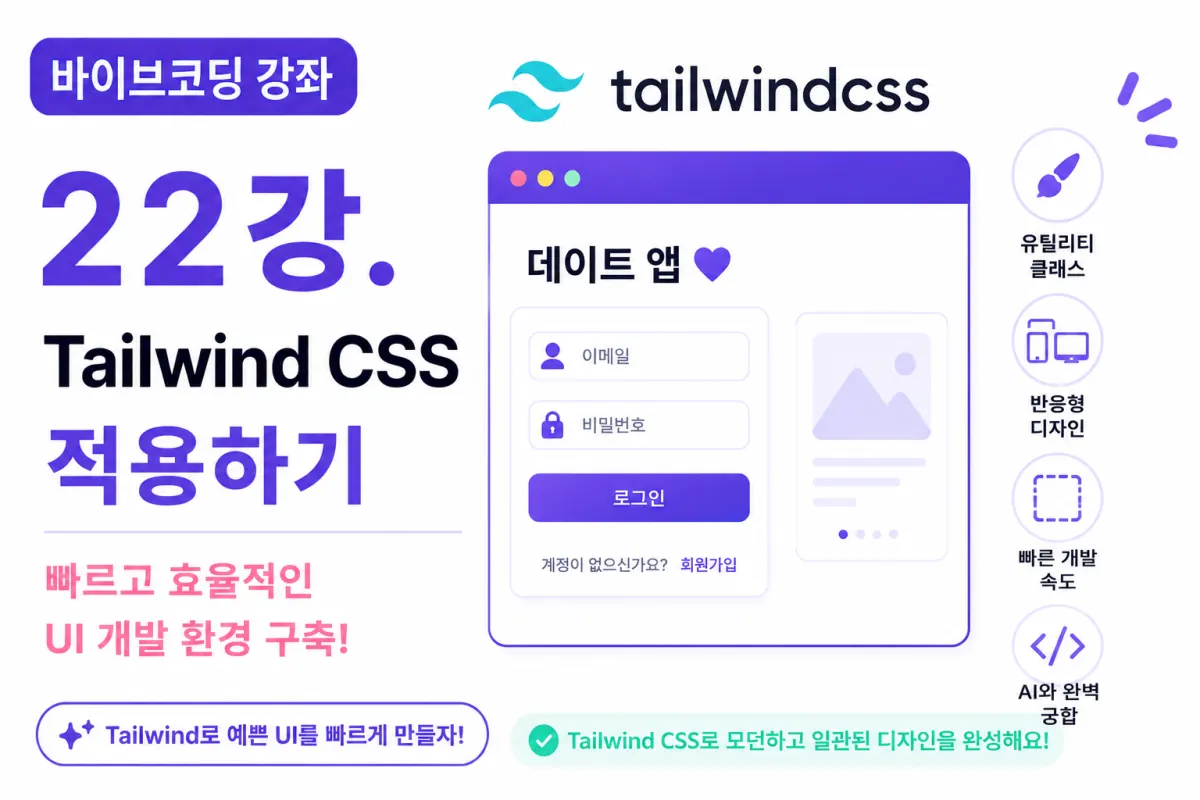
What You'll Learn in This Lesson
Last week, we set up a Next.js project and prepared the development environment.
Now it's time to style the actual interface.
While you could use plain CSS, Tailwind CSS is widely used in professional settings.
In this lesson, we'll cover:
What is Tailwind CSS?
Installing it in your project
Understanding the configuration file
Applying basic styles
Creating UI with Cursor AI
We'll go through each step together.
What Is Tailwind CSS?
Tailwind CSS is a utility-first CSS framework.
In simple terms, it lets you build interfaces by combining pre-made classes.
For example:
<div class="p-4 bg-white rounded-lg shadow">
This approach eliminates the need for writing separate CSS files, speeding up development significantly.
Why Use Tailwind CSS?
Tailwind offers several advantages:
Faster development
Less mental effort for class naming
Responsive design support
Easier maintenance
High compatibility with Next.js
Cursor AI works particularly well with Tailwind, making it a great fit for our coding sessions.
Requesting Installation via Cursor AI
Now let's ask Cursor AI to install Tailwind CSS:
Install Tailwind CSS in a Next.js project

Configure it using the latest method.
The AI will provide installation commands and guide you through configuration file adjustments.
Verifying Installation
After installation, run your project and apply some classes to the default page:
<div class="text-3xl font-bold text-purple-600">
Date app
</div>
If the text appears in large purple, Tailwind is working correctly.
Understanding Utility Classes
Tailwind expresses most styles through single classes:
text-center
Centered text
font-bold
Bold text
rounded-xl
Rounded corners
shadow-lg
Large shadow
The intuitive naming makes these classes easy to use.
Margins and Padding
These are among the most frequently used Tailwind classes:
m-4
Outer margin
p-4
Inner padding
Larger numbers mean larger spacing. These are used daily in professional development.
Color Styling
Tailwind offers many color options:
bg-purple-500
Purple background
text-white
White text
bg-pink-500
Pink background
You can quickly create designs by combining these classes.
Flexbox Basics
This is the most used layout feature:
flex
Horizontal arrangement
justify-between
Space between items
items-center
Center vertically
Most interfaces can be cleanly created using just Flexbox.
Creating Buttons
Buttons are easy with Tailwind:
<button class="bg-purple-600 text-white px-5 py-2 rounded-lg hover:bg-purple-700">
Login
</button>
With just a few classes, you can create polished buttons.
Building Cards
Date apps commonly use card UIs. For example:
A profile card needs:
Shadow
Rounded corners
Padding
Tailwind makes this simple:
rounded-xl

shadow-lg

p-6
This combination creates a clean card with minimal code.
Creating Input Fields
Input fields are common in registration screens. With Tailwind, you can easily add:
Rounded borders
Shadows
Focus effects
Cursor AI generates these styles effectively.
Requesting UI from Cursor AI
For example, ask:
Create a modern login screen using Tailwind CSS.

Make it mobile-first.
The AI will generate complete UI with appropriate Tailwind classes.
Reducing Repetitive Styles
As projects grow, you'll repeat styles. For example:
If all buttons share the same style, create a shared component.
In future lessons, we'll build a Button component together.
Responsive Design
Tailwind offers responsive classes:
md:grid-cols-2
Two columns on tablets
lg:grid-cols-4
Four columns on desktops
These automatically adjust layouts based on screen size.
Tailwind and Cursor AI: A Perfect Match
Tailwind is one of the CSS frameworks best suited for AI generation. For example, asking:
Create a card-style login screen.
The AI will generate nearly complete HTML with Tailwind classes.
This combination makes our coding sessions highly effective.
Standard Design Elements for This Project
We'll use these design elements as a base:
Purple accent color
Rounded cards
Shadow effects
Simplified buttons
Mobile-first layout
Maintaining consistent styling across the project significantly improves overall quality.
Next Lesson Preview
In our next session, we'll design the project folder structure. We'll explore how to organize components, pages, and shared functions for maintainable code as projects grow larger.
Conclusion
Tailwind CSS is one of the most widely used CSS frameworks in modern web development.
This lesson covered installing Tailwind and basic usage to prepare your UI development environment.
Your design phase is now complete. Next, we'll structure our project folder system for easy maintenance as it grows larger.
FAQ
Why is Tailwind CSS popular in modern development?
Tailwind's utility-first approach allows developers to build interfaces quickly by combining pre-defined classes, eliminating the need for writing custom CSS files and speeding up development.
How does Cursor AI work with Tailwind CSS?
Cursor AI generates complete UI components using Tailwind classes. It creates well-structured HTML with appropriate utility classes based on simple natural language requests.
Korean Source
This article is an English localization of a Korean-language report from BlogScore. Original: [바이브코딩 강좌] 22강. Tailwind CSS 적용하기