
Starting a YouTube Channel with AI Video: Essential Equipment and Costs
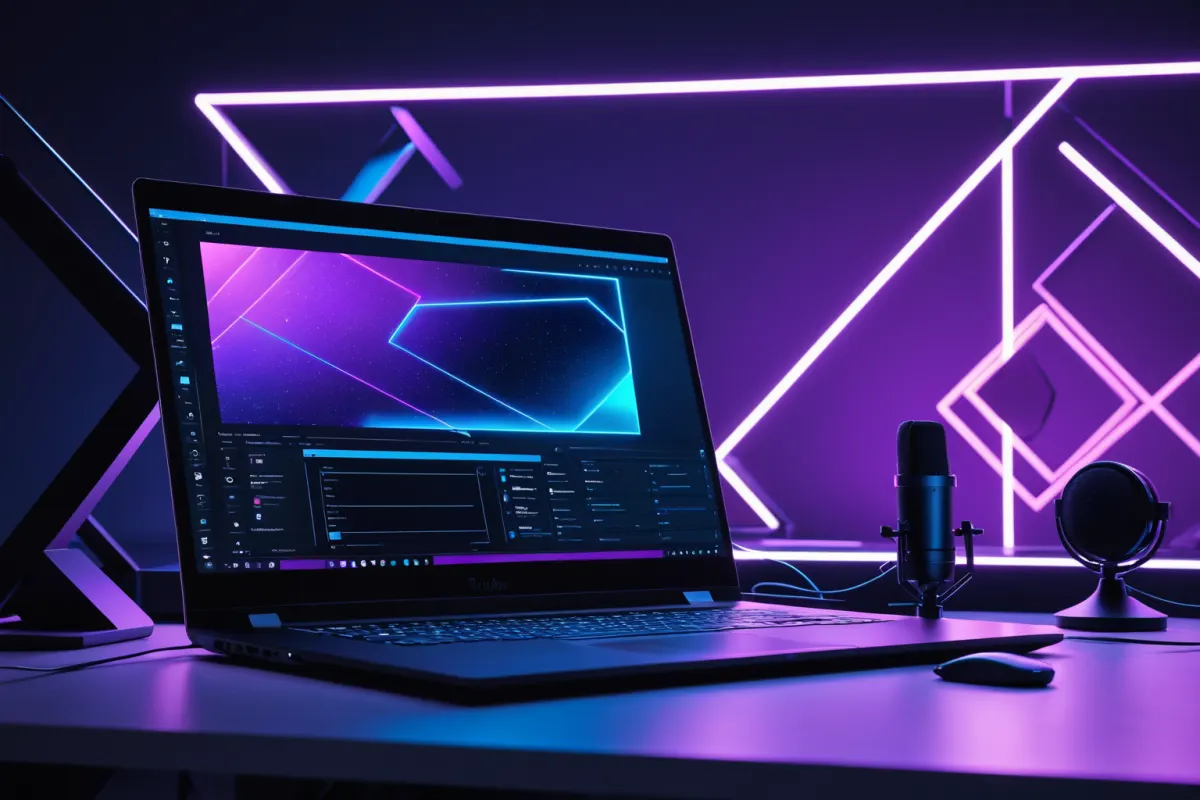
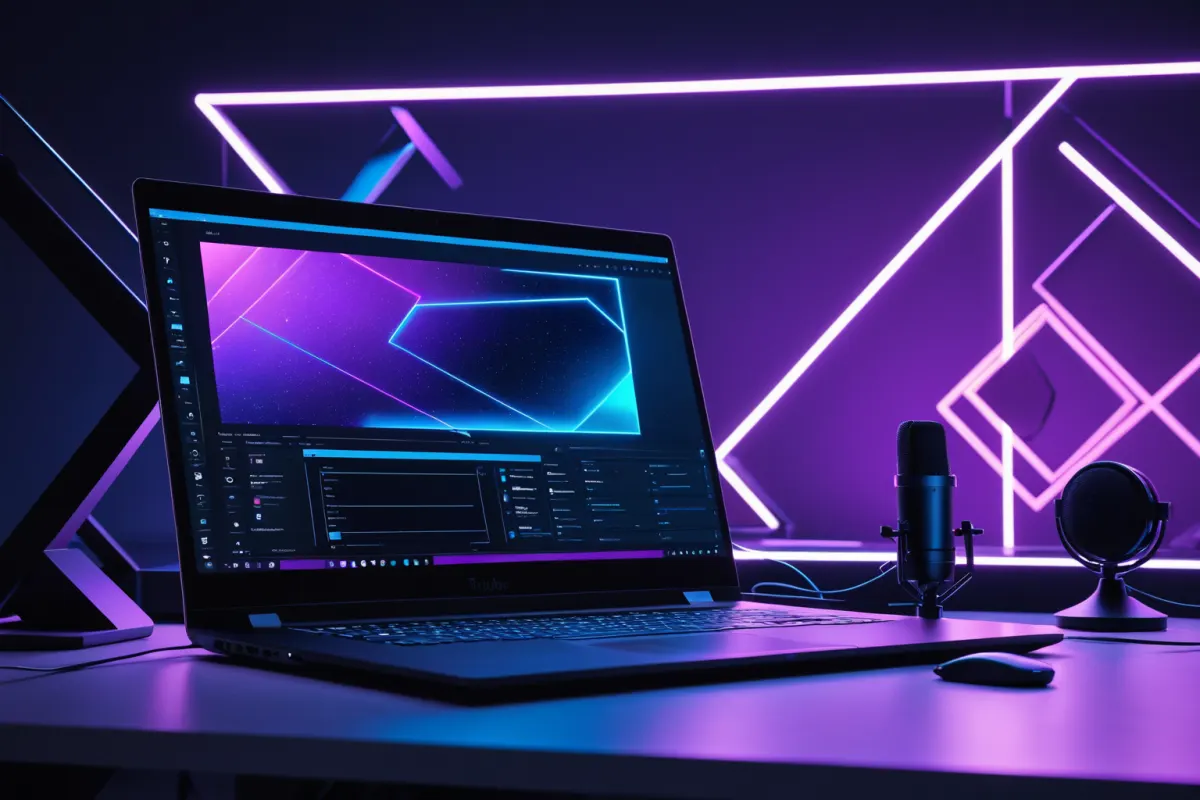
You don't need expensive equipment to start a YouTube channel with AI-generated videos. The most important thing is having a PC or laptop capable of creating and editing videos, along with an efficient workflow for producing content quickly. Starting costs can range from free to around 200,000 KRW (about $150), while a more comfortable setup might require 300,000–800,000 KRW ($230–$600).
The key is not spending excessively but investing wisely. For AI video content, costs are often higher for software, voice, image sources, and editing time rather than camera equipment. It's better to budget for devices, tools, storage, and a contingency fund.
Core Structure of Starting Costs for AI Video YouTube
Starting costs for an AI video YouTube channel can be divided into four main categories: 1) Workstation equipment, 2) AI tool subscriptions, 3) Editing and source material expenses, and 4) Storage space and additional accessories. Understanding this structure helps avoid unnecessary spending.
For example, if you're creating content using AI images, voiceovers, and subtitles without showing your face, you don't need a camera or lighting right away. However, if you're mixing in real product reviews, you'll need microphones, lighting, and background setup costs. The initial cost varies significantly based on your channel's direction.
You can find more articles on similar topics here.
View Related ArticlesEssential Equipment and Priorities for Beginners
The first piece of equipment you need is a workstation PC or laptop. AI image generation, video editing, and subtitle work require significant system resources, especially when running multiple programs simultaneously. While a basic laptop might suffice for light use, performance differences become noticeable when multitasking.
Recommended priority order: 1) Workstation PC/laptop, 2) Headphones or earphones, 3) External storage device, 4) Microphone. Webcams and lighting can be added later if you're not creating face-exposure content. Buying everything at once can tie up your budget unnecessarily.
For example, if you're making a channel mixing AI narration, stock footage, and AI-generated images without showing your face, an 800,000 KRW (about $600) workstation laptop and subscription-based AI tools may be more important than expensive camera equipment. If focusing on short videos (Shorts), storage space and fast editing speed become more critical.
Why Monthly Costs Vary
For AI video content, monthly fixed costs often feel like a bigger burden than initial setup expenses. This is because subscription-based AI tools, voice generation, background music, stock sources, and cloud storage add up over time. While it's possible to start with free tools, slower upload speeds may push you toward paid options.
Monthly costs vary based on your workflow: very light use (0–30,000 KRW / $25), basic subscriptions (50,000–150,000 KRW / $40–$115), or multiple tools (over 200,000 KRW / $150+). The key is determining how many videos you'll create each month. Producing 1–2 videos versus 10 requires different tool sets.
For instance, using just one AI voice tool and a free editing program may cost almost nothing. But adding image generation, automated subtitles, paid background music, and stock footage can significantly increase per-video production costs. It's safer to set a monthly budget upfront.
Realistic Starting Budget Examples
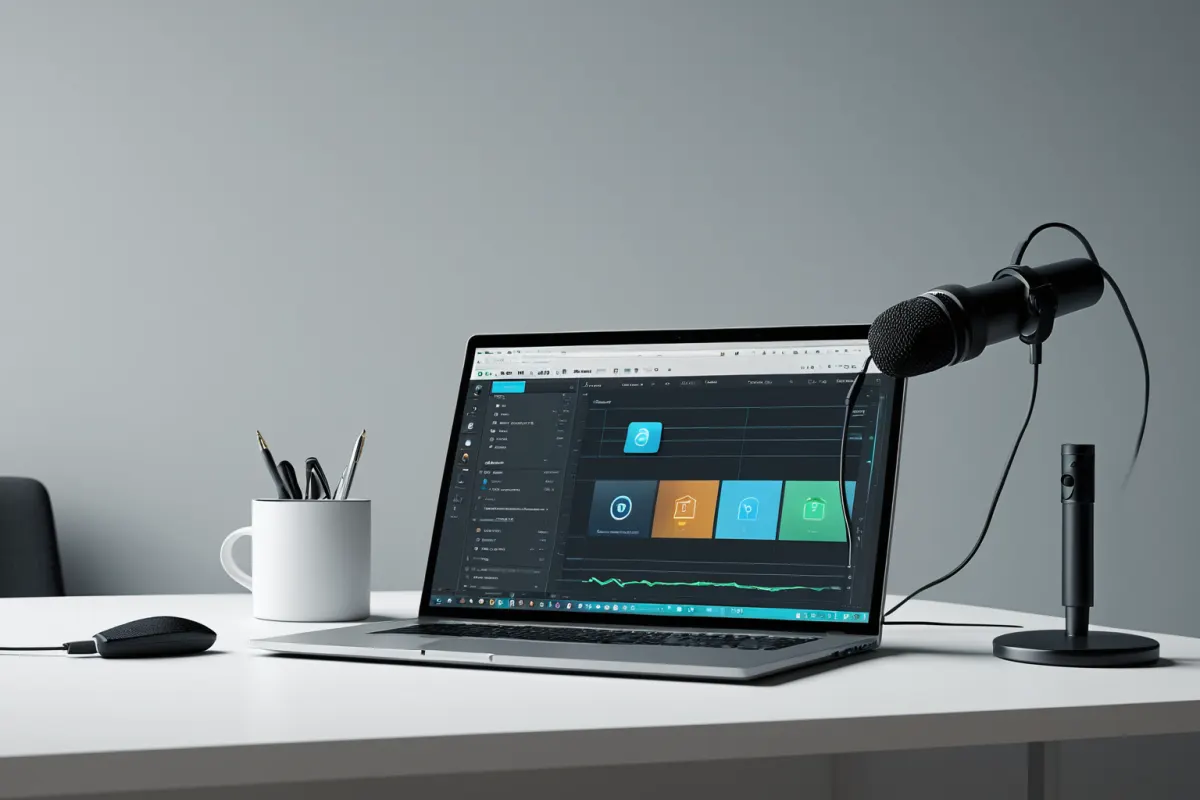
A common question is: "How much does it cost to start?" Here are three realistic scenarios based on average estimates:
- Minimum budget: Use existing laptop, focus on free AI tools, initial cost 0–100,000 KRW ($75)
- Basic budget: Upgrade workstation, use some paid tools, initial cost 300,000–800,000 KRW ($230–$600)
- Comfortable budget: Improve editing speed, use multiple paid subscriptions, initial cost over 1,000,000 KRW ($750)
The minimum option costs little but takes more time. The basic setup offers a good balance of speed and quality, while the comfortable option improves production efficiency. Beginners should aim for the basic budget rather than expensive setups to reduce failure risk.
For example, with a 500,000 KRW (about $375) budget, it's better to prioritize storage and editing environment over microphones or lighting. For AI video content, workflow efficiency matters more than equipment, so a slow computer can significantly increase stress levels.
Selecting the Right AI Tools
With many AI tools available, you don't need to use all of them from the start. The key is connecting four core functions: image generation, voice, editing, and subtitles. Using one reliable tool for each category can be sufficient.
When choosing tools, focus on cost structure rather than features. Check whether they're monthly subscriptions, credit-based, or have free usage limits to avoid budget surprises. Some tools may seem cheap initially but require additional payments as your video output increases.
In practice, the simplest combination is "one image generator, one voice tool, and one editor." Adding a subtitle tool can further reduce editing time. It's more efficient to master 2–3 frequently used tools than to subscribe to five or more from the start.
Pre- monetization Spending Checklist
Since revenue doesn't come immediately, it's important to budget conservatively. Pay special attention to usage rights for background music, images, and video sources—mistakes here can lead to costly revisions later.
Another overlooked area is storage space. AI videos quickly accumulate original images, rendered files, and edited versions. Failing to plan for external SSD or cloud costs can waste time during mid-project cleanup. These hidden costs often add up significantly.
For example, creating 30 Shorts at once leaves many source files behind. Without originals, you may need to regenerate them later, costing both time and money. Budgeting should include file management habits.
Cost-Saving Tips for Beginners
Don't switch everything to paid tools immediately—mix free and paid options instead. Try creating 3–5 videos using free trial periods to determine which tools are actually needed before committing to subscriptions.
Second, avoid buying all equipment at once. Prioritize workstation, microphone, and storage in that order to minimize waste. For channels not featuring your face, lighting and camera costs can be delayed without issues.
Third, keep video formats simple. Short videos (1–3 minutes) or Shorts are less demanding than longer content, reducing both production time and tool costs.
Common Budgeting Mistakes
The most common mistake is overspending on equipment before establishing a consistent upload schedule. Purchasing high-end PCs, premium microphones, and camera gear early ties up capital unnecessarily. It's better to invest after confirming your channel's consistency.
A second error is underestimating editing time. While AI can quickly generate drafts, final video quality depends heavily on editing. A slow computer will reduce productivity significantly.
The third mistake is skipping usage rights checks for sources. YouTube videos accumulate as assets over time, so copyright issues can lead to significant losses. Starting with safe, royalty-free sources ultimately saves money in the long run.
FAQ
Q: What's the minimum cost to start a YouTube channel using AI video?
If you already have a laptop and focus on free tools, it's possible to start for almost nothing. However, considering editing speed and efficiency, many people budget 300,000–800,000 KRW ($230–$600) as a starting point.
Q: Do I need a camera?
No. Channels focused on AI images, narration, and stock footage can start without a camera. Face exposure content is not required for most AI video channels, making cameras lower priority.
Q: What should I buy first?
Start with a workstation PC or laptop, storage device, and headphones/earphones. Microphones and lighting can be purchased later once your channel direction becomes clear.
Starting an AI video YouTube channel is less about expensive equipment and more about sustainable cost structures. Planning your budget carefully helps maintain momentum without burning out. Prices for tools and subscription plans change frequently, so double-check before starting.
Continue exploring similar topics.
Browse CategoryFAQ
What's the minimum cost to start a YouTube channel using AI video?
If you already have a laptop and focus on free tools, it's possible to start for almost nothing. However, considering editing speed and efficiency, many people budget 300,000–800,000 KRW ($230–$600) as a starting point.
Do I need a camera?
No. Channels focused on AI images, narration, and stock footage can start without a camera. Face exposure content is not required for most AI video channels, making cameras lower priority.
What should I buy first?
Start with a workstation PC or laptop, storage device, and headphones/earphones. Microphones and lighting can be purchased later once your channel direction becomes clear.
Korean Source
This article is an English localization of a Korean-language report from BlogScore. Original: AI영상으로유튜브 시작할 때 필요한 장비와 비용 감각