
How to Check Your Shinhan Card Payment Date and Usage Period Easily with Shinhan Play
How to Set Your Shinhan Card Payment Date
The standard payment date for Shinhan Card is typically set on the 14th of each month. This means that charges for usage from the 1st through the last day of the previous month are billed on this date. Similarly, KB Kookmin, Lotte, Woori, and NH Nonghyup cards also use the 14th as their standard payment date to bill for monthly usage.
For comparison, Hyundai Card uses the 12th and Hana Card uses the 13th. The actual billing date may vary by 1-2 business days depending on when sales receipts are processed, so it's important to be aware of this timing.
For example, if a Shinhan Card user is billed for usage from March 1st to March 31st, and the payment date is set to the 14th, they will receive their bill on April 14th. However, due to possible processing time variations of 1-2 business days, the actual billing date could be as early as April 13th or as late as April 15th.
Payment dates can be adjusted to match your spending habits. Shinhan Card is designed to bill for usage from the 1st through the last day of the previous month, making monthly budgeting easier. For instance, if you tend to spend more after receiving your salary, setting your payment date to align with your payday can help manage your finances more efficiently.
Check Your Payment Date Easily with the Shinhan Play App
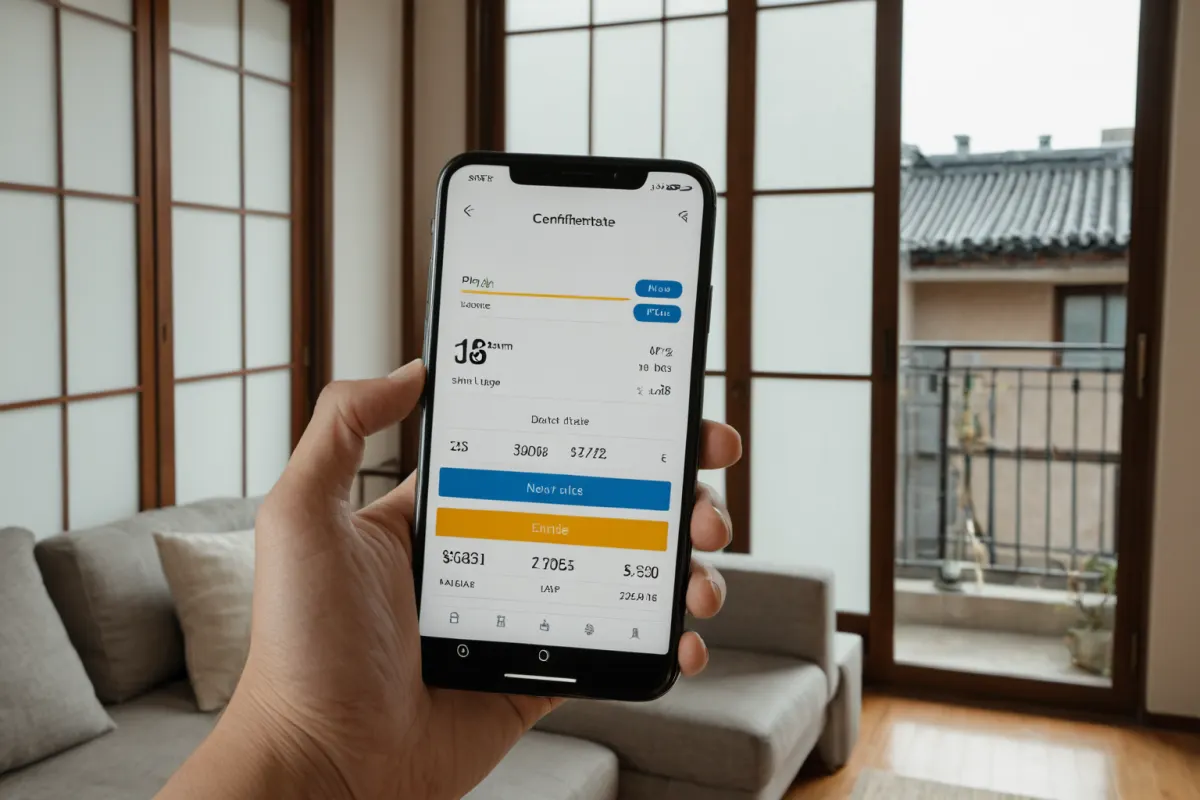
The easiest way to check your Shinhan Card payment date and usage period is through the Shinhan Play app. Simply select 'Payment Date Settings' in the app to view your current payment date and next billing date.
You can also adjust your payment date within the app, and see detailed transaction history for the previous month. The Shinhan Play app features a simple interface that makes it easy for anyone to use. Plus, as a Shinhan Card customer, you can manage various financial services all in one place through the app.
Using the Shinhan Play app is straightforward: Download it on your smartphone, complete identity verification, then select 'Payment Date Settings' to view your current payment date and next billing date. You can change your payment date as needed, and changes take effect immediately.
Comparison with Other Card Issuers
Other major card issuers follow similar patterns: KB Kookmin, Lotte, Woori, and NH Nonghyup cards also use the 14th for billing. Hyundai Card uses the 12th, while Hana Card uses the 13th to bill for usage from the 1st through the last day of the previous month.
When adjusting your payment date, keep in mind that the actual billing date may vary by 1-2 business days depending on when sales receipts are processed. For example, with Hyundai Card set to a 12th payment date, charges for usage from the 1st through the last day of the previous month will be billed, but the exact date could shift to the 13th or 14th due to processing times.
Frequently Asked Questions
Can I change my Shinhan Card payment date?
Yes, you can adjust your payment date through the 'Payment Date Settings' menu in the Shinhan Play app.
Is Shinhan Card's payment date different from other card issuers?
No, KB Kookmin, Lotte, Woori, and NH Nonghyup cards also use the 14th as their standard billing date.
When will my next bill be issued after changing my payment date?
The new billing date will appear in the app once you adjust your settings. The actual billing date may vary by 1-2 business days depending on processing times.
You can find more articles on similar topics here.
View Related ArticlesFAQ
Can I change my Shinhan Card payment date?
Yes, you can adjust your payment date through the 'Payment Date Settings' menu in the Shinhan Play app.
Is Shinhan Card's payment date different from other card issuers?
No, KB Kookmin, Lotte, Woori, and NH Nonghyup cards also use the 14th as their standard billing date.
When will my next bill be issued after changing my payment date?
The new billing date will appear in the app once you adjust your settings. The actual billing date may vary by 1-2 business days depending on processing times.
Korean Source
This article is an English localization of a Korean-language report from BlogScore. Original: 신한카드 결제일과 이용기간, 신한플레이로 쉽게 확인하기