
Setting Up an AI Server with RTX 3060 12GB for Image Generation
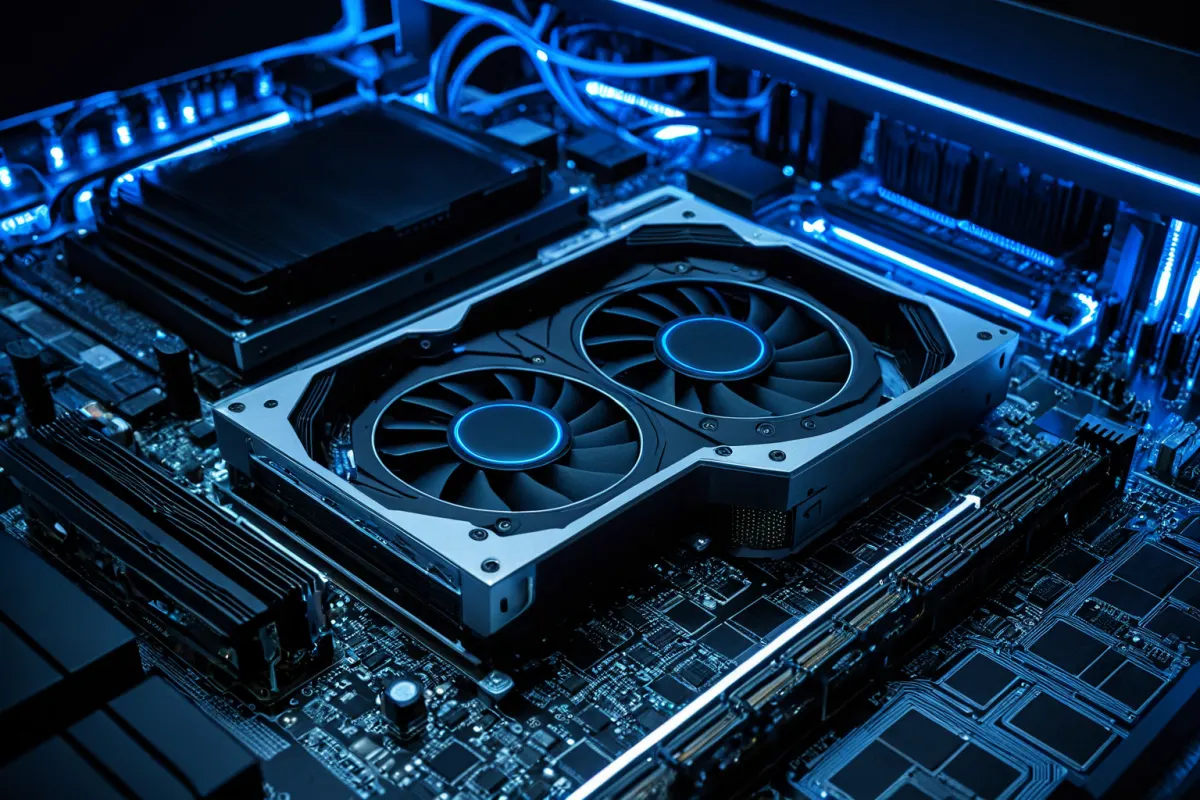
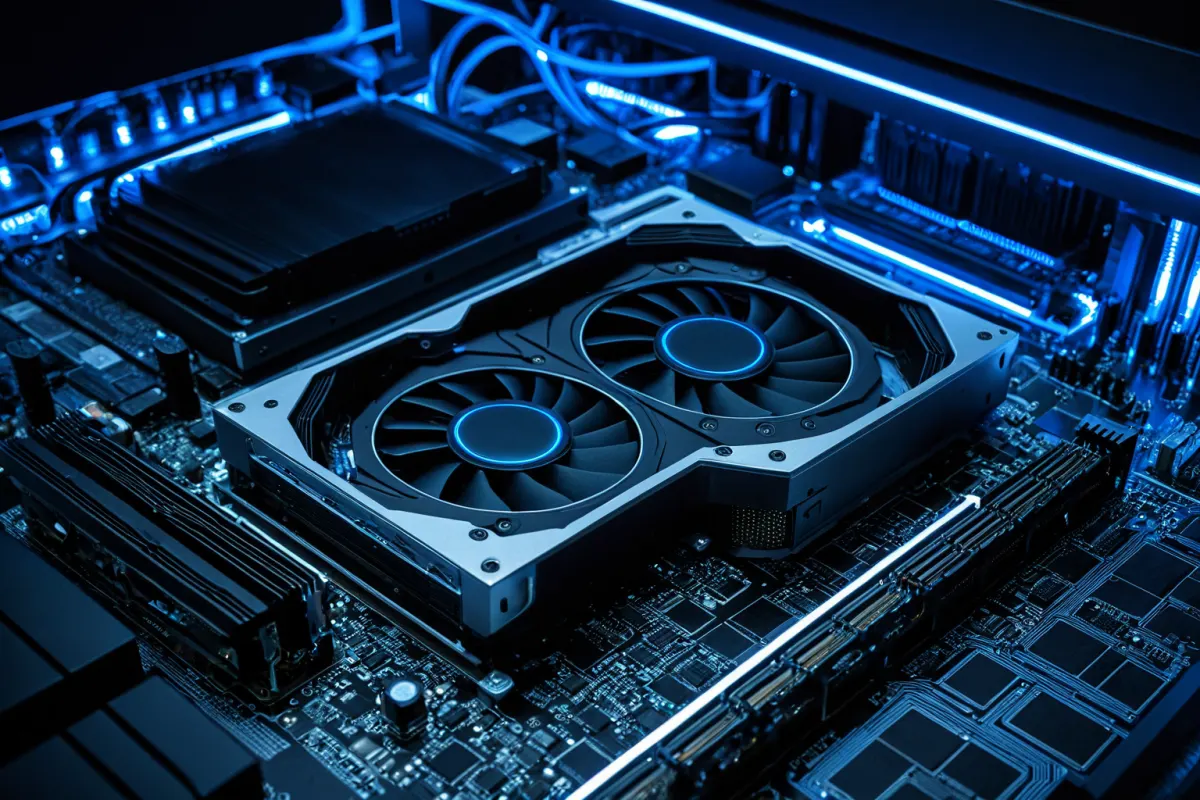
The NVIDIA RTX 3060 12GB is a graphics card with sufficient VRAM to run AI image generation models. It can handle most open-source AI image generators like Stable Diffusion, DALL-E, and Midjourney API, making it popular for building personal AI servers. Its cost-effective performance—lower than high-end GPUs but still practical—has made it a favorite among small startups and individual developers.
The 12GB VRAM of the RTX 3060 is enough to handle high-resolution image generation and batch processing simultaneously. In contrast, cards with less than 8GB VRAM face limitations in image size and model loading, making 12GB a practical minimum for AI workloads that prioritize VRAM.
Basic Requirements for Building an RTX 3060 12GB Server
Beyond hardware, setting up the right software environment is crucial. You’ll need to install NVIDIA CUDA Toolkit and cuDNN, and prepare deep learning frameworks like PyTorch or TensorFlow in a Python environment.
Linux (Ubuntu 20.04 or newer) is recommended as the operating system. Linux offers better compatibility and stability with NVIDIA drivers and CUDA compared to other systems. Always keep your drivers updated for optimal performance and reliability.
You’ll need at least 16GB of system RAM, and an SSD of at least 256GB is recommended for faster model loading. For power supply, choose a stable unit of 650W or higher.
Installing CUDA and Drivers
First, download the appropriate driver from NVIDIA’s official website for your GPU and Linux version. You can verify the installation using the `nvidia-smi` command in the terminal.
Next, install the CUDA Toolkit. From NVIDIA’s CUDA download page, select your OS and package manager, then run the provided commands. Verify the installation with `nvcc --version`.
cuDNN is a library for accelerating neural network operations and requires an NVIDIA developer account. After downloading, extract it and copy the files to your CUDA directory.

Setting Up Your AI Image Generation Environment
Create a Python virtual environment to manage dependencies using `python -m venv ai_env` and activate it.
When installing PyTorch, ensure the CUDA version matches your setup. Use commands like `pip install torch torchvision torchaudio --index-url https://download.pytorch.org/whl/cu118` to specify the correct CUDA version.
To run Stable Diffusion, install libraries such as diffusers, transformers, and safetensors via pip. After installation, test GPU recognition with a simple code snippet.
Performance Optimization and Memory Management
Find more articles on similar topics in one place.
View Related ArticlesIf you encounter memory issues, try reducing the batch size or optimizing tokens. Many image generation libraries offer memory-saving functions like `enable_attention_slicing()`.
To improve speed, use float16 (mixed precision) instead of float32. This reduces VRAM usage while speeding up computations, though it may affect accuracy in some models—so testing is recommended.
Monitor GPU memory regularly and close unnecessary processes using the `nvidia-smi` command for real-time status checks.
Deploying as an API Server
You can build a REST API server using FastAPI or Flask. Running image generation models in the background allows handling multiple requests simultaneously.
Docker simplifies deployment across different environments by reproducing your setup. Specify CUDA base images and required libraries in your Dockerfile for easy deployment.
For production, set up Nginx reverse proxy and apply SSL certificates to enhance security.
Frequently Asked Questions
Can I generate high-resolution images with RTX 3060 12GB?
Yes, up to 1024x1024 resolution is feasible. Higher resolutions may require memory optimization techniques and can slow down generation speed. For example, using batch size 1 and enabling attention slicing allows 2048x2048 images, but it takes significantly longer.
Can I set this up on Windows?
It’s possible, but compatibility and performance may be lower than on Linux. Using WSL2 (Windows Subsystem for Linux) is recommended to run a Linux environment within Windows, provided you install the NVIDIA driver version supporting WSL2.
Can I handle multiple image generation requests at once?
With a single GPU, only one task can be processed at a time. To manage multiple requests, implement a queue system or use message brokers like Redis. For high concurrency needs, adding more GPUs is the practical solution.
This article provides technical information for reference only. Before building your server, thoroughly verify hardware compatibility and library versions. If issues arise during setup, consult official documentation and community forums of the relevant libraries.
Continue exploring similar topics.
View Category ArticlesFAQ
Can I generate high-resolution images with RTX 3060 12GB?
Yes, up to 1024x1024 resolution is feasible. Higher resolutions may require memory optimization techniques and can slow down generation speed.
Can I set this up on Windows?
It’s possible, but compatibility and performance may be lower than on Linux. Using WSL2 (Windows Subsystem for Linux) is recommended to run a Linux environment within Windows.
Can I handle multiple image generation requests at once?
With a single GPU, only one task can be processed at a time. To manage multiple requests, implement a queue system or use message brokers like Redis.
Korean Source
This article is an English localization of a Korean-language report from BlogScore. Original: 3060 12G로이미지 연동 가능한 AI 서버 세팅