
SEO 101: Crafting Effective Meta Descriptions and URLs for Better Search Rankings
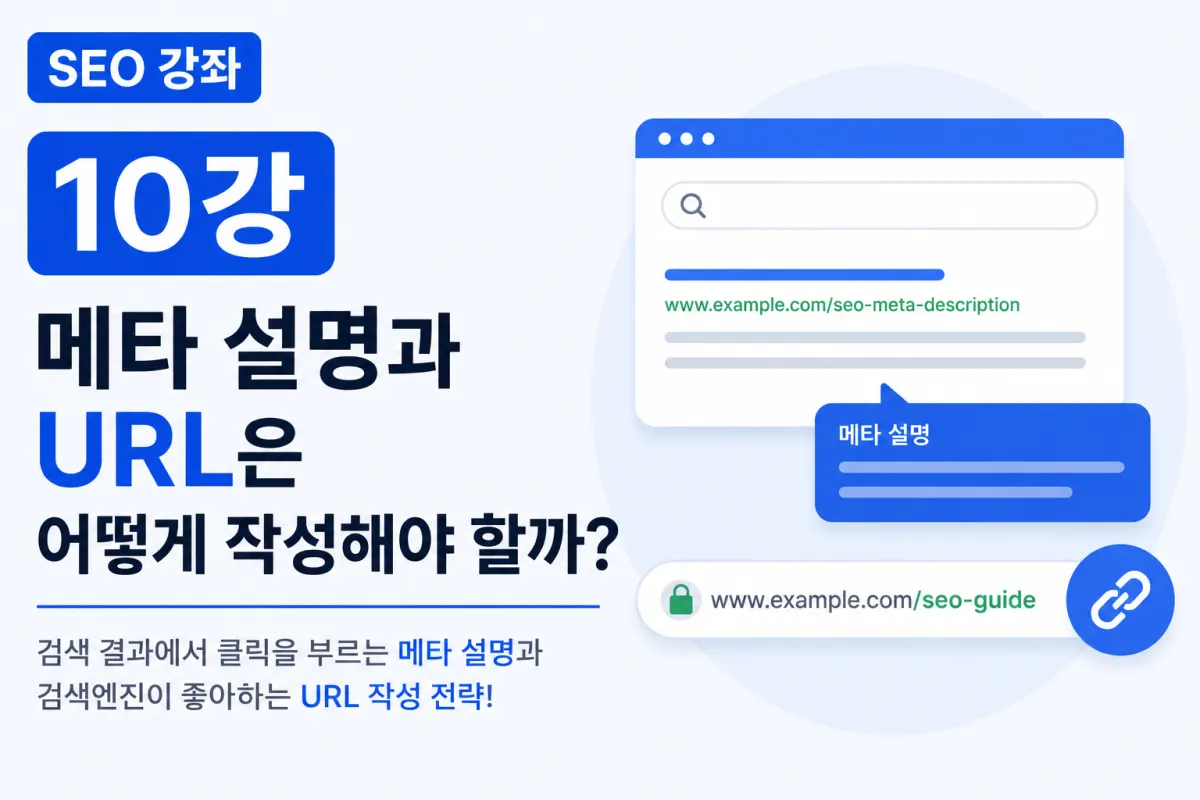
What Is a Meta Description?
A meta description is the short summary displayed below a title in search results.
For example, when searching for "What is SEO?", you might see:
Headline
What Is SEO?
Beneath it, a line like this appears:
This article explains the basics of SEO and how search engines find content in an easy-to-understand way for beginners.
This is the meta description.
While search engines don’t always show the full meta description, well-written ones can boost click-through rates.
A Meta Description Isn’t an Ad
It shouldn’t mislead or exaggerate. The key is to naturally explain what readers will learn from the article.
Good example:
This guide covers how to write meta descriptions for SEO beginners and optimize URLs with real examples.
Poor example:
Guaranteed top ranking! 100% success! Click now!
Over-the-top claims can hurt credibility.
Incorporate Keywords in Meta Descriptions
If the search keyword appears in the meta description, it may be highlighted in results.
For instance, if the keyword is "SEO URL," include it naturally:
This helps search engines recognize relevance without keyword stuffing.
Keep Meta Descriptions Short
Long descriptions risk getting cut off in search results. Aim for 80–120 characters to convey the main point clearly, placing key information at the start.
Do URLs Affect SEO?
Many think URLs don’t matter, but they help search engines understand page content.
For example:
❌
https://example.com/post?id=3872
is less effective than:
✅
https://example.com/seo-meta-description
A clear URL helps users and search engines alike.
Keep URLs Short and Simple
Shorter URLs are better. For example:
❌
/how-to-write-seo-meta-description-for-google-search-engine-ranking-guide
should be rewritten as:
✅
/seo-meta-description
Long, complex URLs are harder to read and share.
Add Core Keywords to URLs
Including core keywords naturally in the URL improves clarity. For example:
If the title is "SEO Title Writing Guide," use:
/seo-title
or
/seo-title-guide
The URL should reflect the page’s topic clearly.
Avoid Changing URLs Frequently
Changing a URL after it’s indexed can break links and affect rankings. If you must change it, set up a 301 redirect.
Avoid Special Characters in URLs
Stick to lowercase letters, numbers, and hyphens (-) for clean URLs:
/seo-guide
Eliminate spaces, special characters, or unnecessary symbols.
Should You Include Dates in URLs?
Older practices included dates like:
/2026/07/seo-guide
But for evergreen content (like SEO guides), omitting dates makes URLs cleaner and easier to manage.
Meta Description Checklist
Before publishing, verify:
Does it include the core keyword?
Does it accurately summarize the article?
Is it concise (80–120 characters)?
Does it read naturally?
Does it encourage clicks?
If all five points are met, your meta description is likely strong.
URL Checklist
Before finalizing a URL:
Is it short and easy to read?
Does it include the core keyword?
Are special characters avoided?
Are meaningless numbers excluded?
Can it remain unchanged after publishing?
The best URLs are user-friendly and search engine-friendly.
Common Mistakes to Avoid
Avoid these SEO pitfalls:
Leaving meta descriptions blank
Overusing keywords
Using exaggerated ad-like language
Making URLs overly long
Including random numbers in URLs
Frequently changing published URLs
Avoiding these mistakes significantly improves SEO quality.
Meta Descriptions and URLs Boost User Experience
Clear titles, concise meta descriptions, and clean URLs in search results build trust. Search engines better understand the page, and users quickly grasp what to expect before clicking.
In short, meta descriptions and URLs are part of user-focused SEO.
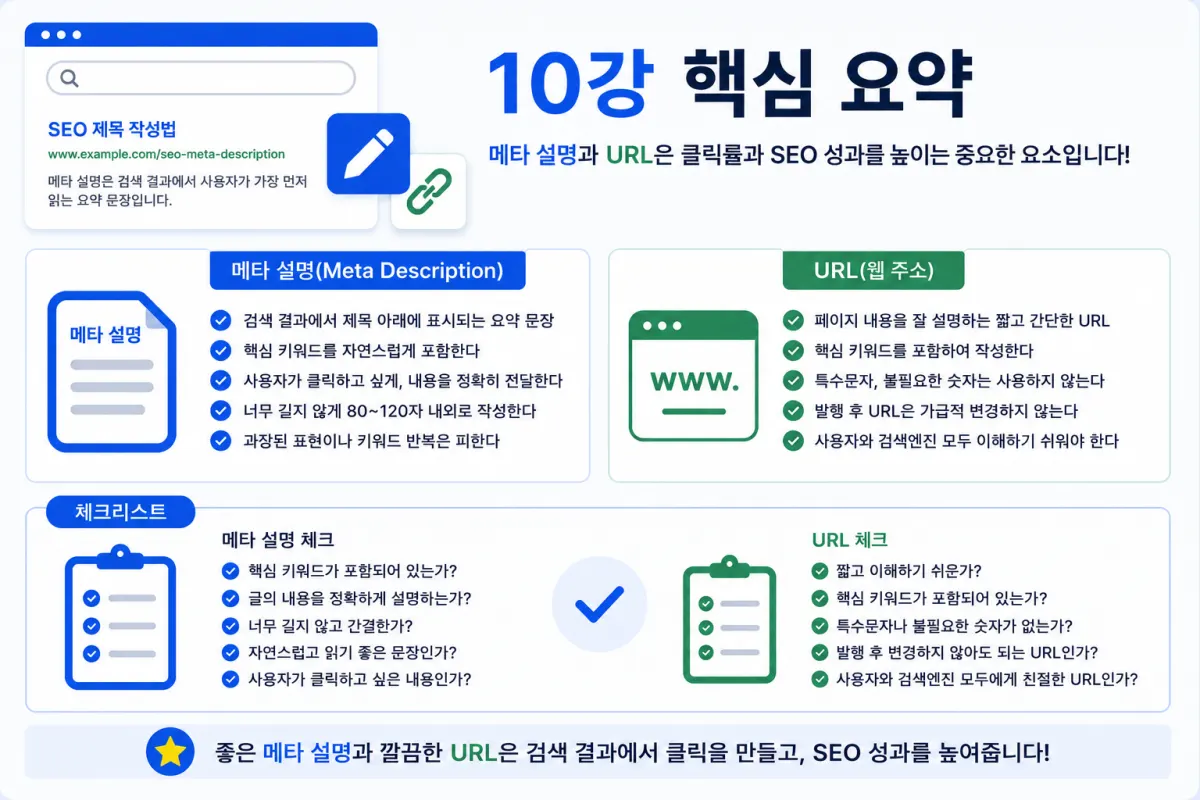
Key Takeaways
This guide covered how to write effective meta descriptions and SEO-friendly URLs. Key points:
A meta description is the search result summary.
Naturally include core keywords.
Keep it short (80–120 characters).
Make URLs concise and clear.
Add core keywords to URLs naturally.
Avoid changing published URLs if possible.
Both elements impact click-through rates and user experience.
Strong meta descriptions and clean URLs are critical for securing the first click in search results.
The next lesson will cover "Duplicate Content: What Google Dislikes and How to Avoid It"—exploring how search engines detect duplicate content and safe strategies to manage it.
FAQ
Why should I include keywords in my meta description?
Including keywords can make them stand out in search results, improving visibility and click-through rates without keyword stuffing.
Can changing a URL after publishing affect SEO?
Yes. Frequent changes may break links and lower rankings; use 301 redirects if necessary to maintain SEO performance.
Korean Source
This article is an English localization of a Korean-language report from BlogScore. Original: [SEO 10강] 메타 설명과 URL은 어떻게 작성해야 할까?