
Python Tutorial: Implementing Admin Login and Session Management
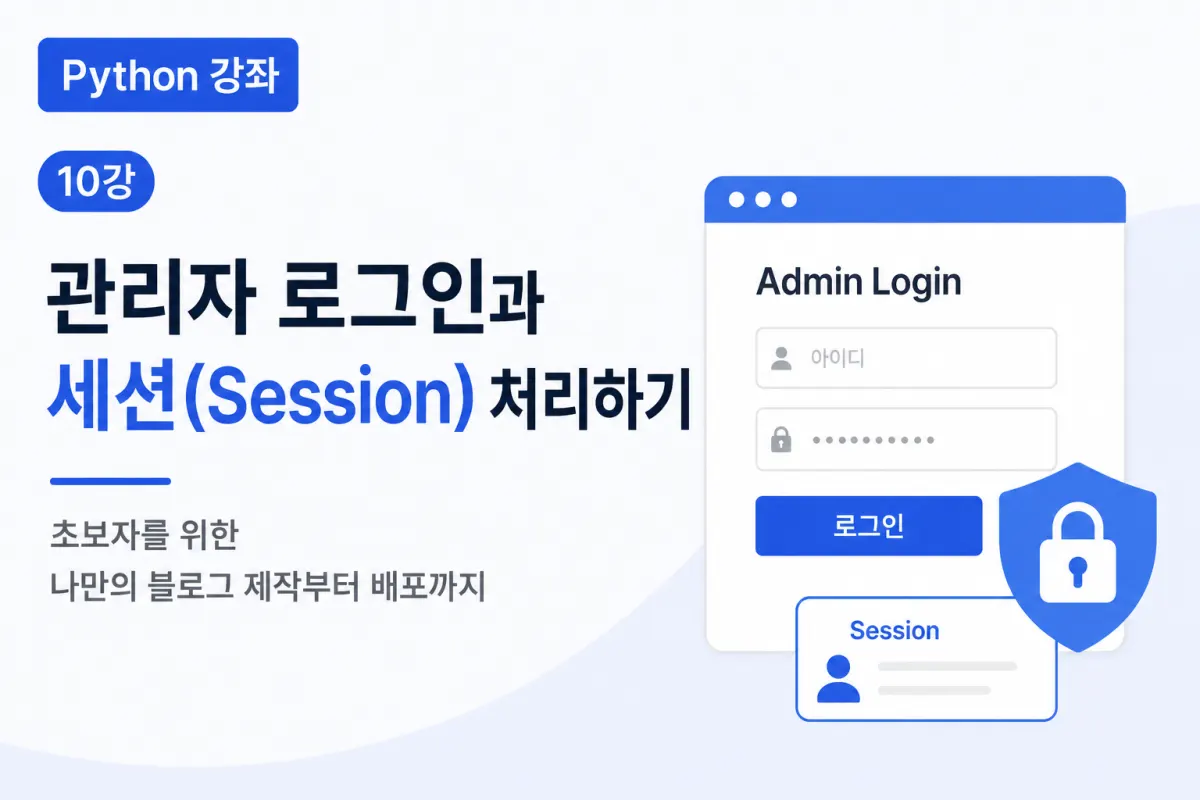

Why Is Login Functionality Necessary?
The blog created so far allows anyone to use it freely.
You can write, edit, or delete posts without restrictions.
This works fine for a learning project but would cause serious issues in a real service.
If anyone could delete or modify posts, the blog couldn't be properly managed.
Therefore, a login feature that restricts access to administrators is essential.
How Does Login Work?
Login functionality follows a simple process.
When an administrator enters their username and password, Flask checks the information against what's stored in MySQL.
If the details match, login succeeds, and the session is maintained using session management.
The overall flow looks like this:
Enter username · password
          │
          ▼
Flask server
          │
          ▼
MySQL user verification
          │
          ▼
Login successful
          │
          ▼
Session stored
This structure is commonly used across most websites.
Creating the Login Page
First, create a login page where administrators can enter their username and password.
Two basic input fields are required:
Username (ID)
Password
Add a login button to complete the basic login interface.
You can apply the same design style as your existing blog for consistency.
Verifying User Information
When the login button is clicked, Flask receives the entered username and password.
It then checks whether the user exists in MySQL.
For example, you could use this SQL query:
SELECT *
FROM users
WHERE username = %s;
The retrieved user information is compared with the input to determine login success.
Passwords Must Be Securely Managed
A common beginner mistake is storing passwords directly in the database.
This should never be done in a real service.
Passwords must be hashed before storage.
This ensures that even if the database is exposed, the actual password can't be easily retrieved.
This lesson will also implement secure password storage methods.
What Is a Session?
After successful login, the session doesn't automatically persist across page navigation.
<You need to remember whether the user is logged in when moving between pages.
This is where session management comes into play.
In simple terms, a session is:
A temporary storage space for information that the current user is logged in.
When a user logs in, Flask stores login details in the session and removes them upon logout.
Checking Login Status
Every time an administrator accesses the admin page, the session is checked.
If logged in, the page displays normally;
If not logged in, the user is redirected to the login screen.
This ensures non-administrators can't access critical features.
Adding Logout Functionality
Once you implement login functionality, you should also provide logout capability.
Logout is simple: delete the session's stored login information.
After logging out, users can't access admin pages and are redirected to the login screen.
Admin-Only Features
With a complete login system, administrators can now:
Create posts
Edit posts
Delete posts
Upload images
Access admin pages
Regular visitors can only:
Read posts
Search content
Navigate pages
Differentiating user permissions is crucial in web development.
Why Login Functionality Matters
Login isn't just about user authentication—it's the most fundamental security feature for safely operating a website.
Restricting critical features to administrators significantly reduces accidental or malicious access.
Even small personal blogs should implement login functionality.
Key Takeaways From This Lesson
The most important points from this lesson are:
Creating an admin login page
Verifying user information in MySQL
Storing passwords using hashing
Maintaining login status with sessions
Restricting post creation, editing, and deletion to administrators
Implementing logout functionality
With these features implemented, your blog will have the basic security structure required for real-world use.
In Closing
This lesson covered implementing admin login and session management to establish essential security for a blog.
Now only administrators can manage posts, creating a foundation for safer blog operation.
The next lesson will add search functionality and pagination, making it easier to find and navigate through many posts. Your blog will be one step closer to completion.
FAQ
Why should passwords be hashed instead of stored as plain text?
Hashing passwords ensures that even if the database is compromised, actual passwords cannot be easily retrieved.
What happens when a user logs out?
The session storing login information is deleted, redirecting the user to the login screen and preventing access to admin features without re-authentication.
Korean Source
This article is an English localization of a Korean-language report from BlogScore. Original: [Python 강좌] 10강. 관리자 로그인과 세션(Session) 처리하기