
Planning a Dating App: Defining Features and Strategy
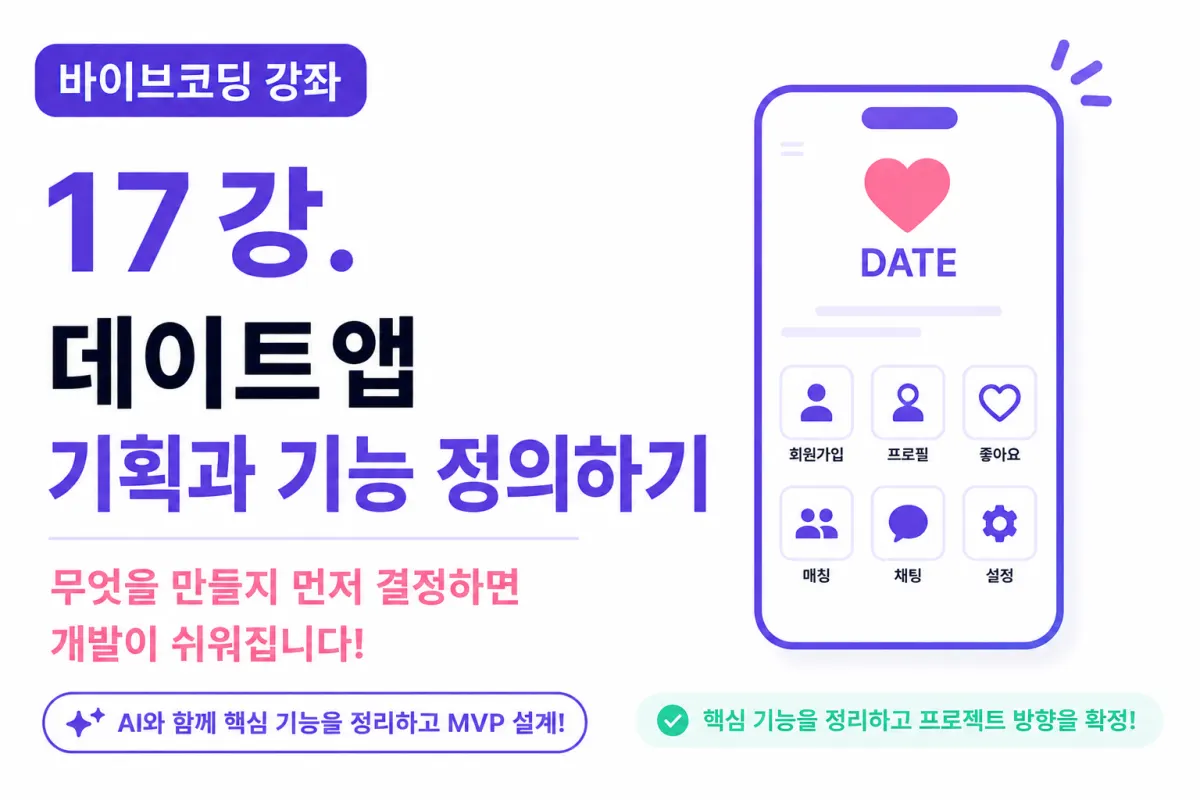
What You'll Learn in This Lesson
You've finally completed setting up your development environment.
Now it's time to create a real service.
Many beginner developers jump straight into writing code.
But in professional settings, planning comes before coding.
In this lesson, we'll cover:
Defining service goals
Identifying target users
Selecting core features
Designing an MVP (Minimum Viable Product)
Organizing features with AI assistance
This process will make subsequent development much smoother.
Why Plan Before Coding?
Think about building a house. What happens if you start construction without blueprints?
The number of rooms keeps changing,
bathroom locations shift,
and costs keep rising.
Software development is the same.
Starting development without planning leads to:
Constantly adding new features
Frequent database changes
Increasingly complex code structure
Even AI struggles to produce desired results if direction keeps changing.
This Project's Goal
The project in this lesson will be a fully functional dating app.
We're not just creating mockups—we'll implement:
Sign-up and login
User profiles
Likes
Matching system
Real-time chat
We're aiming for a level of quality that could be used in real professional settings.
Who Is This App For?
When planning a service, the first consideration should always be your users.
This project assumes users aged 20-30 who want to:
- Sign up quickly
- Register profiles
- Match with people they're interested in
Defining your user base upfront naturally guides feature and design decisions.
What Is an MVP?
MVP stands for Minimum Viable Product.
In simple terms, it's the smallest version of a service that delivers real value with minimal features.
Trying to build all features at once makes projects too large.
Instead, we focus on implementing core functionality first.
This Project's MVP Features
For our dating app, we'll implement these features initially:
Sign-up and login
Profile creation
User list
Likes system
Matching system
Chat functionality
This core set allows us to operate a real service.
Features for Later Addition
After the initial version, we can add features like:
Location-based recommendations
Video profiles
Audio messages
Premium membership
Subscription payments
AI recommendation system
But these won't be covered in this lesson.
Focusing on core features first is more important.
Prioritizing Features
It's helpful to categorize features by importance.
Must-Have Features
Sign-up and login
User profiles
Matching system
Chat functionality
Nice-to-Have Features
Search
Notifications
Blocking
Reporting
Future Additions
Premium features and payments
AI recommendations
Video calls
Livestreaming
Setting priorities makes the project much clearer.
Planning with AI Assistance
Now let's plan our project using AI assistance.
You might ask:
List the essential features for a dating app MVP.
The AI will suggest features like:
User management
Profiles
Matching system
Chat functionality
These help us structure our planning.
Asking AI About Feature Priorities
For example, you might ask:
What's the most important order to implement features?
The AI typically recommends this sequence:
Sign-up and login
User profiles
User list
Likes system
Matching system
Chat functionality
This sequence is widely used in actual development practices.
Considering User Flow (User Journey)
Services should be designed around user behavior sequences.
For our project, we'll design the following flow:
Sign-up
Login
Profile creation
Viewing user list
Liking profiles
Matching (mutual likes)
Match confirmation
Starting chat
We'll build each screen based on this flow.
Organizing Required Data
Now let's consider what data we need to store.
For example, user information includes:
Email
Nickname
Gender
Age
Location
Profiles store:
Photos
Bio
Interests
Planning this upfront simplifies database design.
Organizing Required Screens
This project will include these screens:
Login screen
Sign-up screen
Profile creation screen
Home screen
User card view
Match list screen
Chat list screen
Chat screen
Settings screen
We'll create approximately 10 screens for the service.
Requesting Screen List from AI
You might ask:
List all necessary screens for a dating app.
The AI will suggest screen structure as well.
We'll remove unnecessary screens and add required ones to complete the project.
Defining Project Scope Is Crucial
Many beginner developers try to make services too large from the start.
But larger projects mean:
Longer development time
More maintenance effort
Higher chance of errors
In this lesson, we'll build a service that's functional and ready for real use,
leaving expansion features for later.
Next Development Steps
We've now finalized the development sequence:
Screen design
Database design
User system implementation
Profile features
Matching system
Chat functionality
Admin features
Deployment
This sequence naturally builds a complete service.
Next Lesson Preview
In the next lesson, we'll design the UI (user interface) for our dating app.
We'll create wireframes with AI assistance,
determine which pages are needed,
and organize what features each screen should include.
Conclusion
Good projects start with good planning, not just good code.
In this lesson, we defined our dating app's goals, identified core features, and clearly set development boundaries.
We now have a clear direction for what to build.
In the next lesson, we'll begin designing screens—taking the first step toward visualizing our service.
FAQ
Why is planning important before coding?
Planning prevents constant feature changes, database modifications, and complex code structure. It makes the development process more efficient.
What's an MVP in app development?
MVP stands for Minimum Viable Product - the smallest version of a service with just enough features to deliver real value to users.
Korean Source
This article is an English localization of a Korean-language report from BlogScore. Original: [바이브코딩 강좌] 17강. 데이트앱 기획과 기능 정의하기