
Node.js Tutorial: Integrating MySQL for Chat History Storage
Hello 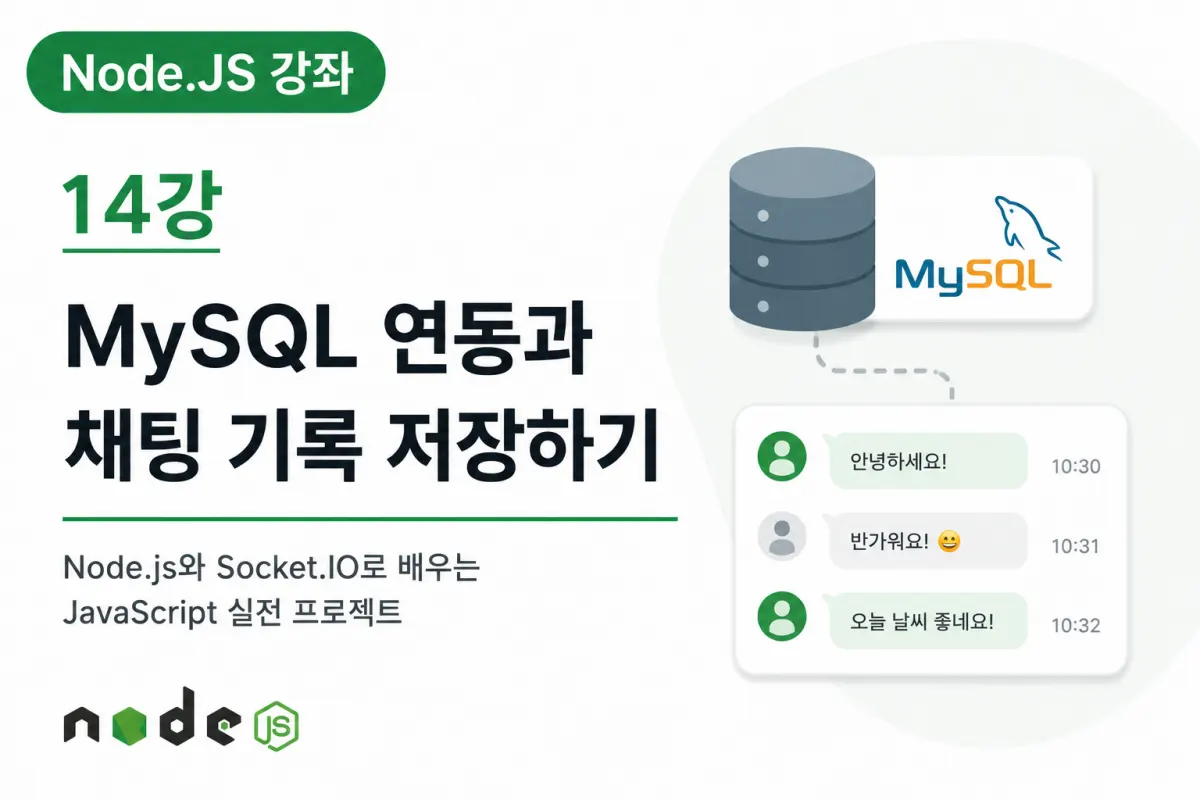
So far, we've implemented real-time chatting, image sharing, and file transfer features.
However, one crucial feature is still missing:
The chat history storage function.
Currently, all previous conversations disappear when the server restarts or a user reconnects.
In actual messaging apps, you can review conversations from days or even months ago.
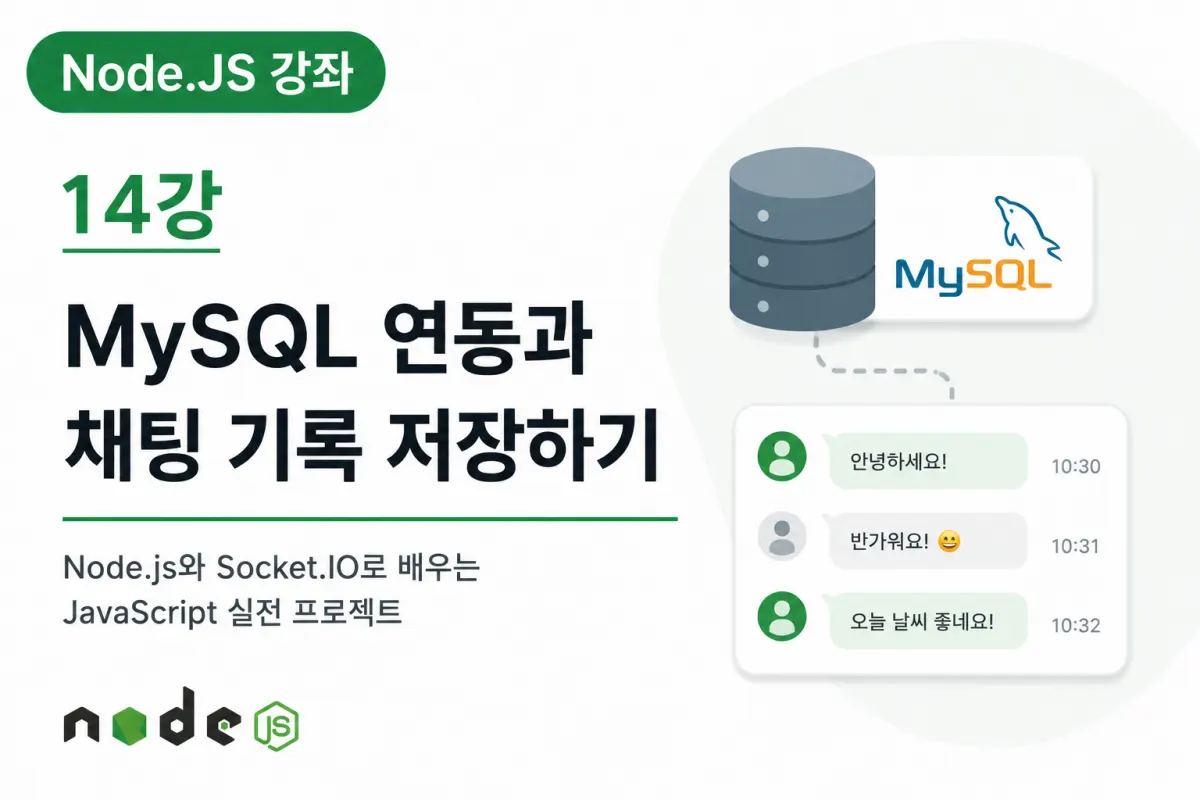
This lesson will show how to implement chat content storage in a database using MySQL and retrieve it later.
Why Is a Database Necessary?
Storing data only in memory means all information is lost when the server shuts down.
In contrast, a database continues to store data even after restarting the server.
This allows for safe storage of:
Chat history
User information
File details
Chat room information
Data is essential for real-time chat services.
About MySQL
MySQL is one of the most widely used relational database management systems (RDBMS).
It's easy to use with Node.js and offers good performance, making it popular in various web applications.
This project will also use MySQL to manage chat data.
Designing the Chat Table
First, we need to create a table to store chat messages.
We can save information such as:
Message ID
Nickname
Chat room name
Message content
Message type
Timestamp
By structuring these fields as columns, we can easily implement various features later.
Connecting to the Database
In Node.js, we use a MySQL library to connect to the database.
Once connected, the server can execute SQL commands.
All future chat messages will be stored and retrieved through this connection.
Saving Messages
When a user sends a message, the server performs two tasks:
First, it delivers the message to other users via Socket.IO.
Second, it saves the same content in MySQL.
In short,
Real-time transmission and data storage happen simultaneously.
Loading Previous Chats
New users entering a chat room should be able to view previous conversations.
To achieve this, the server queries the database for past messages.
After retrieving these messages, it sends them to the browser so users can immediately see the conversation history.
This feature is standard in most messaging apps.
Managing Older Messages
As a chat service operates longer, message volume increases significantly.
Databases may store millions of messages over time.
In practice, performance is managed through methods like:
Loading only recent messages
Pagination-based retrieval
Filtering by date
This project will implement a solution that loads recent messages.
Storing Message Types
Chats contain various message types, including:
Regular chat
Images
Files
Join notifications
Leave notifications
Saving message types makes it easier to display content appropriately on the screen.
Querying with SQL
Stored chat data can be retrieved using SQL in various ways:
Latest messages
Conversations with a specific user
Messages from a particular chat room
Conversation by date
This functionality will also be useful when implementing search features later.
The Importance of Indexes
As chat data grows, retrieval speed may slow down.
To address this, we use indexes (Index).
For example, applying indexes to fields like:
Timestamp
Chat room name
User ID
Can significantly improve search speed.
This is a crucial database optimization technique used in real-world applications.
Future Expandable Features
The chat history feature implemented today can be expanded into various other features:
Chat search
Filtering by date
Message deletion
Message editing
Favorites
Unread messages
Conversation backup
All these features will operate based on the database structure created today.
Summary of This Lesson
In this lesson, we learned how to connect Node.js with MySQL to store and retrieve chat history.
We also examined database table design, message storage structure, and SQL query methods.
Now, our chat service can maintain conversation history even after server restarts or user reconnections.
Next Lesson Preview
In the next lesson, we'll implement login and registration features.
We'll add user account management and authentication to create a more secure and complete real-time chat service.
FAQ
Why use a database instead of memory for chat history?
Data stored only in memory is lost when the server restarts. A database retains data across restarts, ensuring chat history persists.
What types of messages can be stored in the database?
The system stores regular text, images, files, and notifications (join/leave), allowing proper display based on message type.
Korean Source
This article is an English localization of a Korean-language report from BlogScore. Original: [Node.JS 강좌] 14강 MySQL 연동과 채팅 기록 저장하기