
How to Register and Pay with KakaoPay: Understanding KPN Integration


After registering KakaoPay, connecting it to payment requires understanding structures like KPN. Many users assume they can pay immediately with just KakaoPay, but the actual process varies depending on whether a store or service uses KPN for approval.
KakaoPay Payment Flow
KakaoPay payments typically involve clicking a payment button, going through a KakaoPay authentication screen, and receiving approval. Think of KPN as the system that connects merchants with payment methods.
In other words, even if KakaoPay is registered in your wallet, actual payment depends on how the service handles PG (Payment Gateway) or integration. Some places allow immediate payments while others require an extra authentication step.
You can view similar articles in one place.
View Related ArticlesWhy KPN Registration Is Necessary
KPN is frequently mentioned in the process of connecting payment processing and approval information. Especially for online payments, card companies, convenience payment methods, and settlement systems work together—so simply installing an app isn't enough.
For example, if a shopping mall uses KakaoPay but behind it has infrastructure like NHNKCP or Toss Payments, KICC, the actual approval path may differ even though they look similar. This can lead users to mistakenly think "KakaoPay doesn't work" when the issue is with how the service connects.
KakaoPay Registration Process
When registering for the first time, you need to complete identity verification, connect payment methods like cards or bank accounts, and set a password within KakaoTalk or KakaoPay app. Having your card or account linked speeds up future payments.
For instance, when choosing KakaoPay at an online store, having a connected card often means no extra input is needed—just authentication. Conversely, if your account isn't linked or limits are low, payment may fail.
It's straightforward: open the payment methods menu in the app, select Add Card, and follow the prompts for identity verification. Once registered, test with a small transaction to confirm it works properly.
Why Payments Might Fail
When KakaoPay payments don't work, it's more often due to connection issues than app problems. Common reasons include incomplete identity verification, card limit exceeded, network errors, or merchant-side payment module glitches.
Another frequent issue is restrictions on overseas payments or specific merchant policies. In places that also support PayPal, WeChat Pay, or similar services, country- and currency-based limits may apply.
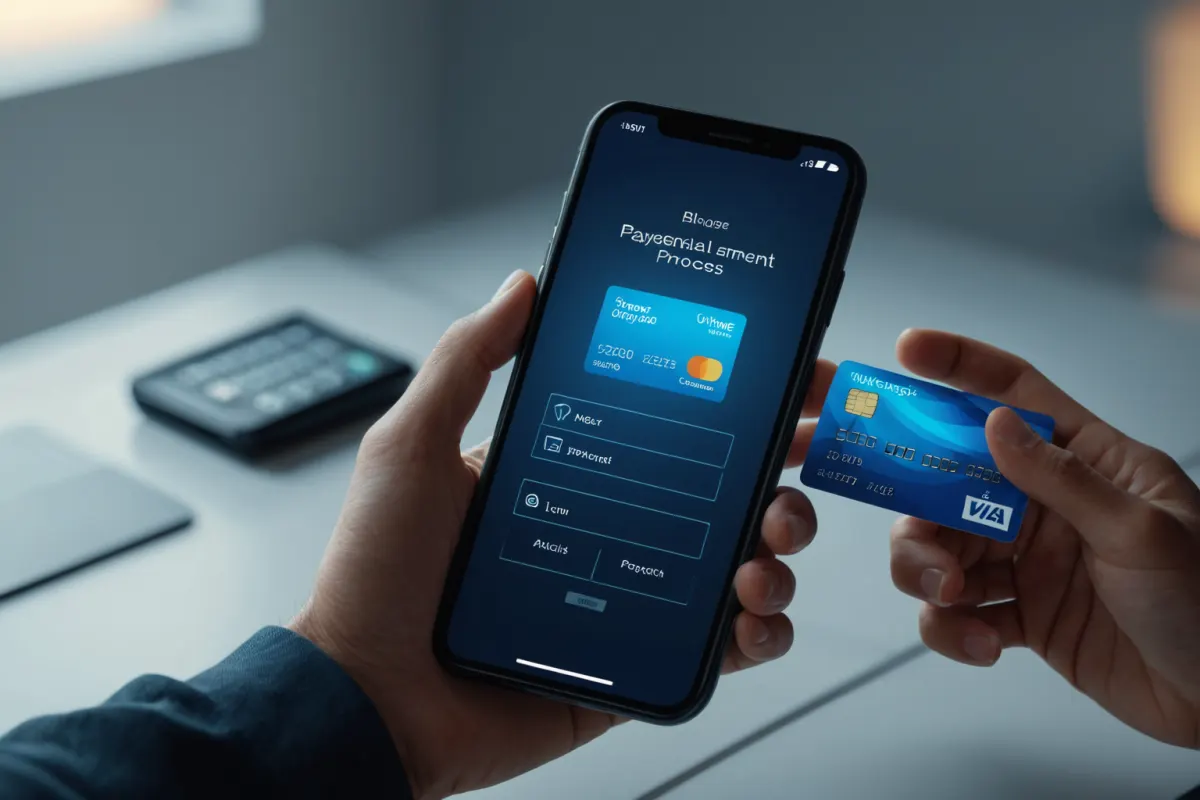
How to Confirm a Successful Payment
To confirm if payment was successful, don't just check KakaoPay transaction history—also verify the order number and approval text message. These messages include amount and approval time, helping you quickly assess settlement status.
For example, if a 25,000 won payment shows in KakaoPay but the shopping mall order status is pending, it may simply take time for the system to reflect the payment. Instead of refreshing repeatedly, contact customer support using your order number.
Distinguishing KakaoPay from PG Providers
A common point of confusion is differentiating KakaoPay from PG providers and payment brands. KakaoPay appears as a user-facing payment method, while KPN, NHNKCP, Toss Payments, KICC, Daou Pay are infrastructure systems handling payments behind the scenes.
So even if you see a payment processor name at the bottom of a store, it doesn't mean KakaoPay isn't being used. Understanding how KakaoPay integrates can help quickly identify why a payment failed.
A Simple Registration Example for Beginners
If you're new to KakaoPay, here's how to get started: Open the KakaoPay menu in KakaoTalk, add a payment method, and complete identity verification. Then verify with a small transaction at a convenience store or online.
If payment fails, check your authentication status first—not just card details. If your account isn't linked or app notifications are off, approval screens might appear but fail midway.
For store owners, it's simpler: Check if the KakaoPay button appears on your checkout page, whether orders redirect to a success page after approval, and whether cancellations/refunds reflect correctly in transaction history.
Key Points to Verify
KakaoPay may show as successful but refunds might be delayed. This is because the cancellation window for payment methods can differ from how merchants process refunds.
Also, seeing KPN or other integration names doesn't mean personal data is being shared elsewhere—payment details just go through multiple steps. When approval fails, check which step blocked it to diagnose issues faster.
Comparing Payment Methods
KakaoPay isn't the only option; merchants also compare international convenience payments like WeChat Pay, PayPal, and domestic integrations like NHNKCP, TPAY, Toss Payments. Users see brands, but operators consider approval rates and settlement speed too.
So when registering KakaoPay for payment, check both "your app settings" and the merchant's payment structure. Distinguishing these two resolves most issues quickly.
FAQ
Q. Does registering KakaoPay mean I can pay everywhere immediately?
A. No. Even with KakaoPay registered, some merchants may not support it due to their integration setup or specific conditions.
Q. Is KPN the same as KakaoPay?
A. No. KPN is a payment connection structure; KakaoPay is a user-facing convenience payment method.
Q. Payment went through but order didn't update—what now?
A. Check both approval details and order number. If the status remains unchanged for long, contact the store's customer service with your order number.
KakaoPay and KPN integration varies by service, so it's best to confirm the latest guidance if you notice changes in your operating environment.
Continue exploring similar topics.
View Category ArticlesFAQ
Does registering KakaoPay mean I can pay everywhere immediately?
No. Even with KakaoPay registered, some merchants may not support it due to their integration setup or specific conditions.
Is KPN the same as KakaoPay?
No. KPN is a payment connection structure; KakaoPay is a user-facing convenience payment method.
Payment went through but order didn't update—what now?
Check both approval details and order number. If the status remains unchanged for long, contact the store's customer service with your order number.
Korean Source
This article is an English localization of a Korean-language report from BlogScore. Original: 카카오페이 등록부터 결제까지 KPN 사용법