
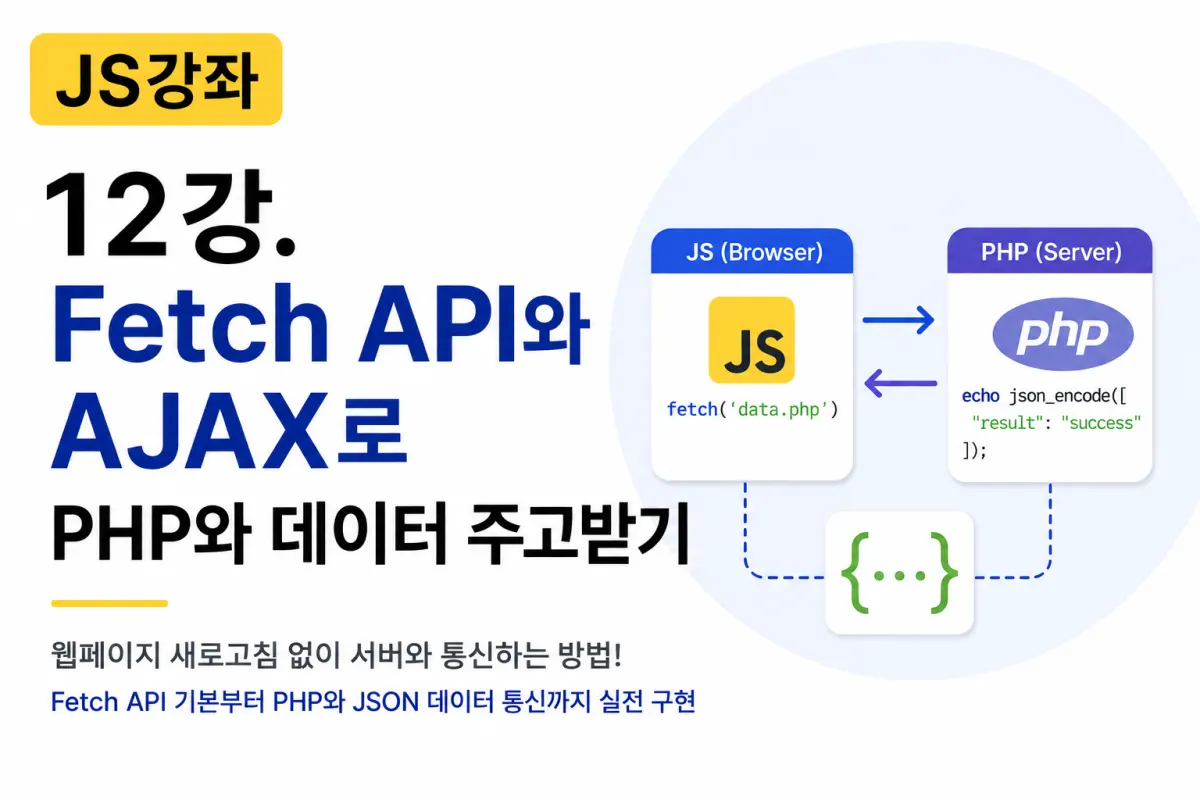
JavaScript Tutorial: Using Fetch API and AJAX with PHP

What is AJAX?
Older websites would refresh the entire page whenever a single piece of data was updated.
For example, when posting a comment, users had to:
Refresh the page
Reload the screen
Re-display everything from scratch
Today, most websites don't require this.
When you post a comment or click 'Like,' the page remains unchanged.
This technology that allows data exchange with the server without refreshing the page is called AJAX.
What is Fetch API?
In the past, developers often used XMLHttpRequest to implement AJAX.
Today, most use the Fetch API instead.
This is because it has cleaner code, better readability, and is easier to work with.
In real-world development, Fetch API has become the standard approach.
Basic Structure of Fetch API
This shows the simplest form:
fetch("data.php")
    .then(response => response.json())
    .then(data => {

        console.log(data);

    });
The process works like this:
Send a request to PHP
PHP returns JSON data
JavaScript converts JSON into an object
Display the result
GET Method
The GET method is used for retrieving data.
For example, when fetching a post:
fetch("post.php")
    .then(response => response.json())
    .then(data => {

        console.log(data);

    });
In PHP, the data is output as JSON:
<?php

echo json_encode([
    "title"=>"JavaScript Course",
    "writer"=>"Admin"
]);
Using the Result
JavaScript:
fetch("post.php")
.then(response => response.json())
.then(data => {

    console.log(data.title);

});
Output:
JavaScript Course
POST Method
The POST method is used when saving or submitting new data, such as during registration or comment submission.
fetch("save.php",{

    method:"POST",

    body:JSON.stringify({

        name:"Hong Gildong",

        age:30

    })

});
Specifying Content-Type
When sending JSON, it's best to include the appropriate header:
fetch("save.php",{

    method:"POST",

    headers:{

        "Content-Type":"application/json"

    },

    body:JSON.stringify({

        name:"Hong Gildong"

    })

});
Receiving JSON in PHP
In PHP, you can receive data like this:
<?php

data = json_decode(file_get_contents("php://input"),true);

echo $data["name"];
PHP converts the JSON sent from JavaScript into an array.
Sending JSON Response from PHP
It's common for PHP to respond with JSON data:
<?php

header("Content-Type: application/json");

echo json_encode([
    "result"=>"success",
    "message"=>"Saved successfully."
]);
Checking Results in JavaScript
fetch("save.php")
.then(response=>response.json())
.then(data=>{

    alert(data.message);

});
Output:
Saved successfully.
async / await
Recently, developers prefer async/await over then():
async function loadData(){

    let response =
    await fetch("post.php");

    let data =
    await response.json();

    console.log(data);

}

loadData();
This makes the code much more readable.
Loading a Board List
For example, if PHP sends:
[
    {
        "title":"First Post"
    },
    {
        "title":"Second Post"
    }
]
JavaScript can handle it like this:
fetch("list.php")
.then(response=>response.json())
.then(posts=>{

    posts.forEach(post=>{

        console.log(post.title);

    });

});
This is how you'd display a list of items.
Comment Submission Example
fetch("comment.php",{

    method:"POST",

    headers:{

        "Content-Type":"application/json"

    },

    body:JSON.stringify({

        comment:"Great post!"

    })

});
This is the typical structure used in real projects.
Error Handling
Network errors can occur, so it's important to handle them:
fetch("post.php")

.then(response=>response.json())

.then(data=>{

    console.log(data);

})

.catch(error=>{

    console.log(error);

});
Always include error handling in your code.
Loading Indicators
You can show a loading message while waiting for data:
loading.style.display = "block";

fetch("list.php")

.then(response=>response.json())

.then(data=>{

    loading.style.display = "none";

});
This improves the user experience significantly.
How is Fetch API Used in Practice?
The Fetch API is used in nearly all web services today.
Examples include:
Login
Registration
Boards (forums)
Comments
Likes
Search
Shopping carts
E-commerce stores
Admin panels
Most features rely on Fetch API to communicate with the server.
Advantages of Fetch API
The Fetch API offers several benefits:
Simple code structure
Easier integration with JSON data
Supports Promises
Works well with async/await
Supported by most modern browsers
It's currently the most widely used communication method in JavaScript development.
Key Takeaways from This Lesson
This lesson covered the basics of Fetch API and AJAX.
Here are the essential points to remember:
AJAX allows data exchange with the server without refreshing the page.
Fetch API is the most commonly used method for implementing AJAX today.
Use GET for retrieving data.
Use POST for saving or updating data.
JSON.stringify()converts objects to JSON strings.response.json()converts JSON back to JavaScript objects.async/awaitis widely used in modern JavaScript code.Always include error handling with
catch().
Conclusion
The Fetch API is a fundamental skill every modern JavaScript developer must master.
Boards, e-commerce stores, user management systems, comments, and search features all rely on Fetch API to exchange data with the server.
Try running the examples in this lesson to see how PHP and JavaScript work together using JSON. Understanding this process will give you a solid foundation for building dynamic web applications.
In the next lesson, we'll build practical features like Likes, Comments, Search, and Real-Time Updates for a board system, implementing real-world functionality step by step.
FAQ
What is the main advantage of using Fetch API over XMLHttpRequest?
Fetch API has simpler syntax, better readability, and built-in Promise support compared to XMLHttpRequest.
When should I use GET versus POST methods in Fetch API?
Use GET for retrieving data (e.g., fetching posts), and POST for submitting or saving new data (e.g., comments or user registration).
How do I handle errors when using Fetch API?
Always include a .catch() block to handle network errors or unexpected responses.
Korean Source
This article is an English localization of a Korean-language report from BlogScore. Original: [JS 강좌] 12강 - Fetch API와 AJAX로 PHP와 데이터 주고받기