
JavaScript Basics: Conditional Statements and Loops Explained
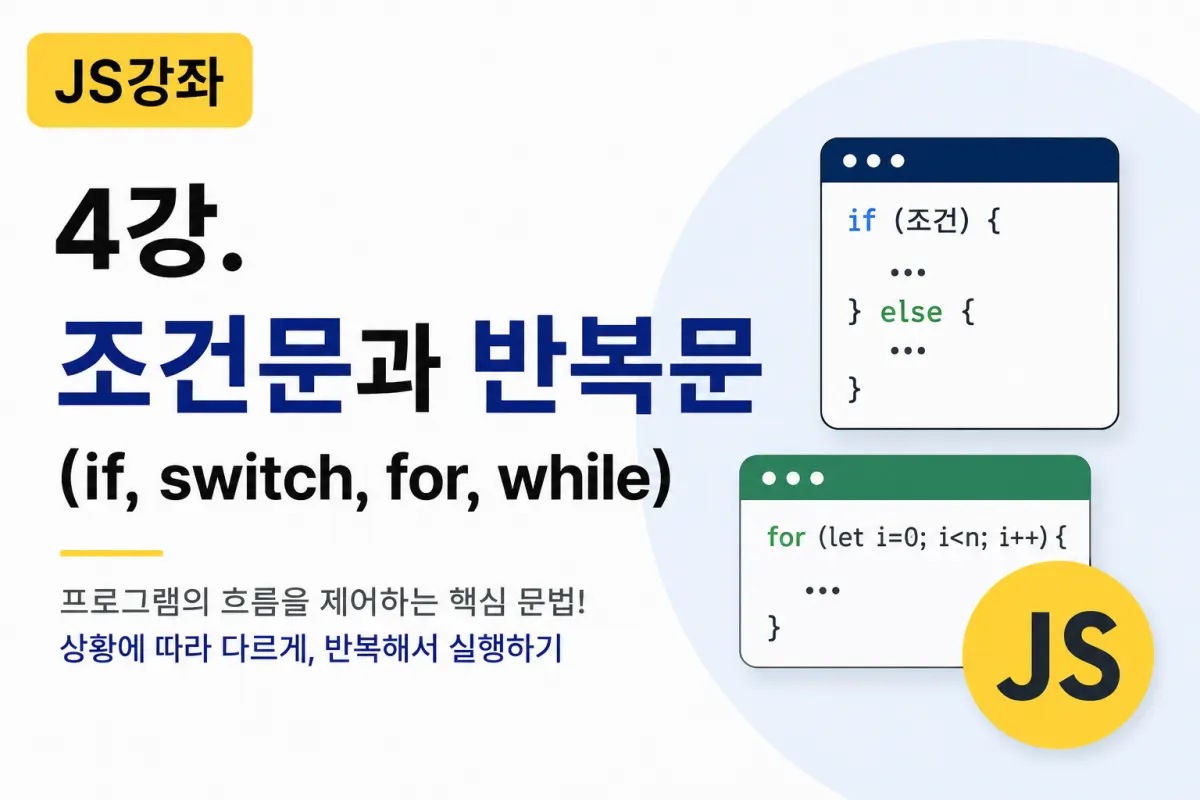

What Are Conditional Statements?
Programs don't always execute the same results.
For example,
Show a user's profile page if they're logged in.
Display an error message if the password is incorrect.
Award an A grade if the score is 90 or above.
Allow sign-ups for users who are adults.
This ability to execute different results based on conditions is called a conditional statement.
In JavaScript, we commonly use if and switch.
The Basic Structure of an if Statement
The most widely used conditional statement is if.
The basic syntax looks like this:
if (condition) {

    code to execute

}
If the condition is true (true), the code executes. If false (false), it doesn't.
Let's look at an example.
let age = 20;

if (age >= 19) {
    console.log("Adult.");
}
n
Output
Adult.
n
if ~ else
If you want to execute different code when the condition is false, use else.
let age = 16;

if (age >= 19) {
    console.log("Adult.");
} else {
    console.log("Minor.");
}
n
Output
Minor.
n
else if
You can also compare multiple conditions.
let score = 88;

if (score >= 90) {
    console.log("A");
} else if (score >= 80) {
    console.log("B");
} else if (score >= 70) {
    console.log("C");
} else {
    console.log("Retake.");
}
n
Output
B
Programs often check multiple conditions in sequence like this.
Reviewing Comparison Operators
Conditional statements frequently use comparison operators.
Operator | Meaning |
|---|---|
== | Equal value |
=== | Equal value and type |
!= | Not equal |
> | Greater than |
< | Less than |
>= | Greater than or equal to |
<= | Less than or equal to |
In practice, using === is safer.
Logical Operators
You can combine multiple conditions.
AND
let age = 25;

if (age >= 20 && age <= 30) {
    console.log("In their 20s.");
}
n
OR
if (age < 20 || age >= 60) {
    console.log("Eligible for discount");
}
n
NOT
let isLogin = false;

if (!isLogin) {
    console.log("Login required.");
}
n
The switch Statement
When you have many conditions, switch can be more convenient.
For example, let's output a day of the week:
let day = 3;

switch (day) {

    case 1:
        console.log("Monday");
        break;

    case 2:
        console.log("Tuesday");
        break;

    case 3:
        console.log("Wednesday");
        break;

    default:
        console.log("Other");
}
n
Output
Wednesday
if vs. switch
if is better for checking ranges.
For example,
Scores
Ages
Prices
where you compare greater than or less than values.
On the other hand, switch is ideal for comparing specific values.
For example,
Menu numbers
User levels
Days of the week
Status values
which are handled more efficiently with switch.
What Are Loops?
Loops allow you to execute the same code multiple times.
For example, printing "Hello" 100 times would be tedious by hand but simple with a loop.
The for Loop
This is the most commonly used loop.
The basic structure looks like this:
for (initial value; condition; increment) {

    code to execute

}
n
Let's look at an example.
for (let i = 1; i <= 5; i++) {
    console.log(i);
}
n
Output
1
2
3
4
5
String Repetition Example
for (let i = 1; i <= 3; i++) {
    console.log("JavaScript");
}
n
Output
JavaScript
JavaScript
JavaScript
The while Loop
This loop continues as long as a condition is true.
let i = 1;

while (i <= 5) {

    console.log(i);

    i++;

}
n
Output
1
2
3
4
5
The while loop is similar to for but is often used when the number of iterations depends on a condition.
do...while Loop
This loop executes at least once before checking the condition.
let num = 1;

do {

    console.log(num);

    num++;

} while (num <= 3);
n
Output
1
2
3
The break Statement
You can exit a loop prematurely with break.
for (let i = 1; i <= 10; i++) {

    if (i == 5) {
        break;
    }

    console.log(i);

}
n
Output
1
2
3
4
The continue Statement
This skips the current iteration and continues to the next one.
for (let i = 1; i <= 5; i++) {

    if (i == 3) {
        continue;
    }

    console.log(i);

}
n
Output
1
2
4
5
Practical Loop Example
Let's calculate the sum of numbers from 1 to 10.
let sum = 0;

for (let i = 1; i <= 10; i++) {

    sum += i;

}

console.log(sum);
n
Output
55
Loops are used in almost all programs for calculations, listing outputs, and data processing.
Where Are These Used in Real Development?
Conditional statements and loops are among the most frequently used syntax in web development.
For example,
Conditionals are used for:
Login status checks
Admin permission verification
Input validation
Product inventory checks
Loops are used for:
Displaying post lists
Showing comment lists
Outputting product lists
Generating menus
Displaying image galleries
In practice, developers use these concepts daily.
Key Takeaways from This Lesson
Today we learned the most important syntax for controlling program flow.
Remember these key points:
ifexecutes code based on conditions.You can handle multiple conditions with
elseandelse if.switchis useful for comparing specific values.forloops are used when the number of iterations is fixed.whileloops continue while a condition is true.breakexits a loop, andcontinueskips to the next iteration.
Conclusion
Conditional statements and loops are fundamental syntax used in almost all programming languages, not just JavaScript.
At first, they may seem unfamiliar, but practicing with various examples will make them feel natural quickly.
Be sure to practice the examples from this lesson thoroughly. The functions, arrays, objects, and DOM manipulation you'll learn next all rely on conditional statements and loops.
In our next lesson, we'll explore important concepts for reusing and managing code: Functions (Function) and Scope (Scope).
FAQ
What is the difference between == and === in JavaScript?
The == operator checks only value equality, while === checks both value and data type equality. Using === is safer to avoid unexpected behavior.
When should I use a switch statement instead of if-else?
Use switch when comparing specific values (like days of the week or menu options), rather than ranges of values (like scores or ages).
How do break and continue differ in loops?
break exits the loop entirely, while continue skips only the current iteration and moves to the next one.
Korean Source
This article is an English localization of a Korean-language report from BlogScore. Original: [JS 강좌] 4강 - 조건문(if, switch)과 반복문(for, while)