
JavaScript Arrays and Objects: A Practical Guide for Beginners
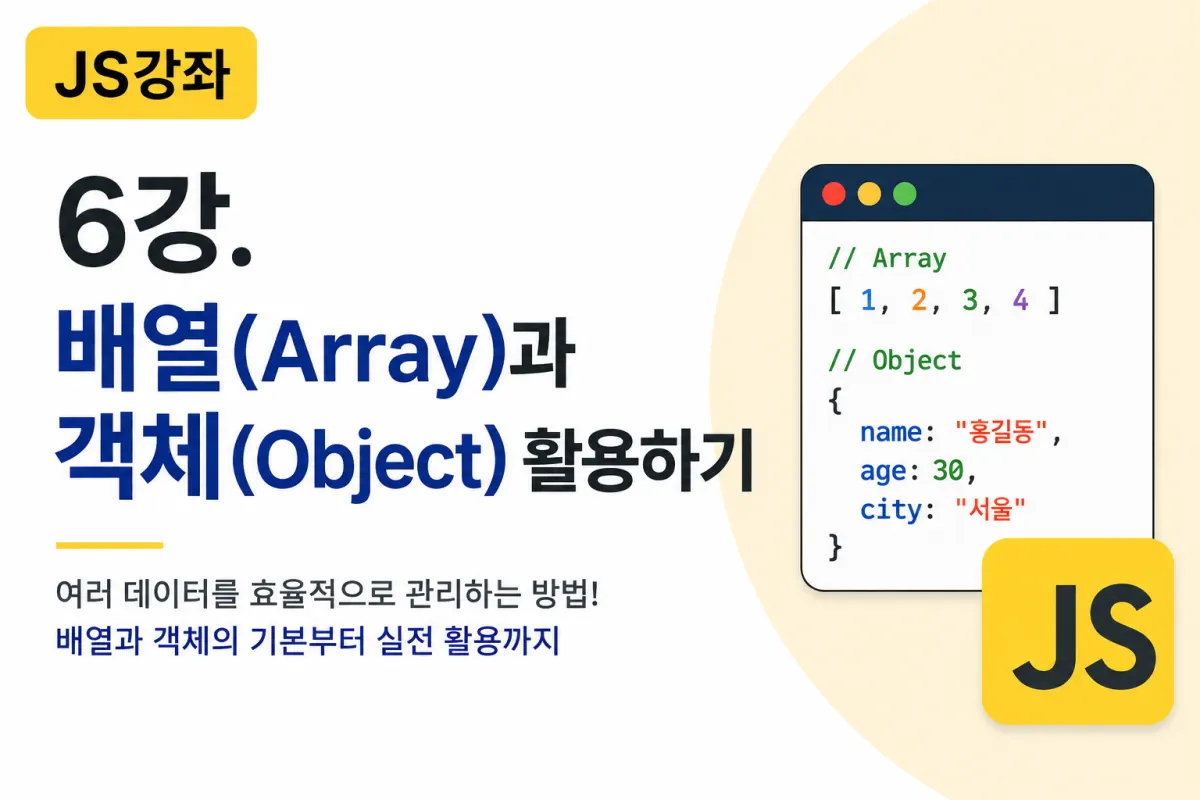

What is an Array?
When building programs, you often need to store multiple pieces of data.
For example, let's say we want to store student names.
If we use variables alone, it would look like this:
let student1 = "김철수";
let student2 = "이영희";
let student3 = "박민수";
If there are 100 students, you'd need to create 100 variables.
This is where arrays come in handy.
An array is a data type that groups multiple pieces of data together for storage.
Creating Arrays
Arrays use square brackets ([]).
let students = ["김철수", "이영희", "박민수"];
Now you can manage multiple pieces of data with a single variable.
Array Indexes
Arrays are numbered in order, but starting from 0, not 1.
0 → 김철수
1 → 이영희
2 → 박민수
To access data, use the index.
let students = ["김철수", "이영희", "박민수"];

console.log(students[0]);
Result
김철수
Modifying Array Values
You can freely modify array data.
let fruits = ["사과", "바나나", "포도"];

fruits[1] = "딸기";

console.log(fruits);
Result
["사과", "딸기", "포도"]
Array Length (length)
To find out how many items are in an array, use length.
let fruits = ["사과", "바나나", "포도"];

console.log(fruits.length);
Result
3
This property is frequently used in real-world development.
push()
Adds data to the end of an array.
let fruits = ["사과", "바나나"];

fruits.push("포도");

console.log(fruits);
Result
["사과", "바나나", "포도"]
pop()
Removes the last item from an array.
let fruits = ["사과", "바나나", "포도"];

fruits.pop();

console.log(fruits);
Result
["사과", "바나나"]
shift() and unshift()
To remove the first item:
fruits.shift();
To add an item to the beginning:
fruits.unshift("딸기");
You can use these methods for managing array elements.
Loops and Arrays
Arrays are often used with loops.
let fruits = ["사과", "바나나", "포도"];

for (let i = 0; i < fruits.length; i++) {

    console.log(fruits[i]);

}
Result
사과
바나나
포도
You can process all array data at once.
for...of
Modern JavaScript often uses for...of.
let fruits = ["사과", "바나나", "포도"];

for (let fruit of fruits) {

    console.log(fruit);

}
The code becomes more concise.
forEach()
This is one of the most commonly used array methods in practice.
let fruits = ["사과", "바나나", "포도"];

fruits.forEach(function(item){

    console.log(item);

});
You can also use arrow functions:
fruits.forEach(item => {

    console.log(item);

});
In real-world development, forEach() is frequently used.
What is an Object?
An object manages multiple pieces of data using names and values.
For example, let's store information for one user:
let user = {

    name: "홍길동",

    age: 30,

    city: "서울"

};
Unlike arrays, objects manage data using names rather than numbers.
Accessing Object Data
You can access object values like this:
console.log(user.name);
Or:
console.log(user["name"]);
Result
홍길동
Modifying Object Data
You can change object values:
user.age = 31;
Add new properties:
user.phone = "010-1234-5678";
Delete properties with:
delete user.phone;
Storing Objects in Arrays
In real-world development, arrays and objects are often used together.
let users = [

    {
        name: "홍길동",
        age: 30
    },

    {
        name: "김철수",
        age: 25
    }

];
To access the first user's name:
console.log(users[0].name);
Iterating Over Objects
You can use for...in to loop through objects.
let user = {

    name: "홍길동",

    age: 30,

    city: "서울"

};

for (let key in user) {

    console.log(key, user[key]);

}
Result
name 홍길동
age 30
city 서울
Difference Between Arrays and Objects
Many beginners confuse arrays and objects.
Remember this table:
Array | Object |
|---|---|
Data stored in order | Data stored by name |
Uses indexes | Uses property names |
Stores similar data types | Manages diverse information |
Example: List of posts | Example: User profile |
How Are Arrays and Objects Used in Real Development?
Arrays and objects are used in almost all websites.
For example:
A list of posts is managed as an array:
posts = [

    {...},

    {...},

    {...}

];
A single post is an object:
post = {

    title: "...",

    writer: "...",

    content: "..."

};
User information, product details, and order records are typically managed in object format.
Relationship Between JSON and Objects
The next lesson will cover JSON, which has a very similar structure to objects.
For example:
{

    "name":"홍길동",

    "age":30

}
To understand JSON, it's important to first understand objects.
Key Takeaways from This Lesson
Today we learned how to use arrays and objects effectively.
Remember these key points:
Arrays store multiple pieces of data in order.
Array indexes start at 0, not 1.
push(),pop(),shift(), andunshift()are common array methods.You can loop through arrays using
for,for...of, orforEach().Objects store data as name-value pairs.
Access object data using the
object.propertysyntax.In real-world development, arrays and objects are often used together.
Conclusion
Arrays and objects are among the most commonly used data types in JavaScript.
Almost all web applications—forums, user management systems, e-commerce sites, comments sections, product listings—are built around arrays and objects.
Try entering the examples from this lesson yourself. Modify the data to get a better understanding of how arrays and objects work.
In the next lesson, we'll learn about DOM (Document Object Model), JavaScript's core technology for controlling web pages by selecting and modifying HTML elements.
FAQ
Why do array indexes start at 0?
Array indexes start at 0 because it's a convention in most programming languages, making it easier to calculate memory addresses and work with computer systems.
Can I mix data types in an array?
Yes, arrays can store different data types together (e.g., strings, numbers), though it's generally better practice to keep similar data types together for clarity.
Korean Source
This article is an English localization of a Korean-language report from BlogScore. Original: [JS 강좌] 6강 - 배열(Array)과 객체(Object) 활용하기