
From Installation to Daily Management: Essential Tips for Self-Service Kiosks
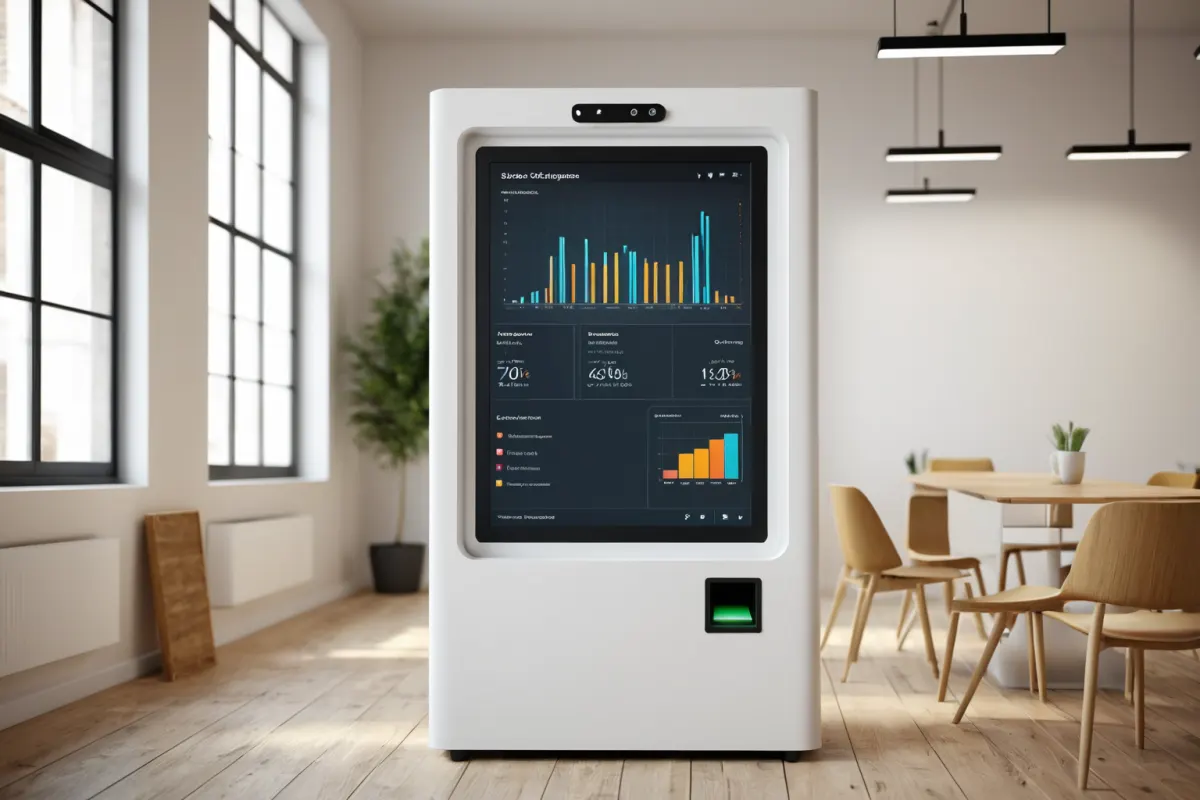
Self-service kiosks are more about how you manage them on a daily basis than where you install them. While it might seem like placing the device is all that's needed, in reality, placement location, payment flow, paper supplies, and error handling directly impact sales.
This article covers everything from installation basics for first-time users to management tips for keeping your kiosk running smoothly without issues. The core principles are similar across different business types like hospitals, cafes, or study cafes.
Key Conditions to Check Before Installing a Self-Service Kiosk
With self-service kiosks, the location matters more than the device itself. Look for spots where customers naturally pause upon entering, with stable power and internet access, and where lines won't block traffic flow.
In practice, check these three things before installation:
- Power outlet locations and availability of multi-outlet strips
- Wired internet or a stable Wi-Fi connection
- Suitable screen viewing angle and minimal glare from surrounding lighting
For example, hospital kiosks work best next to reception desks but shouldn't be placed too close to doors, which could disrupt patient flow. Study cafe kiosks are more efficient when positioned near entry points where check-in and payment happen simultaneously.
Explore similar articles on this topic in one place.
View Related ArticlesCommonly Overlooked Steps During Installation
Even if the installation is handled by a vendor, operators should verify settings like menu structure, payment methods, receipt printing options, and refund policies. Mismatches with store policies can lead to time-consuming fixes later.
Especially for first-time users, avoid complex button labels. Instead of 'Purchase Entry Ticket,' use simpler terms like 'Enter Now.' For 'Member Registration,' try 'First Visit'—these are easier for customers to understand at a glance.
On installation day, test the kiosk as if you were a customer: make card payments, print cash receipts, cancel orders, and retry failed transactions. This helps catch small issues early before they become bigger problems.
Key Management Points for Daily Operations
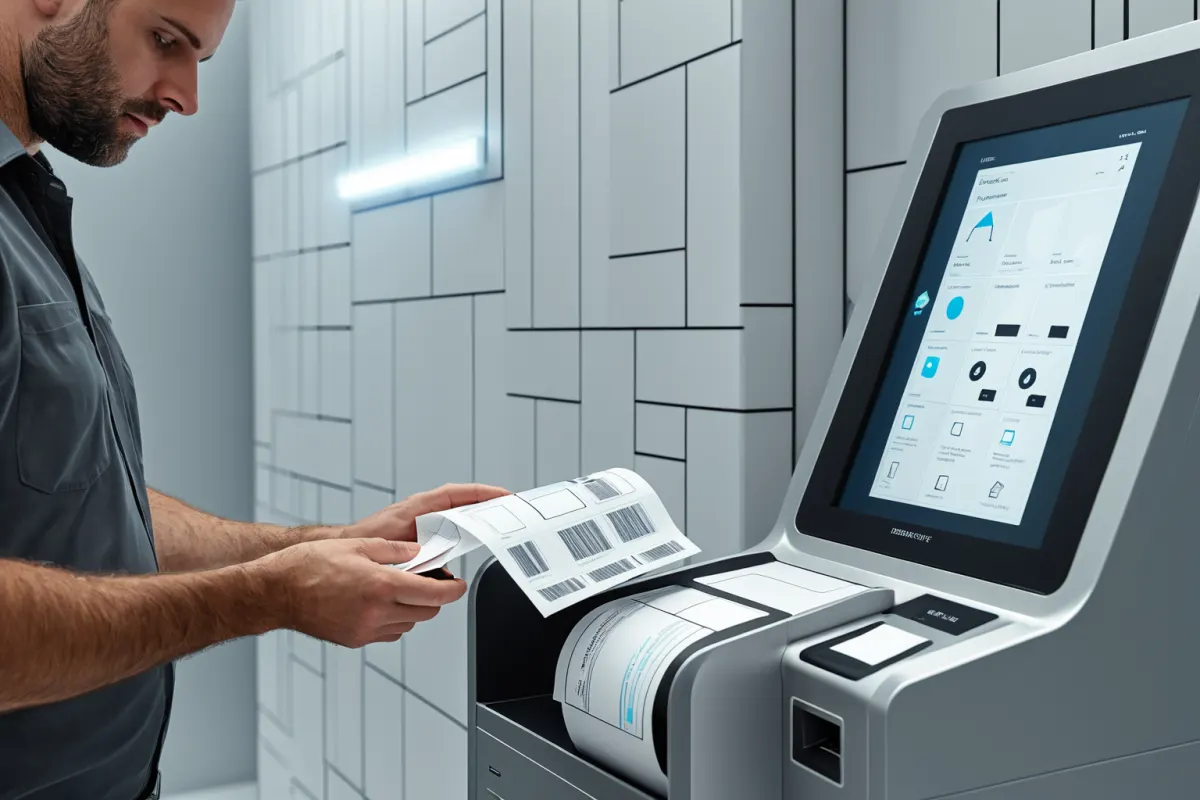
Self-service kiosks aren't devices you just turn on in the morning and leave alone—they require regular checks to prevent downtime. The most important things to monitor are consumables, payment status, and screen condition.
The actual items to check aren't complicated:
- Check receipt paper levels
- Verify card readers and QR payment functionality
- Look for error messages or signs of rebooting
- Inspect screen cleanliness and touch responsiveness
For instance, if the receipt paper runs out when the first customer arrives in the morning, it can disrupt operations all day. Checking just twice a day—before lunch and before closing—can prevent many emergencies.
Why Maintenance Costs Matter More Than Initial Price
When first considering kiosks, most people compare only the price. But in reality, you need to factor in rental fees, consumables, maintenance costs, and payment processing fees for an accurate cost picture. A cheaper device that's hard to manage can end up costing more in lost operations.
For example, well-known brands like Samsung kiosks offer reliability, but they aren't always the best fit for every business type. Custom-made kiosks can be tailored to your specific needs but may require more time for initial setup and modifications.
So when comparing options, focus first on whether the kiosk includes features relevant to your industry—whether it's order-based, reception-focused, or access-controlled—and not just price tags.
Real-World Tips to Reduce Breakdowns and Complaints
The biggest challenge with self-service kiosks isn't machine breakdowns—it's customers getting confused about what to do next. To reduce this, simplify the interface by reducing steps and keeping only essential instructions visible.
A simple but effective method is to feature the most commonly used functions on the first screen, while moving less frequent options deeper into menus. Before payment, show a short confirmation message to prevent accidental orders.
Another tip: instead of placing small guides next to the kiosk, post clear, concise instructions like 'First Visit Here' or 'Payment on Right Button' where customers naturally look first. Long text gets ignored; short messages get read.
Different Management Needs for Hospital vs Study Cafe Kiosks
Hospital kiosks prioritize smooth check-ins and waiting management—name verification, specialty selection, and identity checks need to flow seamlessly. In contrast, study cafe kiosks focus on entry/exit tracking, seat management, and time-based access; automatic post-payment guidance works best here.
So even though the same type of kiosk is used across industries, screen layouts and management priorities differ. Hospitals benefit from fewer buttons for faster use during urgent visits, while study cafes need clearer instructions for first-time students.
In one real case, a business initially put all menu options on a single screen, leading to frequent customer questions. After moving the top three most-used functions to the main screen, average usage time dropped noticeably. Simplifying complexity makes a big difference in user experience.
Key Factors When Choosing a Kiosk Vendor
When selecting a vendor, post-installation support matters more than initial explanations. Look for vendors who respond quickly when issues arise—not just those with friendly first conversations. Check if they offer remote diagnostics, on-site visits, and their coverage area.
When getting quotes, don't focus only on features—ask about maintenance conditions too. Who supplies consumables? Is software updates a separate cost? How long does module replacement take? Knowing these helps avoid unexpected expenses later.
Whether you rent or buy, the goal is to minimize downtime when problems occur. A 10-minute downtime feels much longer with self-service kiosks, so vendors with strong after-sales support are preferable.
Small Habits That Make Daily Operations Easier
The most successful businesses using these kiosks don't rely on complex systems—they build simple habits. Wiping the screen before closing, refilling supplies in advance, and turning common questions into screen prompts are basic but highly effective practices.
Also, whether you have staff or run completely hands-off, having a clear emergency contact plan internally is important. Knowing who to notify when customers get stuck—and how to handle it—reduces confusion during incidents.
While these habits take some effort at first, once established, they save time and reduce headaches later. The difference between success and failure with self-service kiosks lies not in installation but in daily management—a factor that directly impacts customer experience.
Frequently Asked Questions
Q1. Do I have to start with a rental for a self-service kiosk?
No, purchasing outright may be better depending on budget and long-term plans. But if you're new to this, compare maintenance coverage and replacement terms alongside price.
Q2. What should I test first after installing a kiosk?
Check payment processing, order cancellation, receipt printing, and system recovery after rebooting. If these four functions work properly, your basic operations are stable.
Q3. Which business types benefit most from self-service kiosks?
Kiosks work best in businesses with repetitive customer interactions like check-ins, orders, access control, or time-based services. They're widely used in hospitals, cafes, study cafes, and other self-service venues.
Self-service kiosks aren't a 'set it and forget it' solution—they require ongoing adjustments to fit your business flow. If your setup changes often, double-check the latest features and maintenance terms before finalizing your choice.
Continue exploring similar topics.
View Category ArticlesFAQ
Do I have to start with a rental for a self-service kiosk?
No, purchasing outright may be better depending on budget and long-term plans. But if you're new to this, compare maintenance coverage and replacement terms alongside price.
What should I test first after installing a kiosk?
Check payment processing, order cancellation, receipt printing, and system recovery after rebooting. If these four functions work properly, your basic operations are stable.
Which business types benefit most from self-service kiosks?
Kiosks work best in businesses with repetitive customer interactions like check-ins, orders, access control, or time-based services. They're widely used in hospitals, cafes, study cafes, and other self-service venues.
Korean Source
This article is an English localization of a Korean-language report from BlogScore. Original: 무인 키오스크 설치부터 관리까지: 하루 운영 팁