
Implementing Push Notifications in Your Messenger App
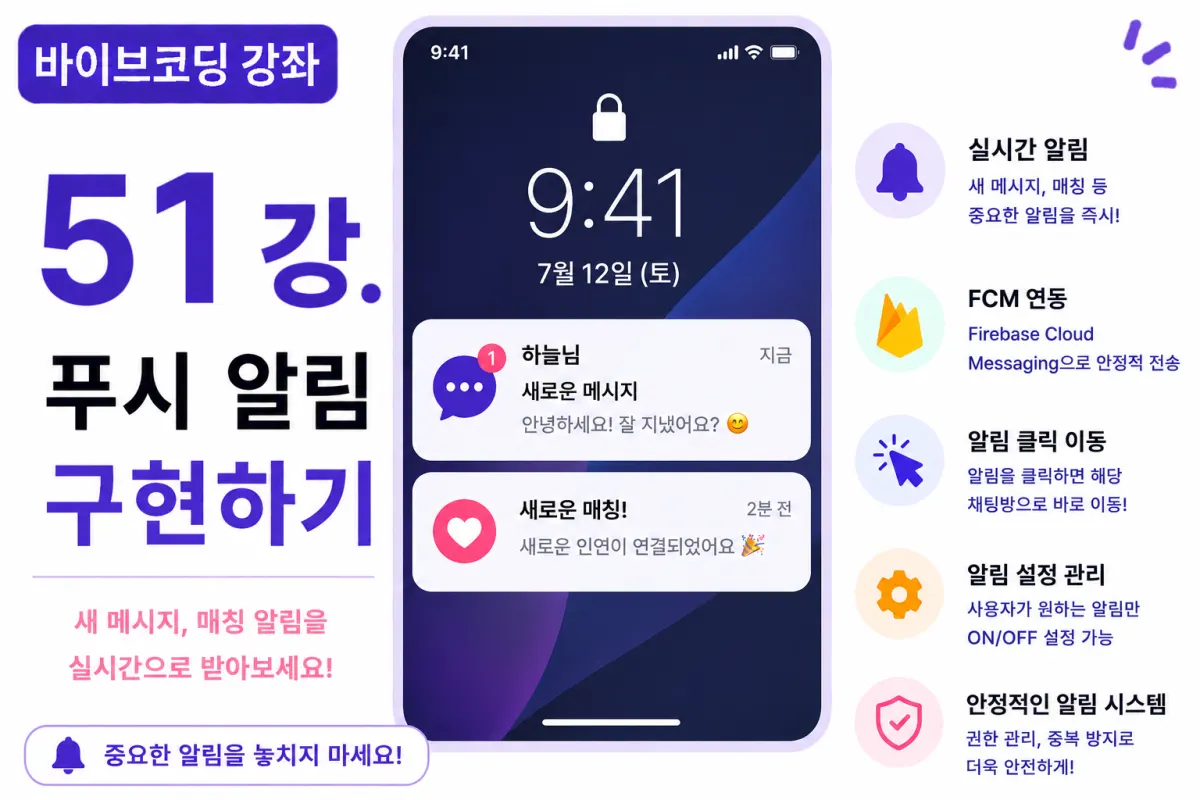
What You'll Learn in This Lesson
In the previous lesson, we implemented file sharing functionality.
Now, your messaging app can send and receive text, images, and files.
However, if users aren't actively viewing the app, they won't know when new messages arrive.
In this lesson, we'll implement push notifications.
We'll cover these topics together:
Requesting notification permissions
Browser push notifications
New message notifications
Match notifications
Handling notification clicks
Background notifications
By the end of this lesson, users will receive important alerts without having to keep the app open.
What Are Push Notifications?
Push notifications are instant alerts sent by an app or website directly to the user.
For example, when a new message arrives, a notification appears in the bottom right corner of your browser window.
This works similarly on mobile apps as well.
Why Are Push Notifications Necessary?
Users aren't constantly viewing the chat screen.
If they don't receive notifications, they might miss important messages.
Push notifications are a key feature for increasing user return rates to your service.
Which Service Will We Use?
On the web, developers commonly use:
Web Push API
Firebase Cloud Messaging (FCM)
For this project, we'll focus on Firebase Cloud Messaging, which offers easy expansion for both web and mobile platforms.
Requesting Help from Cursor AI
First, ask Cursor AI to help with the following request:
Firebase Cloud Messaging to display push notifications in the browser when a new message arrives.

When users click on the notification, it should redirect them to the corresponding chat room.
The AI will provide necessary configurations and code examples.
Requesting Notification Permissions
Push notifications require user permission.
When users first open the app, they'll be asked whether to allow notifications.
Only users who grant permission will receive notifications.
New Message Notifications
When someone sends a message, display a notification like this:
Ha-neul

Hello!
Show the username in the title and part of the message content for clarity.
Match Notifications
When a new match occurs, send a separate notification:
🎉 New Match Found!
This type of notification can grab user attention effectively.
Handling Notification Clicks
When users click a notification, the app opens and navigates directly to the corresponding chat room.
This direct navigation significantly improves usability by taking users straight to what they want to see.
Background Notifications
Push notifications appear even when the browser is minimized or another tab is open.
This is the main difference between real-time communication and push notifications.
Avoiding Duplicate Notifications
If users are already viewing a chat room, avoid showing additional notifications for that conversation.
Unnecessary notifications can degrade user experience.
Check if the current chat is open before sending a notification.
Improving with Cursor AI
After completing the feature, ask Cursor AI to improve it further:
Improve the push notification functionality for better stability.
The AI suggests improvements like:
Token management
Notification grouping
Error retry handling
Performance Optimization
When sending many notifications simultaneously, use a queue system.
Also, for the same user receiving multiple notifications in quick succession, consider grouping them into one notification.
Security Considerations
Push tokens should be linked to user accounts and managed accordingly.
When users log out, revoke or refresh these tokens to prevent accidental notifications from being sent to other users.
Testing the Feature
Test in this order:
Allow notification permissions in your browser
Log in with two different accounts
Send a message from one account
Check the notification on the other account
Click the notification
Confirm automatic navigation to the chat room
If everything works as expected, your push notification system is complete.
GitHub Commit
After finishing the feature, ask Cursor AI:
Create a commit message for implementing push notifications.
Committing small features separately helps with project management and tracking changes.
Additional Features in Real-World Applications
In actual services, you might also implement:
Toggle notifications on/off
Schedule silent hours
Group notifications
Select notification types per user
Separate marketing notifications
This project focuses only on implementing new message and match notifications.
Your App Now Finds Users First
After this lesson, users will know immediately about new messages and matches without needing to open the app.
You've completed an essential feature that boosts service return rates and user satisfaction.
Next Lesson Preview
In the next lesson, we'll implement reporting (Report) and blocking (Block) features.
Create a safer community environment by allowing users to block or report unwanted contacts.
Closing Thoughts
This lesson covered implementing push notifications (Push Notification) in your app.
We've built browser notifications, new message alerts, match notifications, and direct navigation from clicks—taking user experience to a professional level.
In the next lesson, we'll add reporting and blocking features for a safer dating app environment.
FAQ
What is a push notification?
A push notification is an instant alert sent by an app or website to the user's device, even when they're not actively using the app.
Why are push notifications important for messaging apps?
They ensure users don't miss messages when they're not viewing the chat screen, improving engagement and return rates.
Korean Source
This article is an English localization of a Korean-language report from BlogScore. Original: [바이브코딩 강좌] 51강. 푸시 알림(Push Notification) 구현하기