
Implementing the Like Feature in a Dating App: A Step-by-Step Guide
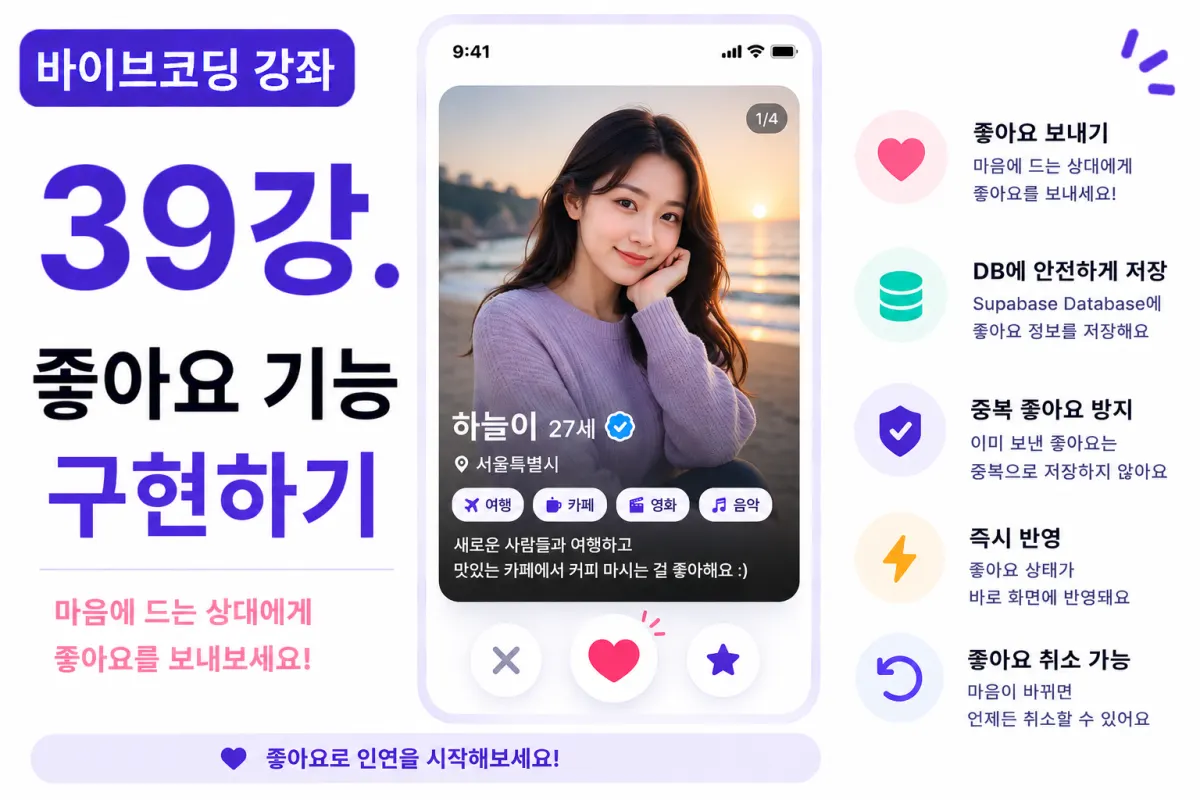
What You'll Learn in This Lesson
Last week, we completed a Tinder-style card-based UI.
Now it's time to implement one of the most essential features of dating apps: the Like system.
In this lesson, you'll learn:
Designing the like table structure
Saving likes to the database
Preventing duplicate likes
Displaying like status visually
Updating the UI in real time
By the end of this lesson, users will be able to express interest in other profiles.
How Does the Like Feature Work?
When a user views another profile card and clicks the like button, they're expressing interest.
However, this isn't yet a match. The other person must also like you for a match to form.
This lesson implements one-way likes only (you can like someone without them liking you back).
Database Design
It's best to manage likes in a separate table. For example, create a likes table.
This table should store:
The user who sent the like
The user who received it
The timestamp of the like
Requesting Help from Cursor AI
First, ask Cursor AI to generate the necessary code:
Implement the like feature using Supabase Database.

When a user likes someone, save it to the likes table.
The AI will provide both SQL queries and the corresponding code for saving likes.
Connecting the Like Button
Link the like button on the card screen to the database.
When clicked, it saves the current user's ID along with the other person's ID.
Preventing Self-Likes
The logged-in user cannot like themselves. While we've already excluded self from profile listings, adding an extra database check ensures safety.
Preventing Duplicate Likes
Liking the same person multiple times serves no purpose. Before saving, check if a like already exists. If so, don't save a new entry.
Handling Successful Likes
After successfully saving a like, show a brief message to the user:
Liked successfully.
A short, clear notification works better than excessive alerts.
Updating Button State
After sending a like, change the button's appearance. For example, switch from an empty heart to a filled one so users can easily see their current status.
Real-Time Screen Updates
When a user clicks like, update the UI immediately without refreshing the page.
This is naturally achieved using React state management.
Error Handling
If saving fails, inform the user:
Failed to save like.

Please try again later.
Include error handling for network issues or server errors.
Adding Like Cancellation
This project also allows users to cancel a like. Clicking the button again removes the entry from the likes table, giving users flexibility to change their mind.
Improving with Cursor AI
After implementing the feature, ask Cursor AI:
Improve the like feature for better efficiency.
The AI suggests improvements like:
Function separation
Better error handling
Code optimization
Performance Considerations
Avoid reloading the entire profile list when a like is sent. Instead, update only the current card's status for faster performance.
Small optimizations like this significantly improve user experience.
Testing Procedure
Follow these steps to test:
View a profile card
Click the like button
Verify data is saved in the database
Check that the button changes appearance
Confirm status persists after refreshing
If all steps work correctly, your like feature is complete.
GitHub Commit Message
After finishing, ask Cursor AI to create a commit message:
Create a Git commit message for the implemented like feature.
A clear, feature-specific commit helps with collaboration and future maintenance.
Additional Features in Real Applications
In actual services, you might also include:
Like notifications
Daily like limits
Super likes
Premium likes
This project focuses on the basic like functionality only.
Next Steps: Matching System Begins
With this lesson complete, users can now send likes to other profiles.
In the next lesson, we'll add dislike and skip features to create a more natural card-swiping experience.
Next Lesson Preview
The following lesson will implement dislike and skip functionality.
We'll make it easy for users to move past profiles they're not interested in, then load the next profile card—completing the Tinder-style interaction flow.
Conclusion
This lesson implemented the like feature. We covered saving like data, preventing duplicates, updating button states, and real-time UI changes—completing the first core part of a matching system.
In the next lesson, we'll add dislike and skip features to further enhance user experience.
FAQ
Why is a separate database table needed for likes?
A dedicated table keeps like data organized and efficient, making it easier to manage user interactions without cluttering other tables.
Can users cancel their likes?
Yes, this project allows users to click the like button again to remove a like from the database.
Korean Source
This article is an English localization of a Korean-language report from BlogScore. Original: [바이브코딩 강좌] 39강. 좋아요 기능 구현하기