
How to Send Your Location via KakaoMap's Share Feature
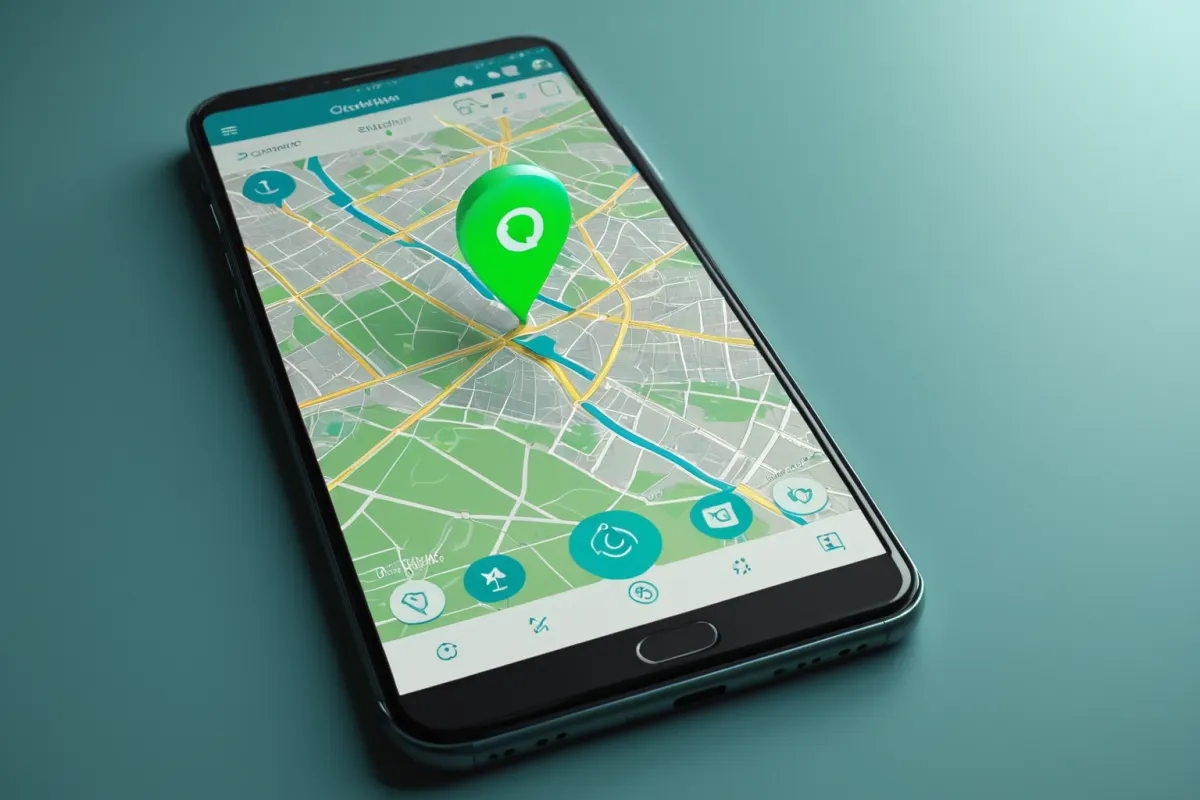
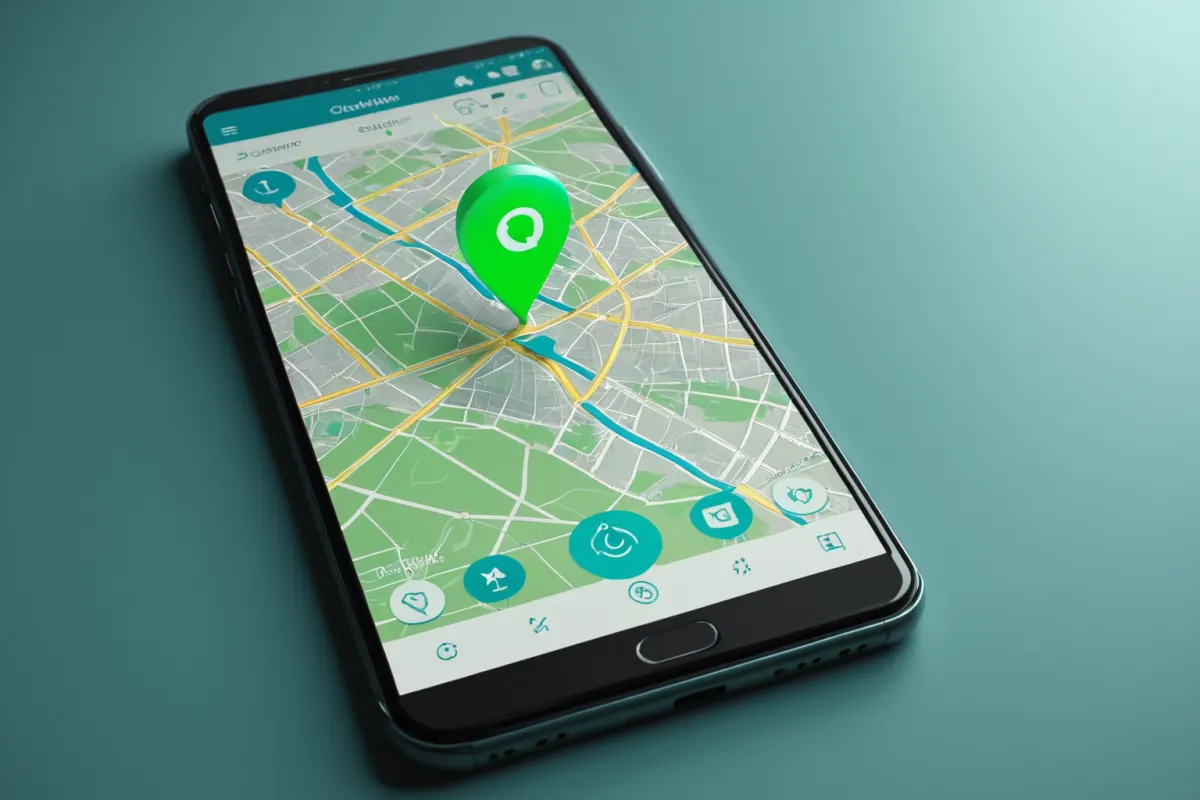
Sharing your location via KakaoMap is simpler than you might think. Once you have your current location pinned on the map, tap the share button and send it through KakaoTalk or a link for others to view instantly.
However, first-time users often encounter issues like disabled location permissions or inaccurate location detection. Follow these steps to quickly send your location from your mobile device.
How to Start Sharing Your Location on KakaoMap
First, open the KakaoMap app and confirm that your current location is displayed on the screen. If you see your location marker, locate the share button from there.
The share feature is typically near the bottom menu or close to the location icon. Since button placement varies by device, it’s helpful to tap through menus briefly if you’re unsure.
For example, to send the location of a cafe you’re at, open KakaoMap, select the place, and choose the share option. You don’t have to send just your current location—any selected spot can be shared too.
Find more articles on similar topics in one place.
View Related ArticlesSetting Up Accurate Location Detection
If location sharing isn’t working well, it’s likely due to location permissions. Ensure KakaoMap has permission to access your location in your phone’s settings.
In areas with weak GPS signals like indoors or underground, accuracy may suffer. Try stepping outside briefly or ensuring Wi-Fi and mobile data are enabled for better precision.
On iOS, check Location Services in Settings; on Android, allow location access under app permissions. Restarting KakaoMap can often fix location detection issues as well.
Sharing Your Location via KakaoTalk
When you tap share in KakaoMap, it often directs you to a KakaoTalk chat. Select the recipient or group chat to send your location.
The recipient will receive a map link they can click to view the location and even navigate directly from there. This is much faster than describing directions verbally—especially useful for meeting up on the go.
Instead of typing "I'm in front of Olive Young," sharing your current location shows surrounding buildings and street names, reducing confusion.

Difference Between Link Sharing and Saved Location
KakaoMap’s location sharing isn’t just sending coordinates. Link sharing lets others open the map directly by clicking a link, while saved locations are for future reference.
A common point of confusion is that recipients can view the shared location even without KakaoMap installed—via web browser. However, using KakaoMap or KakaoTalk on mobile provides a smoother experience.
If you frequently share the same location, copying the address manually may be cleaner than sharing links for multiple people.
Common Issues and Solutions
The most frequent problem is inaccurate location detection. To fix this, turn on both Wi-Fi and GPS, double-check app permissions, and refresh the map view.
Another issue is not seeing the share button. This usually means you’re in a place details screen instead of your current location view. Try long-pressing a spot on the map to pin it for sharing.
In places with multiple entrances like subway stations or large malls, just sending the location may confuse others. Adding brief notes like "exit 3" helps clarify where you are.
Using KakaoMap on PC
KakaoMap’s PC version is great for finding locations or checking addresses but isn’t ideal for sharing real-time location—mobile works better for that.
On desktop, search for a place and copy the link to share. This method is useful when setting up meeting points in advance, like for business or events.
Businesses often use KakaoMap features like reviews or store management alongside location sharing, but for simply sending your current location, the mobile app suffices.
Step-by-Step Example for First-Time Users
To send your current location to a friend: Open KakaoMap, ensure your location is visible, tap share, and select the KakaoTalk chat. Send it along with a quick message if needed.
The recipient can click the link to open the map and navigate directly from there. For sending a destination, search for the place in KakaoMap, go to its details, tap share, and send—this method minimizes errors when confirming meeting spots.
Important Notes When Sharing Location
Location sharing is convenient but avoid leaving it on constantly—it can expose your location unnecessarily. Always check permissions after sending and disable sharing if not needed.
Indoors or while moving, locations may shift by several meters. For precise meetups like finding a specific entrance, pair the map link with a short note for clarity.
KakaoMap’s location sharing is especially handy when meeting up quickly—no need to describe directions in detail or make phone calls when you’re unsure where you are.
FAQ
Q. Do recipients need KakaoMap installed?
Not necessarily. The shared link opens in a web browser, so they can view it without the app. However, using KakaoMap or KakaoTalk on mobile provides a better experience.
Q. Why does my location keep showing incorrectly?
This often happens due to disabled permissions or weak GPS indoors. Check your settings and try refreshing the map outside for better accuracy.
Q. Can I send just my current location without a place name?
Yes, simply use the share feature from the current location screen. For precise meetups, add a brief note like "near the main entrance" to avoid confusion.
KakaoMap’s interface and sharing options may vary slightly based on device type or app version—always check the latest version for optimal results.
Continue exploring similar topics.
View Category ArticlesFAQ
Do recipients need KakaoMap installed?
Not necessarily. The shared link opens in a web browser, so they can view it without the app. However, using KakaoMap or KakaoTalk on mobile provides a better experience.
Why does my location keep showing incorrectly?
This often happens due to disabled permissions or weak GPS indoors. Check your settings and try refreshing the map outside for better accuracy.
Can I send just my current location without a place name?
Yes, simply use the share feature from the current location screen. For precise meetups, add a brief note like "near the main entrance" to avoid confusion.
Korean Source
This article is an English localization of a Korean-language report from BlogScore. Original: 카카오맵 위치공유로 내 위치 보내는 방법 정리