
How to Safely Access the National Health Insurance Service Website and Avoid Scams
How to Access the NHIS Website
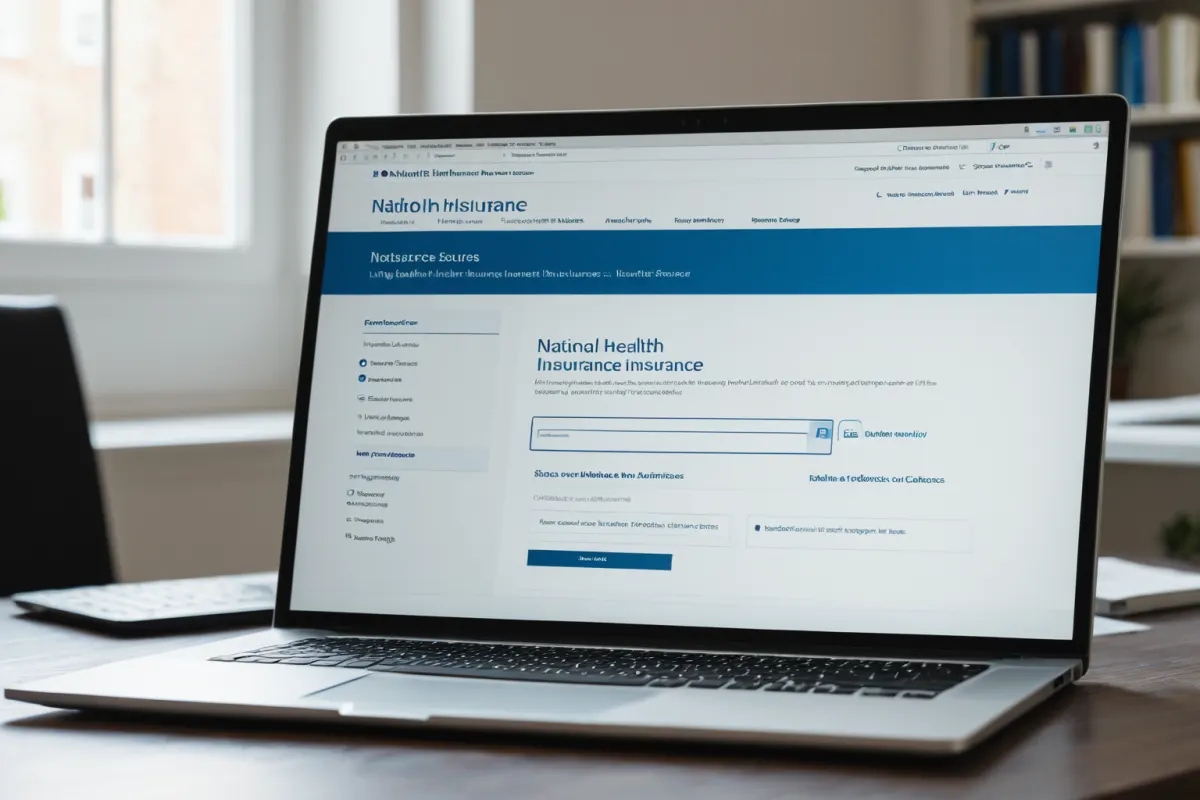
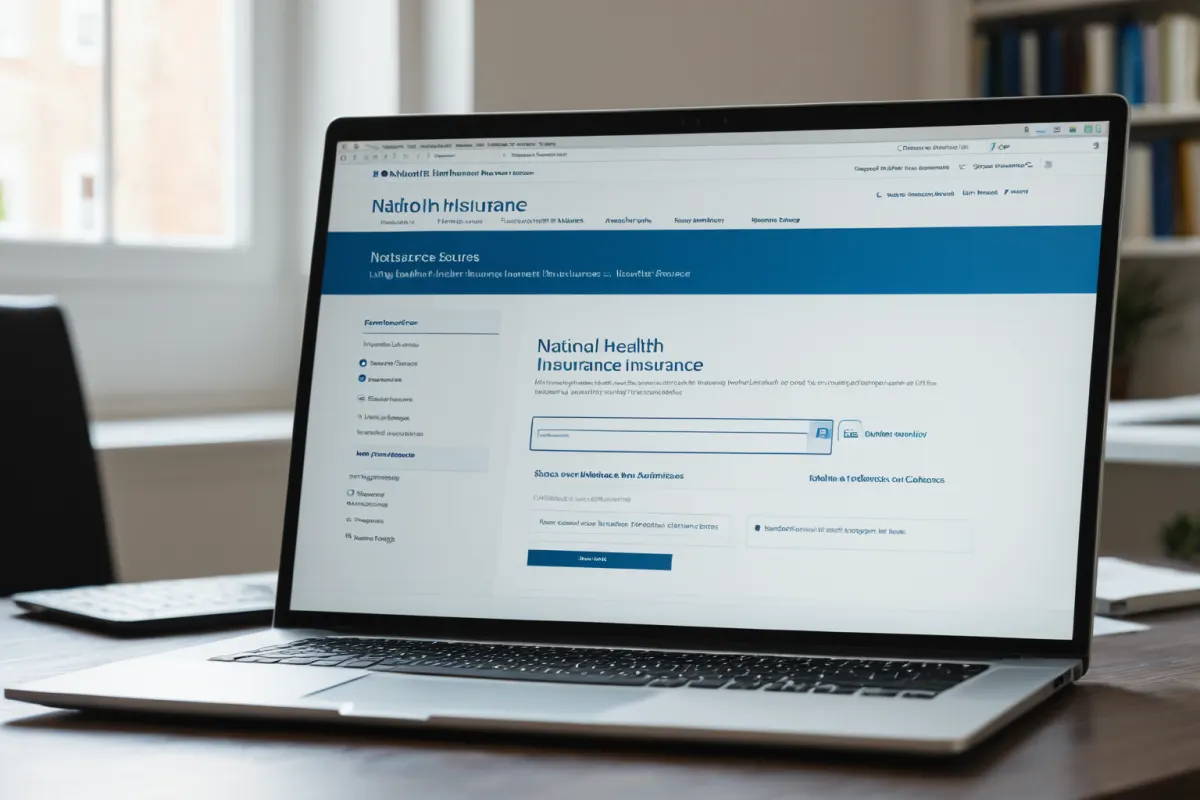
The National Health Insurance Service (NHIS) website provides official access to health insurance services. Key features include filing appeals, checking and applying for refunds, and mobile app access. Always verify that you are visiting 'www.nhis.or.kr' before proceeding—never click links from suspicious sources. For security, type the URL directly or download the official mobile app.
Avoiding Phishing Emails and SMS Scams
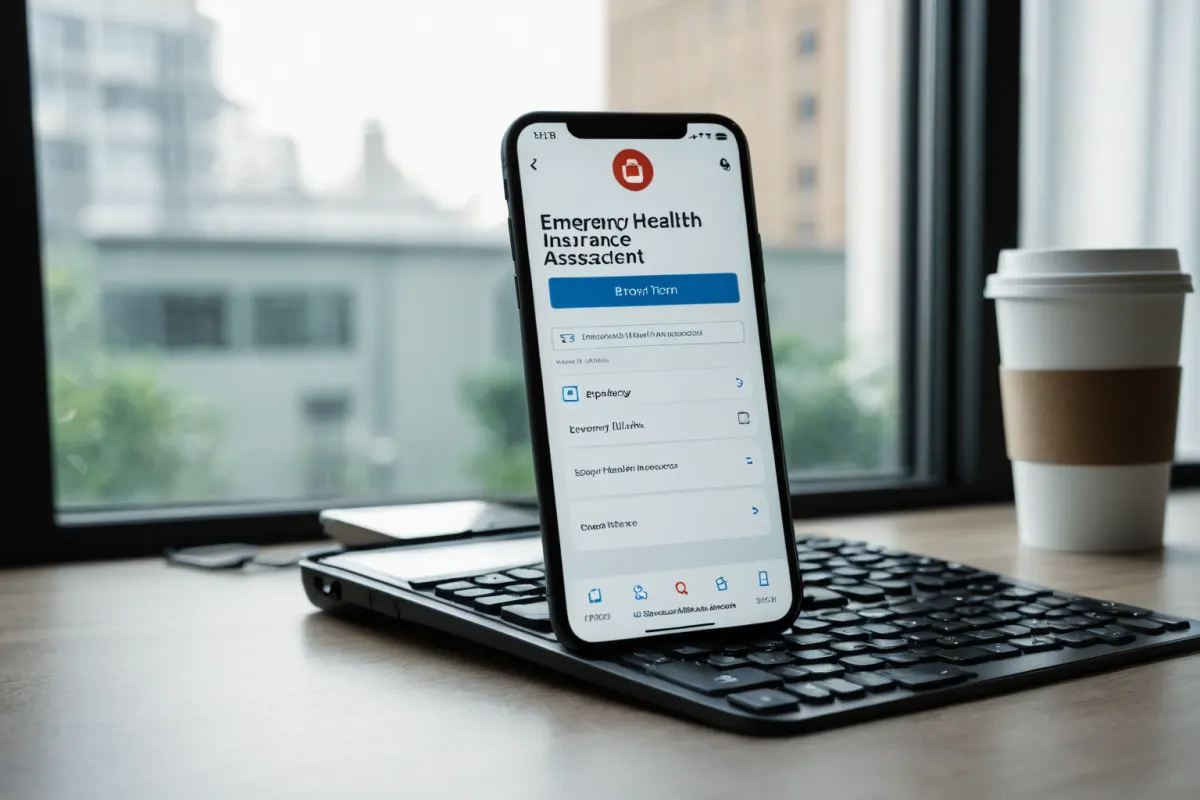
The NHIS does not send emails about premium exemptions or payment suspensions. Recent phishing attempts impersonating the NHIS have been reported, with links labeled 'Check Now' that may lead to personal data theft. According to a March 14, 2026, Consumer Times report, these fake emails claim to provide 'premium exemption and benefit suspension notices,' but the NHIS never sends such information via email. A similar warning was issued by EToday on March 15, 2026.
Warning About Scam Texts Before Health Check-Ups
Scam texts impersonating the NHIS have been reported ahead of health check-ups. On October 23, 2023, Yonhap News covered a warning about such texts, which falsely claim to provide 'health check-up results' in an attempt to steal personal information. The NHIS only provides health check-up details through its website or mobile app—never via SMS. If you receive such a text, delete it immediately and verify directly on the official site.
How to Check and Apply for Refunds
Health insurance refunds can be checked and applied for through the NHIS website or mobile app. The NHIS does not send email notifications about refunds—ignore any suspicious messages and check directly on the official site. To apply, follow these steps: 1) Access the NHIS website, 2) Select 'Refund Inquiry,' 3) Complete identity verification to view and submit your request. Real-name verification is required for security.
Alert on Impersonation SMS
The NHIS issued a warning about impersonation SMS on February 7, 2024, regarding refund-related scams. Clicking links in these texts risks personal data exposure. This alert was reinforced by reports on February 9, 2024, about the same scam. The NHIS urges users to verify all information only through its official website.
Multi-Language Support for Health Check-Up Programs
Since December 16, 2023, health check-up programs have been available in seven languages: Korean, English, Chinese, Japanese, Vietnamese, Filipino, and Thai. This service improves accessibility for foreign residents by allowing them to book appointments and view results online. The multi-language feature is accessible through the NHIS website.
Enhanced Security and Service Improvements
The NHIS and Health Insurance Review and Assessment Service (HIRA) websites have improved security measures against data scraping, blocking malicious attempts to access user information. This includes enhanced protection against unauthorized data extraction. The multi-language health check-up program is part of these service improvements, launched on December 16, 2023, to better serve foreign residents.
How to Pay Social Insurance Premiums via Automatic Transfer
Social insurance premiums can be paid easily through automatic transfers. This option is available through the NHIS website and offers a safer way to pay your premiums. To set up automatic transfer: 1) Access the NHIS website, 2) Select 'Social Insurance Payment,' 3) Enter and confirm your bank account details. Real-name verification is required during setup, along with identity confirmation.
Important User Notes
The NHIS does not send emails about premium exemptions or payment suspensions, nor does it send SMS alerts for refunds. If you receive any suspicious messages, ignore them and check directly on the official website. Links labeled 'Check Now' in such messages are typical scam tactics—never click them.
Case-Specific Warnings
Scam texts about health check-ups or refund notifications are all fraudulent. Clicking links risks personal data exposure. The NHIS confirms it never sends emails or SMS with premium exemptions or payment suspension details. As reported by Consumer Times on March 14, 2026, fake emails falsely claim to provide 'premium exemption and benefit suspension notices,' but this is not how the NHIS communicates.
Key Information to Verify
The official NHIS website is 'www.nhis.or.kr.' Be cautious of phishing attempts. Refund inquiries must be made through the official app or website—never via email or SMS. Health check-up details are only provided on the NHIS site or mobile app, not via text messages.
Frequently Asked Questions
How can I check my health insurance refund? You can check and apply for refunds through the NHIS website or mobile app.
I received a phishing email or SMS. What should I do? Ignore suspicious messages and verify directly on the official website.
A scam text about health check-ups arrived. What should I watch out for? Be cautious of texts claiming to provide 'health check-up results'—they may include links that steal your personal information.
You can find similar articles in one place.
View Related ArticlesFAQ
How can I check my health insurance refund?
You can check and apply for refunds through the NHIS website or mobile app.
I received a phishing email or SMS. What should I do?
Ignore suspicious messages and verify directly on the official website.
A scam text about health check-ups arrived. What should I watch out for?
Be cautious of texts claiming to provide 'health check-up results'—they may include links that steal your personal information.
Korean Source
This article is an English localization of a Korean-language report from BlogScore. Original: 국민건강보험공단 홈페이지 접속 방법 및 주의사항