
How to Log In to Hoseo University's Integrated Information System: A Step-by-Step Guide
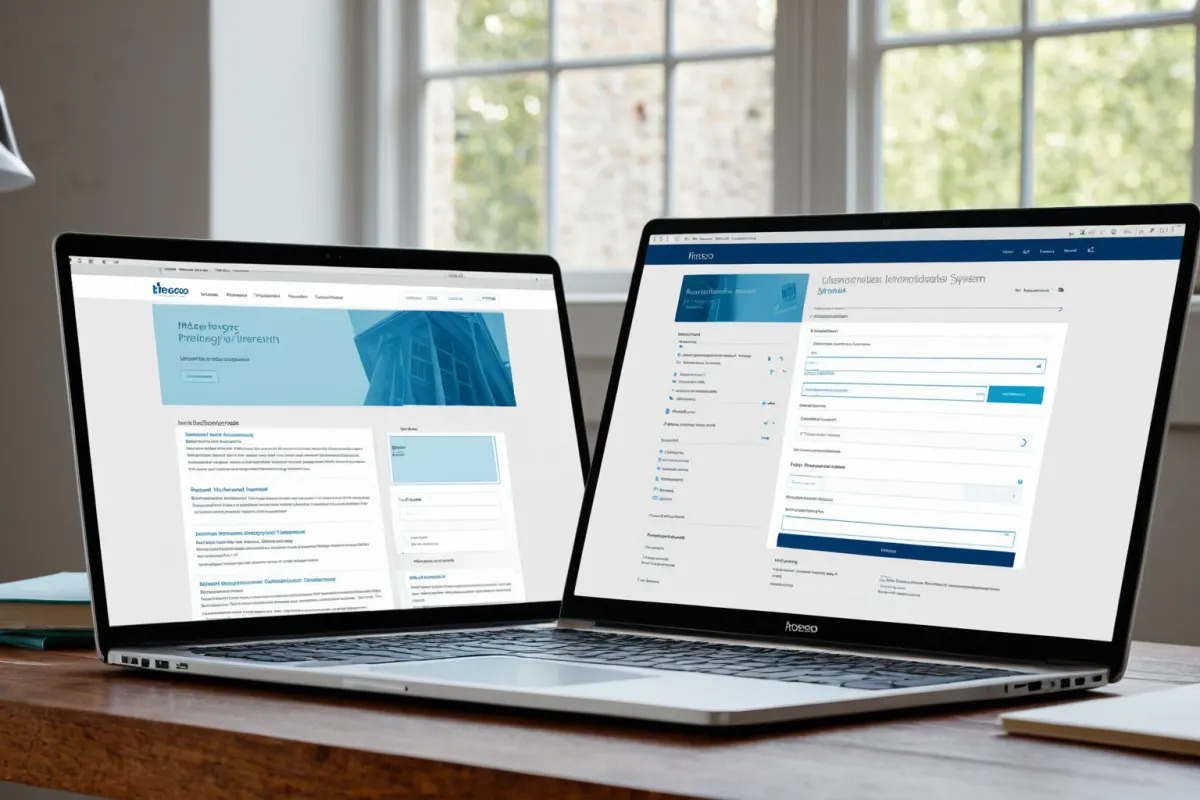
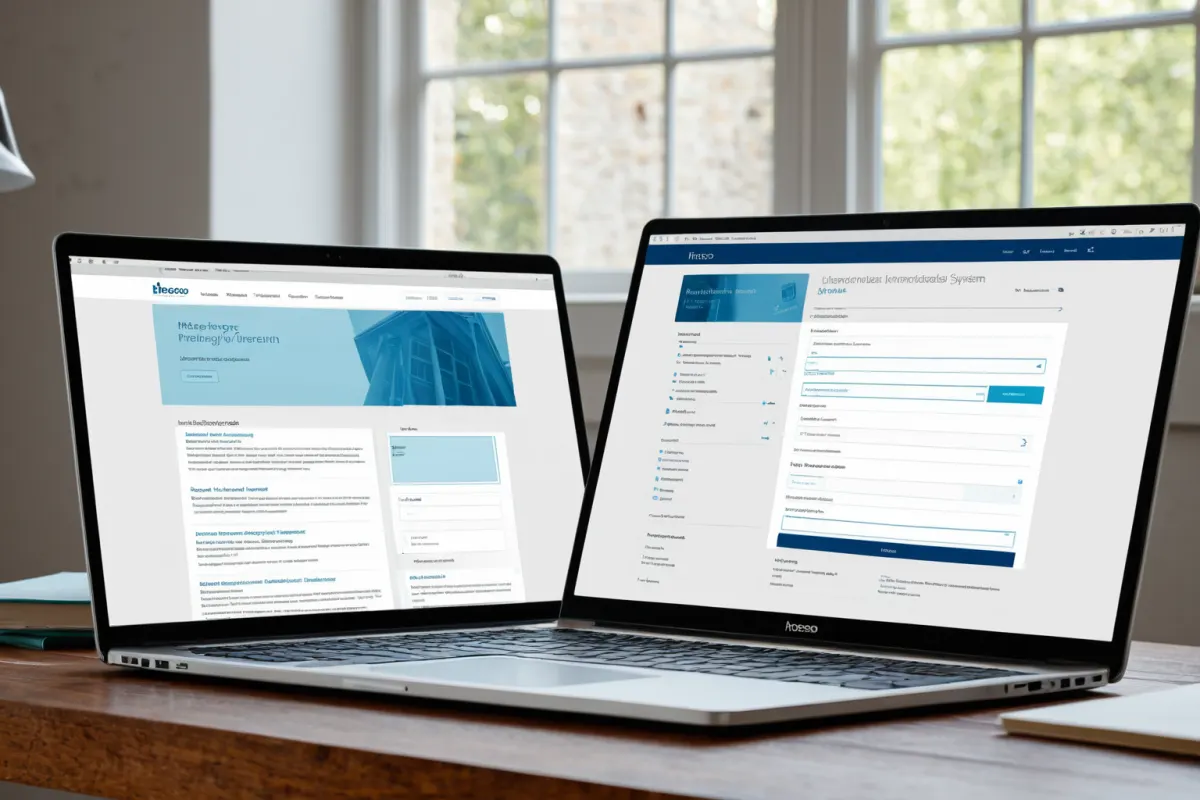
Login Procedure for Hoseo University's Integrated Information System
Hoseo University's Integrated Information System is a next-generation administrative information system that supports various functions for students and staff, including checking class attendance, viewing grades, and enrolling in courses. Developed in collaboration with Tomato Systems starting March 2022, the system was completed in June 2023.
To log in, students and staff can click on the 'Integrated Information System' menu from Hoseo University's homepage or directly access https://sis.hoseo.ac.kr. The user ID is your student number or staff ID, and the initial password matches this identifier.
During the first login, changing the password is mandatory. Afterward, you can continue using the account. Note that the system only works properly on updated web browsers; using older versions may cause compatibility issues.
Important Notes for Using the Integrated Information System
When using Hoseo University's Integrated Information System, please be sure to check the following: First, the initial password is set as your student number or staff ID. Therefore, you must complete the password change process during your first login and follow the password rules (at least 8 characters including uppercase and lowercase letters). Second, for students, enrollment periods and grade viewing times are scheduled, so it's important to check these dates in advance. Specifically, grade release dates are typically set about two weeks after the end of each semester. Third, if system issues arise, contact the support center at 041-530-7777 for prompt resolution. Especially during the start and end of semesters, server overload may occur, so it's advisable to prepare by logging in ahead of time.
Background on Building the Integrated Information System
Hoseo University began a next-generation administrative information system project with Tomato Systems in March 2022. The goal was to improve information accessibility for students and staff while integrating various functions. By June 2023, the system was completed, enabling students to access key services such as checking class attendance, viewing grades, and enrolling in courses. This milestone is considered an important step in Hoseo University's pursuit of educational technology innovation.
The collaboration with Tomato Systems started in March 2022, followed by detailed system design and development. The system was finalized in June 2023, beginning to provide services aimed at improving student convenience.
Background on Hoseo University's Integration Plan with Nazarene University
Hoseo University is also advancing a separate integration plan with Nazarene University as part of the 'RISE' structural innovation program. This was mentioned in a March 24, 2025, article from Daejeon Ilbo. However, this integration effort is unrelated to the Integrated Information System project. The system focuses on enhancing convenience for students and staff, while the university merger is part of a separate administrative plan.
After completing the next-generation administrative information system in June 2023, Hoseo University has been conducting student satisfaction surveys to identify areas for further improvement. This aligns with their goal of providing student-centered services alongside educational technology innovation.
Additional Notes and Solutions for System Usage
The Integrated Information System only operates properly on updated web browsers, so users must ensure they are using the latest version. It's also recommended to regularly check notices provided within the system. If login fails, it's often because the initial password hasn't been changed; therefore, completing this step during first access is critical. If you forget your password, contact the Student Support Center at 041-530-7777 for reset assistance.
During semester start and end periods, server overload may occur, so planning your login times in advance is advisable. Specifically, grades are typically released about two weeks after the semester ends, so you'll need to wait until that date to view them.
Key Information to Verify
The specific login methods and precautions for Hoseo University's Integrated Information System were not detailed in this resource. For accurate information, please verify directly:
- Access the 'Integrated Information System' menu from Hoseo University's homepage (https://www.hoseo.ac.kr)
- The initial password is set to your student number or staff ID and must be changed
- Check semester schedules and grade release dates on the university website
- Contact the support center at 041-530-7777 for system issues
Frequently Asked Questions
Do I need to change my password when logging into Hoseo University's Integrated Information System for the first time?
No, the initial password is set as your student number or staff ID. Therefore, changing it during your first login is mandatory.
When can I view my grades on the Integrated Information System?
Grade release dates are typically set about two weeks after the end of each semester. Specific dates will be posted on the university website.
What should I do if the Integrated Information System doesn't work in my web browser?
Use an updated version of your web browser or contact the Student Support Center at 041-530-7777 for assistance.
Frequently Asked Questions
Hoseo University's Integrated Information System, completed in June 2023, supports various services for students and staff. Mandatory password changes during first login and using updated browsers are essential, while key features like grade viewing depend on academic schedules.
Hoseo University is pursuing educational technology innovation through this system, aiming to enhance student-centered service delivery. Users should follow the provided precautions for smooth usage.
Additional information about the Integrated Information System can be found on Hoseo University's official website.
You can view similar articles in one place.
View Related ArticlesFAQ
Do I need to change my password when logging into Hoseo University's Integrated Information System for the first time?
No, the initial password is set as your student number or staff ID. Therefore, changing it during your first login is mandatory.
When can I view my grades on the Integrated Information System?
Grade release dates are typically set about two weeks after the end of each semester. Specific dates will be posted on the university website.
What should I do if the Integrated Information System doesn't work in my web browser?
Use an updated version of your web browser or contact the Student Support Center at 041-530-7777 for assistance.
Korean Source
This article is an English localization of a Korean-language report from BlogScore. Original: 호서대학교 통합정보시스템 로그인 방법 및 주의사항