
How to Install Anaconda Python: A Step-by-Step Guide for Beginners
Step-by-Step Guide to Installing Anaconda Python
Anaconda is a Python distribution designed for data science and AI development, optimized for Jupyter Notebook and data analysis tasks. As of February 2020, it's commonly used as a practical environment, especially recommended when installing TensorFlow and Keras.
Installing Anaconda involves downloading from the official website and following step-by-step instructions. First, visit the Anaconda homepage (https://www.anaconda.com) and select the version compatible with your operating system. Windows, macOS, and Linux are all supported, with 64-bit versions recommended.
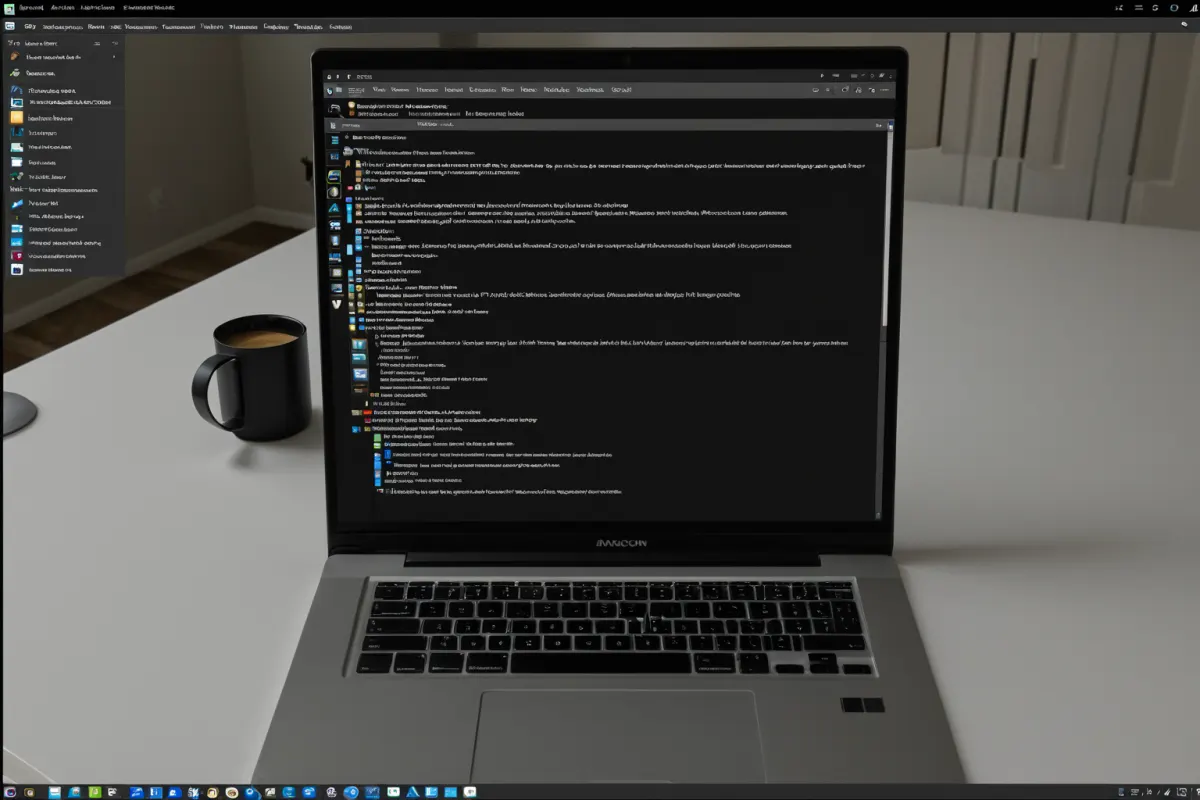
Anaconda Installation Process
After downloading the installation file, run it to start the setup wizard. You can proceed with default settings, but selecting the 'All Users' option ensures the installation applies to all users on the system. Keep the installation path as default without changing it.
Once installed, launch 'Anaconda Navigator' from the main menu. This provides access to Jupyter Notebook and various data science tools. Python 3.x is included by default, along with many pre-installed libraries.
Important Notes When Using Anaconda
Anaconda supports multiple languages like Python, R, D, and Perl, but it's specialized for data science tasks. To manage additional packages after installation, use the 'conda' command. For example, you can install libraries with 'conda install numpy'.
For TensorFlow and Keras, Anaconda is recommended as a preferred method of installation. The official documentation suggests using either 'conda install tensorflow' or 'pip install tensorflow' commands.
Anaconda vs. Standard Python Installation
Standard Python requires manual configuration of the development environment, whereas Anaconda simplifies library management and environment setup. It makes it easier to install packages like TensorFlow, Pandas, and scikit-learn for data analysis and machine learning tasks.
As of February 2020, Anaconda is commonly used as a practical environment, supporting Pandas 1.0-based data manipulation methods widely used in data analysis work.
Using Anaconda in Data Science Education Programs
Anaconda is frequently utilized in data science education programs, providing an environment to practice from Python basics through machine learning. As of February 2020, it's standard practice to set up a data analysis and AI development environment using Anaconda.
Data science courses typically cover everything from basic Python syntax to data collection, analysis, visualization, and machine learning. Using Anaconda is recommended for installing TensorFlow and Keras, as it simplifies managing the libraries needed for deep learning and machine learning model development.
Building Your Own GPU Server for Deep Learning
Deep learning experts often want to build their own dedicated deep learning machines instead of relying on cloud services. Using Anaconda to install TensorFlow and Keras is recommended, with a self-built GPU server costing approximately 15-20 million won (around $13,000-$17,000).
Self-hosted deep learning machines are more cost-effective than cloud solutions and can recoup costs within 3-4 months. This provides an ideal environment for training large-scale models.
Managing Additional Packages After Anaconda Installation
Anaconda makes it easy to manage various libraries. Use 'conda' commands to install, update, or remove packages, and 'conda list' to view the current installed package list.
For example, to install the Pandas library for data analysis, use the command 'conda install pandas'. This tool is highly useful in data analysis workflows.
Frequently Asked Questions
What Python version comes with Anaconda after installation?
Anaconda includes Python 3.x by default. You can verify this upon completion of the installation.
Can I install TensorFlow through Anaconda?
Yes, installing TensorFlow and Keras via Anaconda is recommended. You can easily do this with the 'conda install tensorflow' command.
What's the difference between Anaconda and PyCharm?
Anaconda is an integrated environment optimized for data science tasks, while PyCharm is a code editor. It's common to use both together.
You can view more articles on similar topics in one place.
View Related ArticlesFAQ
What Python version comes with Anaconda after installation?
Anaconda includes Python 3.x by default. You can verify this upon completion of the installation.
Can I install TensorFlow through Anaconda?
Yes, installing TensorFlow and Keras via Anaconda is recommended. You can easily do this with the 'conda install tensorflow' command.
What's the difference between Anaconda and PyCharm?
Anaconda is an integrated environment optimized for data science tasks, while PyCharm is a code editor. It's common to use both together.
Korean Source
This article is an English localization of a Korean-language report from BlogScore. Original: 아나콘다파이썬 설치 방법: 초보자도 쉽게 따라할 수 있는 단계별 가이드