
How to Edit Photos for Free with PHOTOSCAPE: A Beginner's Guide
Downloading and Installing PHOTOSCAPE
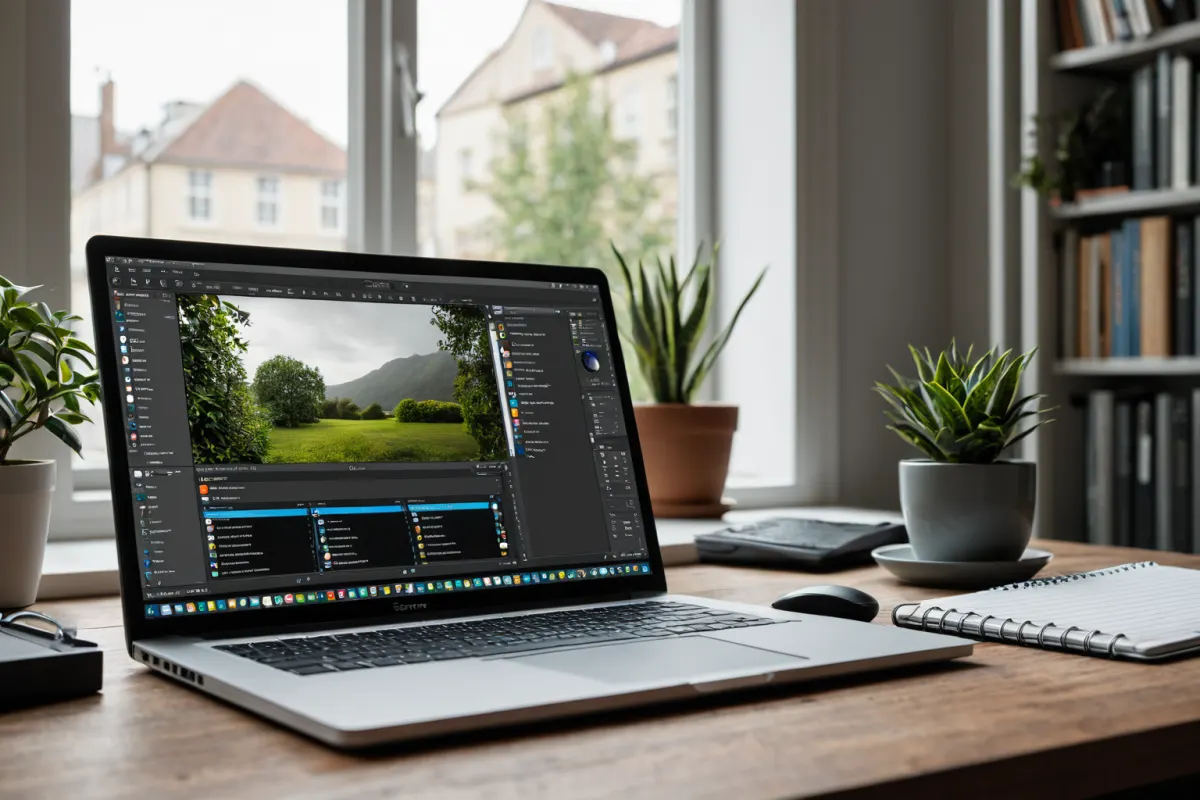
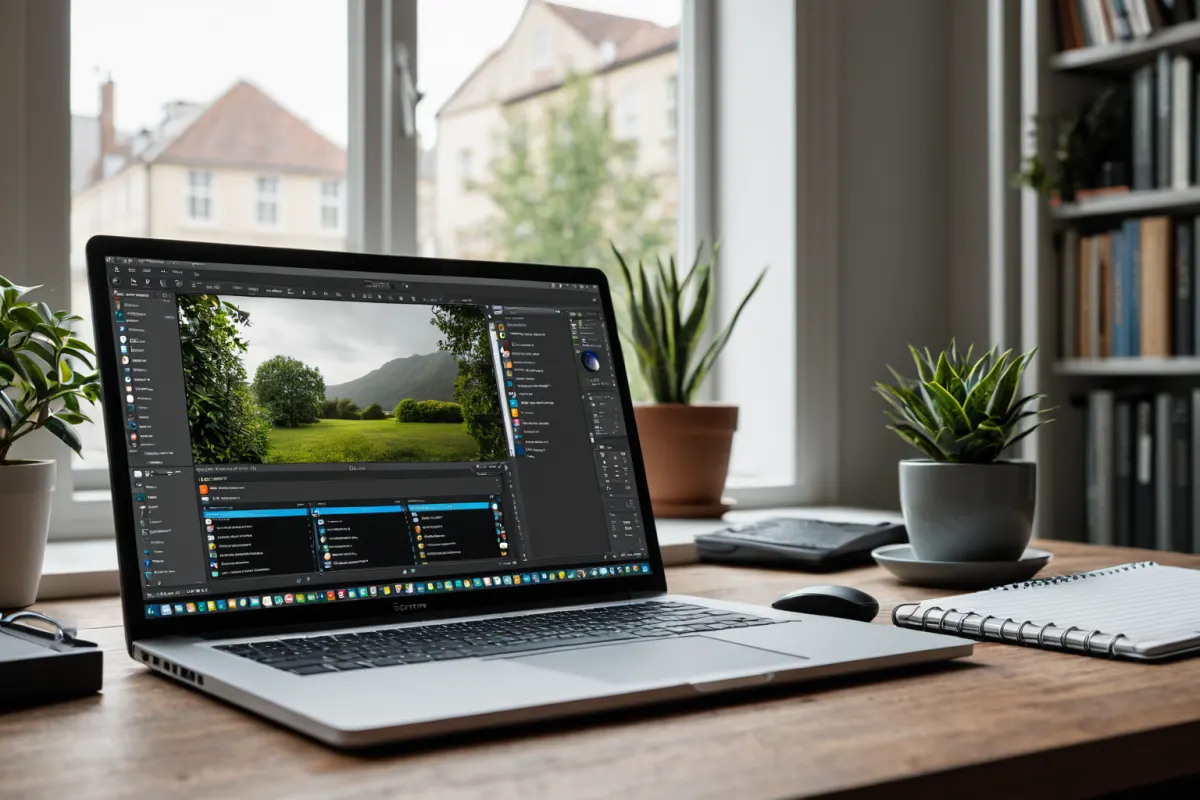
PHOTOSCAPE is a free photo editing program that provides image viewing, editing, conversion, and printing features. Its website is photoscape.co.kr, and it’s designed to be easy for beginners to use.
Main Features of PHOTOSCAPE
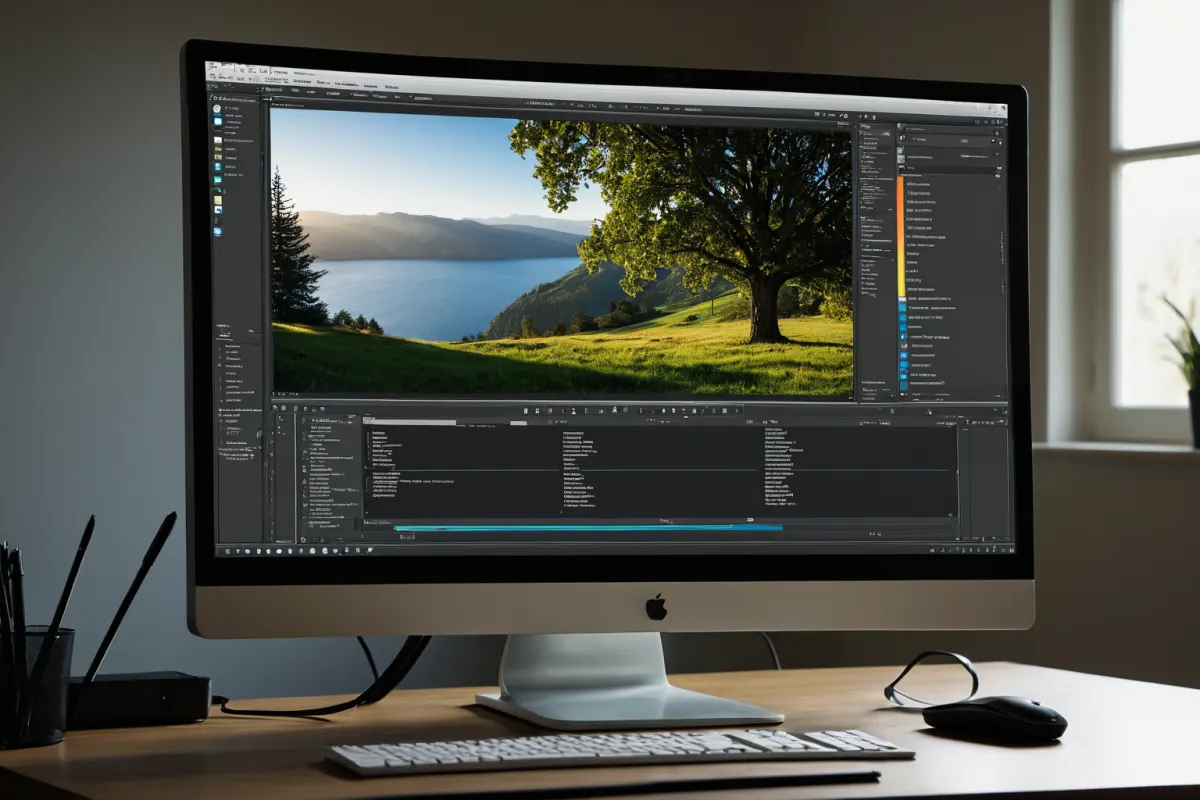
PHOTOSCAPE offers a variety of photo editing tools. You can view images with its built-in viewer, adjust size, apply filters, and remove backgrounds using the editing features. The conversion tool lets you save files in formats like JPG, PNG, or GIF.
The processing feature helps add stickers or text to photos, while the printing function allows direct output to a printer. All these features are available for free, so there’s no cost to use them.
Step-by-Step Guide to Using PHOTOSCAPE
After installing PHOTOSCAPE, click the 'Open' button on the main screen to load your photos. From the editing menu, select options like 'Crop,' 'Resize,' or 'Adjust' to apply desired effects.
The 'Adjust' feature is particularly useful for beginners as it allows easy adjustment of brightness, contrast, and color tone. The background removal tool can be found under 'Remove Background' and applies simply without complex steps.
To save your edited photos in a different format, choose 'Save As.' For printing, click the 'Print' button to adjust printer settings and output your photo.
Comparing PHOTOSCAPE with Other Free Photo Editing Programs
Other free photo editing tools include Google Picasa, MS Windows Live Photo Gallery, and PhotoWorks. PHOTOSCAPE is a Windows-only program known for its user-friendly interface.
Picasa offers strong search capabilities and automatic adjustments, but PHOTOSCAPE provides more editing options for finer photo customization. PhotoWorks features over 200 frame styles, while PHOTOSCAPE excels in conversion tools.
Useful Tips for PHOTOSCAPE
Designed to be beginner-friendly, PHOTOSCAPE lets you undo mistakes with the 'Undo' button during editing. The 'Batch Processing' feature saves time by allowing multiple photos to be edited at once.
Adjusting brightness and contrast in the 'Adjust' menu can significantly improve photo quality. Background removal is especially helpful for portrait editing, and adding stickers makes it ideal for creating social media content.
Frequently Asked Questions
Is PHOTOSCAPE free to use?
Yes, PHOTOSCAPE is completely free with no additional costs for any features.
How do I remove backgrounds in PHOTOSCAPE?
Select 'Remove Background,' choose the area you want to eliminate, and apply it easily without complex steps.
Which operating systems support PHOTOSCAPE?
PHOTOSCAPE is available only for Windows. It’s not compatible with Mac or Linux systems.
References
- Five Free Windows Photo Editing Programs to Replace Photoshop (www.itworld.co.kr)
- [Kim's Mac Guide] 3. Installing Software (it.donga.com)
- How to Make Family Photos from May 2013 'OK' (www.mt.co.kr)
You can find more articles on similar topics in one place.
View Related ArticlesFAQ
Is PHOTOSCAPE free to use?
Yes, PHOTOSCAPE is completely free with no additional costs for any features.
How do I remove backgrounds in PHOTOSCAPE?
Select 'Remove Background,' choose the area you want to eliminate, and apply it easily without complex steps.
Which operating systems support PHOTOSCAPE?
PHOTOSCAPE is available only for Windows. It’s not compatible with Mac or Linux systems.
Korean Source
This article is an English localization of a Korean-language report from BlogScore. Original: PHOTOSCAPE로 무료 사진 편집하는 법: 초보자도 쉽게 따라할 수 있어