
How to Easily Find KTX Schedules on Korail Booking App
Step-by-Step Guide to Finding Schedules on Korail Booking App
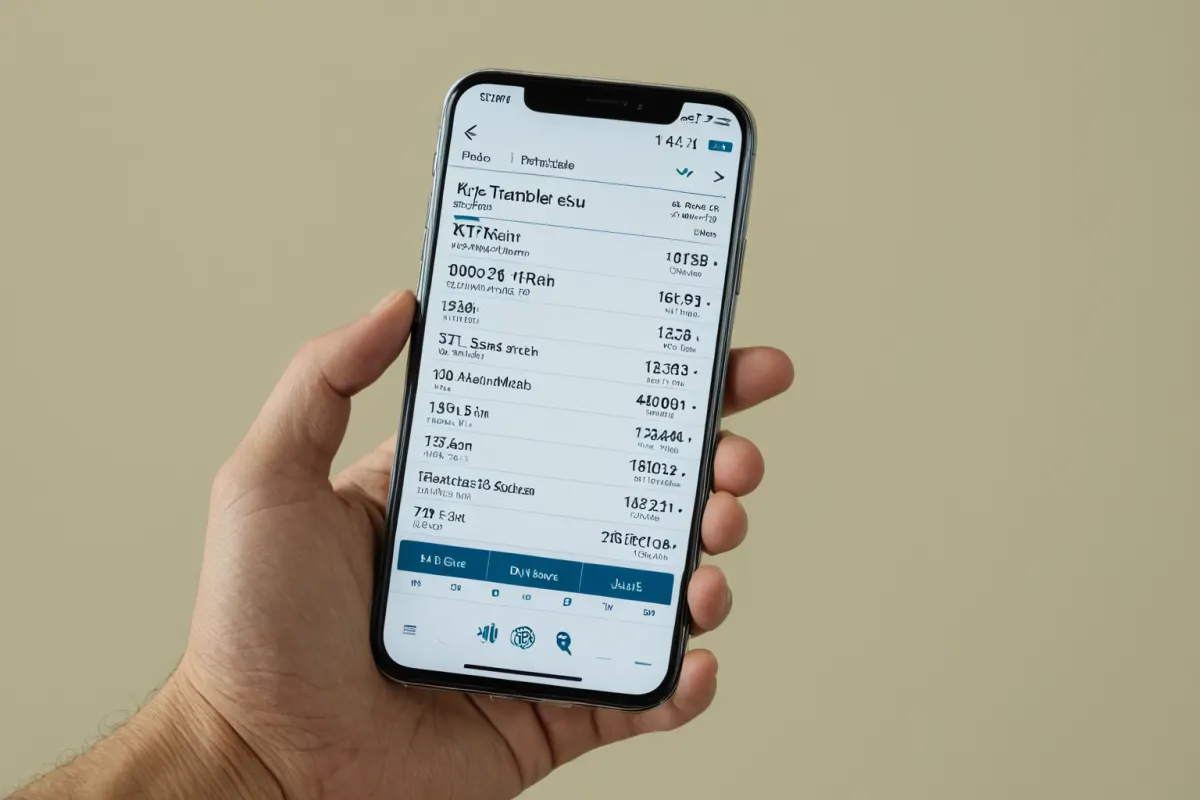
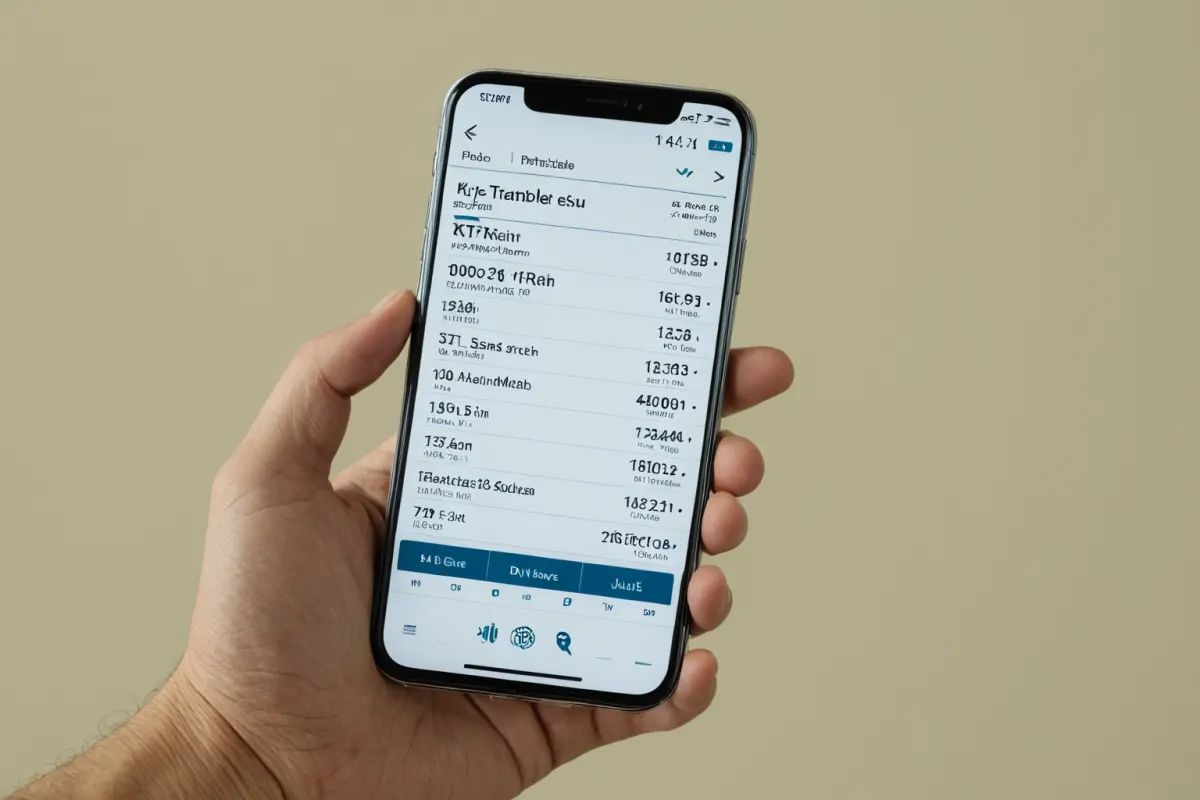
The fastest way to find KTX schedules in the Korail booking app is to click the 'Schedules' tab directly. Both the existing Korail app and the newly launched 'Korail+' app include built-in schedule search features, with full integration for KTX and SRT bookings starting August 3, 2026.
After opening the app, select the 'Schedules' or 'Bookings' tab on the main screen to enter departure and arrival stations. To find KTX schedules from Seoul Station to Busan, search for 'Seoul', then select 'Busan'—all trains for that route will appear.
Quickly Find Your Preferred Train with Schedule Filters
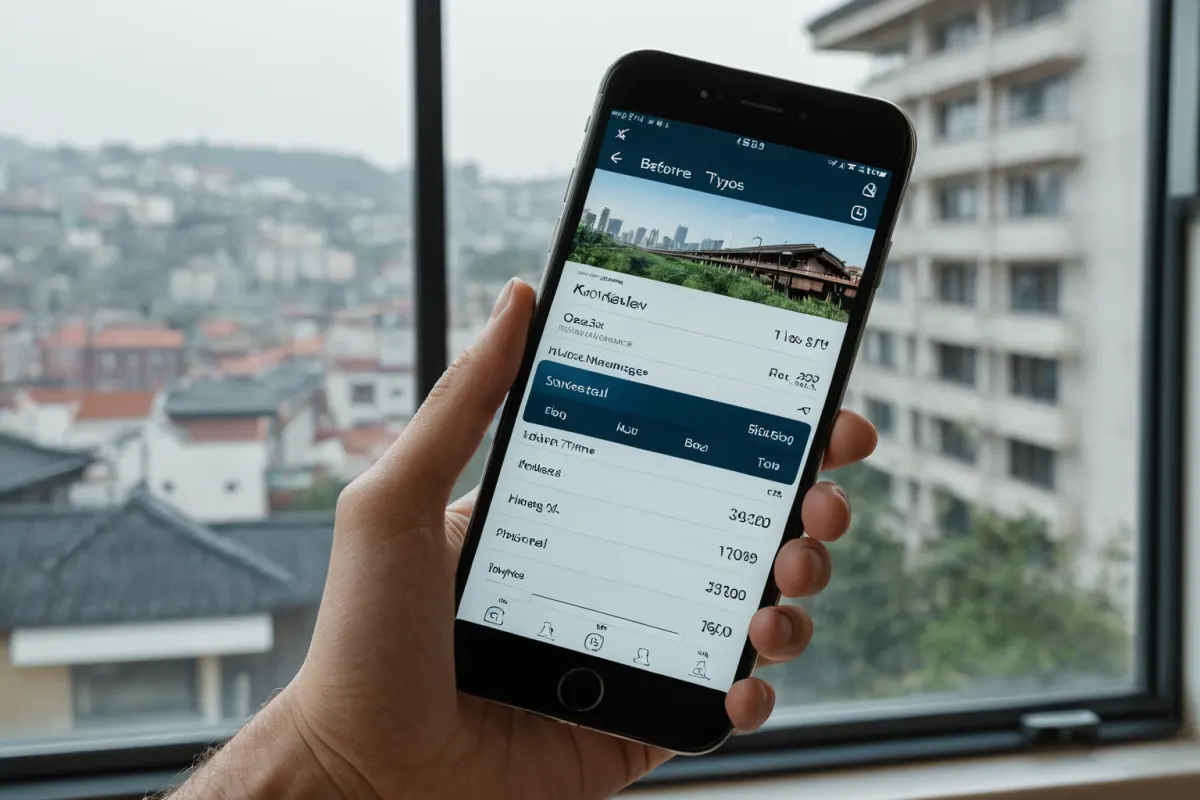
Schedule listings are sorted by departure time. Use filters like 'AM/PM' or 'Express/Ordinary' to select your preferred train type. For example, to see only KTX trains departing before 8 AM, filter by 'Departure Time: Before 8 AM'.
Filter options can be found under the 'Options' button at the bottom of the app screen. Browse through time-based listings and choose a train that fits your schedule for booking.
Enhanced Booking Convenience with New 'Korail+' App
The newly launched 'Korail+' app, set to release on August 3, 2026, allows users to book both KTX and SRT trains in one place. Existing Korail app users will need to switch to the integrated app starting September 2026, which provides step-by-step guidance from schedule search to payment.
Within the 'Schedules' tab of the new app, enter your departure and arrival stations to view all available trains for that route. The integrated app offers a more intuitive interface than the previous version, displaying time-ordered listings clearly.
Important Things to Check Before Booking
Before booking after finding schedules, always check 'Seat Availability' and 'Fare' information. The seat selection screen shows remaining seats and fare details.
Notably, starting September 2026, rail fares will average a 10% reduction, with the integrated app providing this updated pricing information. You'll see reduced prices during booking to help you save money.
Frequently Asked Questions
Q: Can I continue using my current Korail app?
A: Starting in September 2026, bookings will only be available through the 'Korail+' app. Both apps can be used until late August 2026, but after September 1st, you cannot book via the old Korail app.
Q: I don't see schedule filtering options.
A: Tap the 'Options' button at the bottom of the screen to select filters like departure time and train type. If filters are missing, check for an app update.
Q: What happens to my existing bookings when switching apps?
A: Bookings made before September 1, 2026 will remain valid and can be viewed in the new 'Korail+' app. However, all future bookings must be done through the integrated app starting September 1st.
References
- 'Rural Tour Pass' for Population Decline Areas Implemented [Policy Interview] (www.ktv.go.kr)
- 'Waiting List 100,000 People'… KTX Chuseok Booking Still 'War' (www.kjdaily.com)
- Korail & SR to Fully Integrate by End of 2027… 'Suseo-bound KTX' Starting March (www.edaily.co.kr)
You can view similar articles all in one place.
View Related ArticlesFAQ
Can I continue using my current Korail app?
Starting in September 2026, bookings will only be available through the 'Korail+' app. Both apps can be used until late August 2026, but after September 1st, you cannot book via the old Korail app.
I don't see schedule filtering options.
Tap the 'Options' button at the bottom of the screen to select filters like departure time and train type. If filters are missing, check for an app update.
What happens to my existing bookings when switching apps?
Bookings made before September 1, 2026 will remain valid and can be viewed in the new 'Korail+' app. However, all future bookings must be done through the integrated app starting September 1st.
Korean Source
This article is an English localization of a Korean-language report from BlogScore. Original: 코레일 예매 앱에서 KTX 시간표를 쉽게 찾는 방법