
How to Connect Time Clocks for Accurate Attendance Tracking: From Clock In to Leave Management
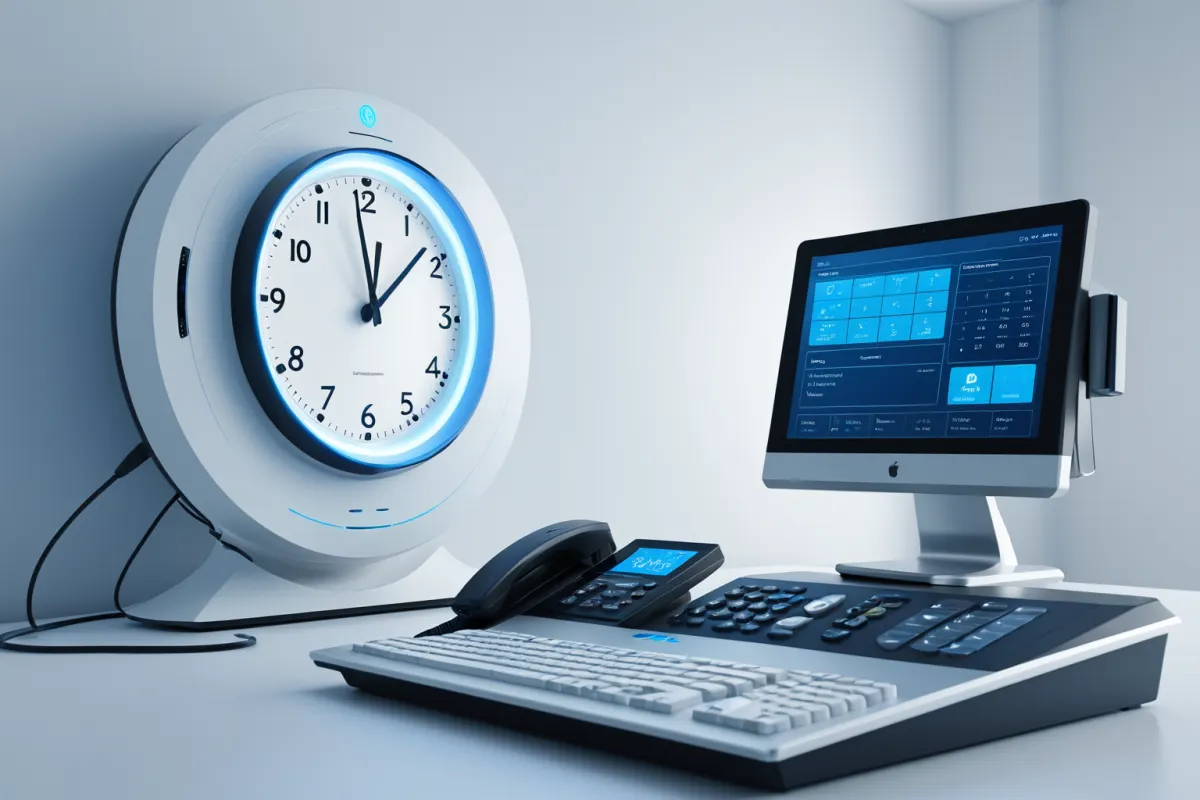
Connecting your time clock isn't as complicated as you might think. The key is transferring the recorded time data from the time clock accurately to your attendance management system, ensuring it properly reflects absences, tardiness, and overtime. It's not just about connecting the device—it requires aligning the transmission method with your attendance rules for smooth operation.
Especially if you're using fingerprint or card-based time clocks, it's important to first confirm where data is stored, how often it transfers, and what criteria are used to calculate attendance. Getting these details right ensures seamless integration with electronic approval systems and payroll processing.
Why You Need Time Clock Integration
Managing attendance manually through paper logs or spreadsheets can lead to errors from simple typos—like recording 9:00 AM instead of 8:58 AM for a late arrival. With integrated time clocks, the original recorded times are automatically applied, reducing input mistakes.
For example, if an employee arrives at 8:58 AM but is mistakenly logged as arriving at 9:00 AM, it could incorrectly flag them as tardy. With integration, the actual clock-in data determines attendance status, making this especially effective for companies using both on-site management systems and attendance software.
Find similar articles in one place.
View Related ArticlesBasic Structure of Time Clock Integration
Time clock integration typically follows a device → collection software or server → attendance management system flow. Data can be pulled directly from the device or sent in real-time over a network.
In practice, these methods are commonly used:
- Transferring records via USB or file export
- Sending data through wired LAN to a server
- Automatically syncing via Wi-Fi or cloud services
- Connecting fingerprint scanners with dedicated software and your attendance system
Small businesses often find file upload methods sufficient, while larger organizations or those with complex shift schedules benefit more from automated transfer systems.
Key Items to Verify Before Integration
Before connecting your system, it's crucial to understand how the device and software exchange data. Even similar time clocks may store data differently depending on the manufacturer, and attendance management systems accept different formats.
Important items to verify include:
- Device model and firmware version
- How time records are stored
- Transfer frequency and automatic sending capability
- Supported integration methods for your attendance system
- Availability of internal network connectivity
A common oversight is time synchronization. Even a two-minute discrepancy between the device clock and standard time can affect arrival time recognition, so it's best to align them before connecting.
Why Attendance Rule Configuration Matters Most
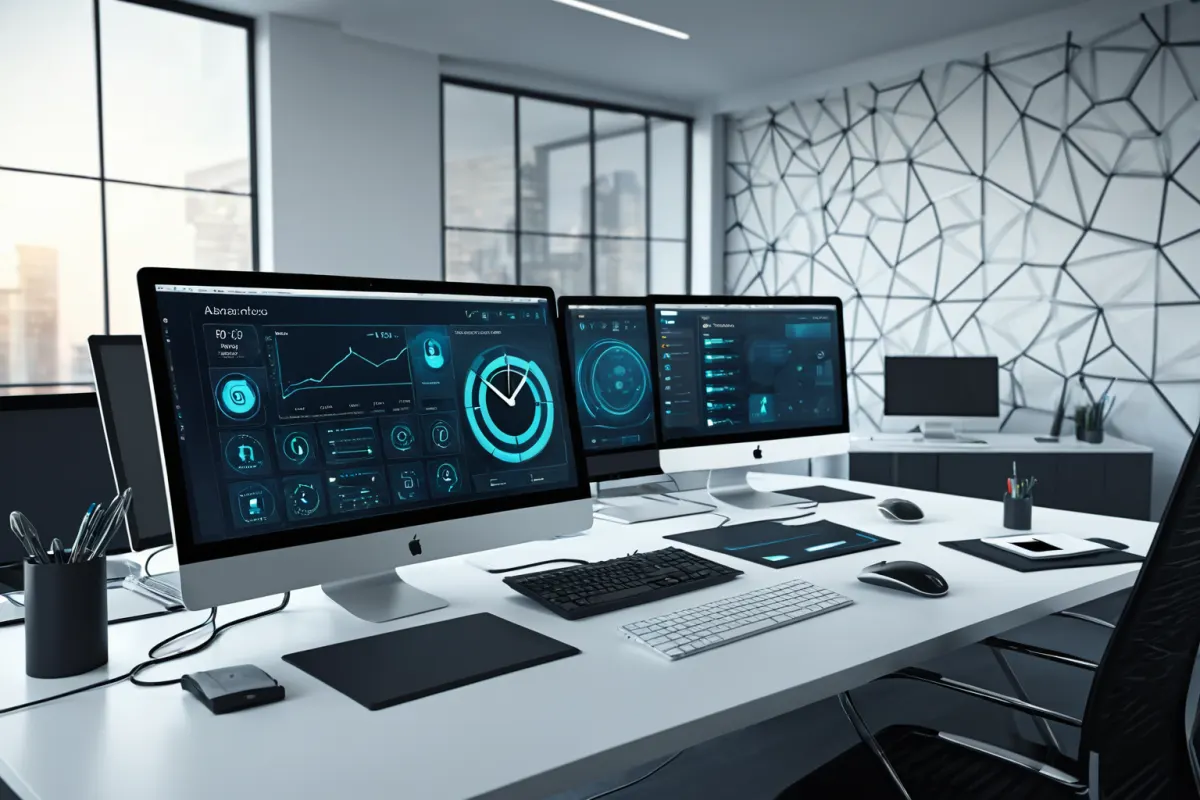
Simply importing time clock data isn't enough—actual attendance requires setting specific rules for start times, break periods, regular work hours, and overtime calculation. These criteria determine how records are automatically categorized as tardiness, early departure, or overtime.
For example, if a company sets 9:00 AM arrival and 6:00 PM departure with a one-hour lunch break, an employee clocking out at 6:30 PM would be recognized as working 30 minutes of overtime. Without proper break rules, actual work hours could be miscalculated as longer than they are.
Common Connection Issues in Practice
Even when the connection works properly, attendance may not reflect correctly due to common issues like duplicate entries, incorrect time settings, or mismatched employee IDs. Fingerprint scanners often create duplicate logs if an employee presses the button multiple times during check-in.
For instance, if a normal clock-in is recorded at 8:57 AM and out at 6:02 PM but extra entries like 12:10 PM and 1:05 PM are mistakenly classified as break time, total work hours could be miscalculated. It's recommended to review actual data for one or two weeks after initial setup to identify exceptions.
Another common issue is integration with electronic approval systems. If vacation, business trip, or remote work approvals aren't reflected in attendance records, the system may incorrectly flag employees as absent even if their clock-in data is accurate. Verify whether your attendance management system can read approval statuses from these systems.
A Simple Step-by-Step Guide for Beginners
If you're new to this, break it down into clear steps instead of trying to complete everything at once. This approach helps avoid missing errors during setup.
- Confirm your time clock model and supported features
- Determine the data format required by your attendance management system
- Match employee IDs with device registration information
- Synchronize the device clock with server time
- Test with a day's worth of sample data to verify proper attendance reflection
- Apply vacation, business trip, and tardiness rules to review results
For example, in a small office with five employees, start by testing just one day's clock-in and out records to ensure they match correctly. This simple test can prevent many issues that might arise during full-scale operation.
Systems That Work Well With Time Clock Integration
Time clock integration is more than just for attendance management—it can also connect with production or equipment management systems as your team grows. For on-site workers, linking who used which equipment and when makes management significantly smoother.
Additionally, attendance data integrates well with payroll processing, HR records, and electronic approval systems. While you don't need to set up all features at once, planning for future expansion by designing a data structure that supports growth is wise.
Pro Tips for Smooth Operations
Maintaining your time clock system matters more than installation itself. When staff changes or departments reorganize, registration information can become outdated—so update employee accounts and device access whenever someone joins or leaves the company.
For biometric devices like fingerprint scanners, also consider security policies around data storage duration and access permissions. Aligning these with internal policies prevents future issues.
An important point often overlooked is exception handling. Employees who frequently work remotely, take business trips, or have rotating shifts require special rules beyond standard clock-in records to ensure accurate tracking. Configure specific rules in your attendance management software for these cases.
FAQ
Q1. Does installing a time clock automatically reflect attendance?
A1. No. You need both data collection and proper attendance rule configuration to automatically calculate tardiness, early departure, and overtime.
Q2. Are fingerprint scanners included in time clock integration?
A2. Yes. Fingerprint scanners are a common type of time clock used with dedicated software or integrated directly into attendance management systems.
Q3. Is integration necessary for small businesses?
A3. Even small teams benefit from reducing manual input errors, though file upload methods may suffice instead of full automation depending on your workflow.
Time clock integration isn't just about replacing equipment—it's a process that aligns attendance rules and approval workflows. What seems like simple connection at first requires precise matching of data formats and time standards for accurate operation. Since supported features and integration options can vary by manufacturer and software version, double-checking before implementation is always safer.
Continue exploring similar topics.
Browse Category ArticlesFAQ
Does installing a time clock automatically reflect attendance?
No. You need both data collection and proper attendance rule configuration to automatically calculate tardiness, early departure, and overtime.
Are fingerprint scanners included in time clock integration?
Yes. Fingerprint scanners are a common type of time clock used with dedicated software or integrated directly into attendance management systems.
Is integration necessary for small businesses?
Even small teams benefit from reducing manual input errors, though file upload methods may suffice instead of full automation depending on your workflow.
Korean Source
This article is an English localization of a Korean-language report from BlogScore. Original: 출퇴근기록기 연동 방법 정리: 출근기록기부터 근태 반영까지