
How to Choose Components at Micron Electronics Shopping Mall
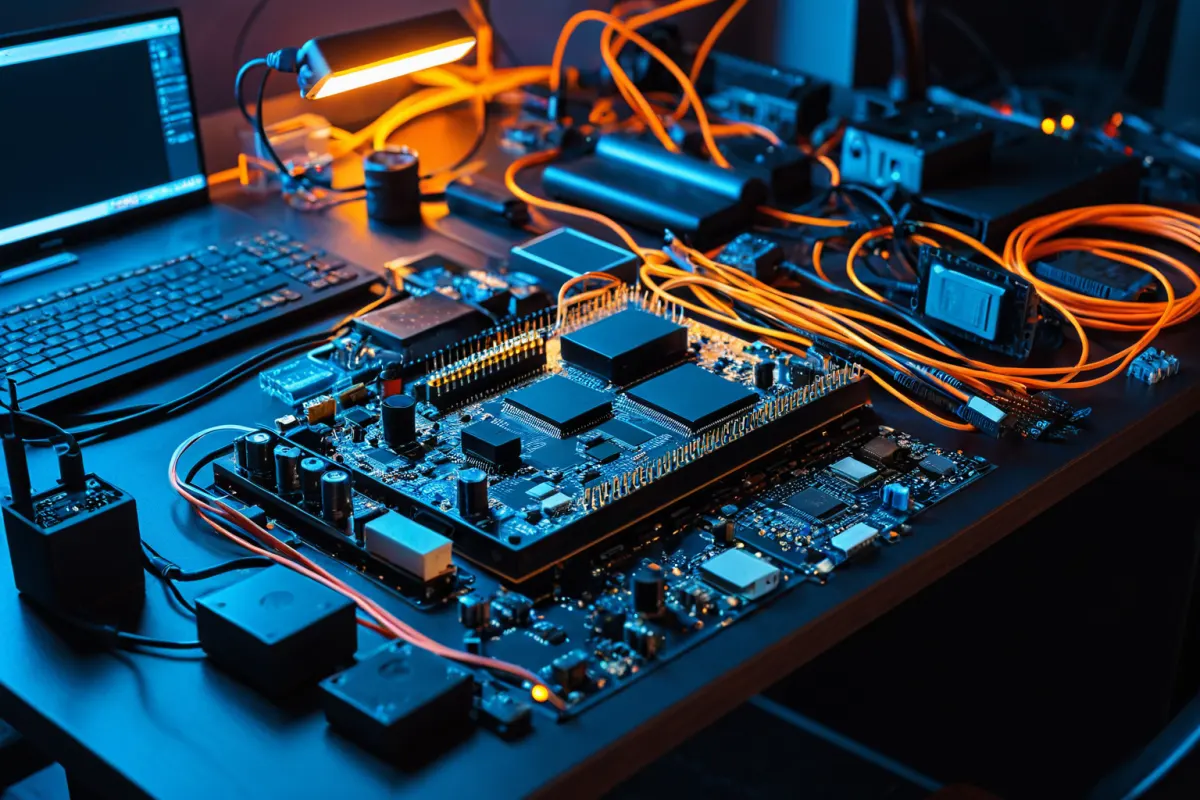
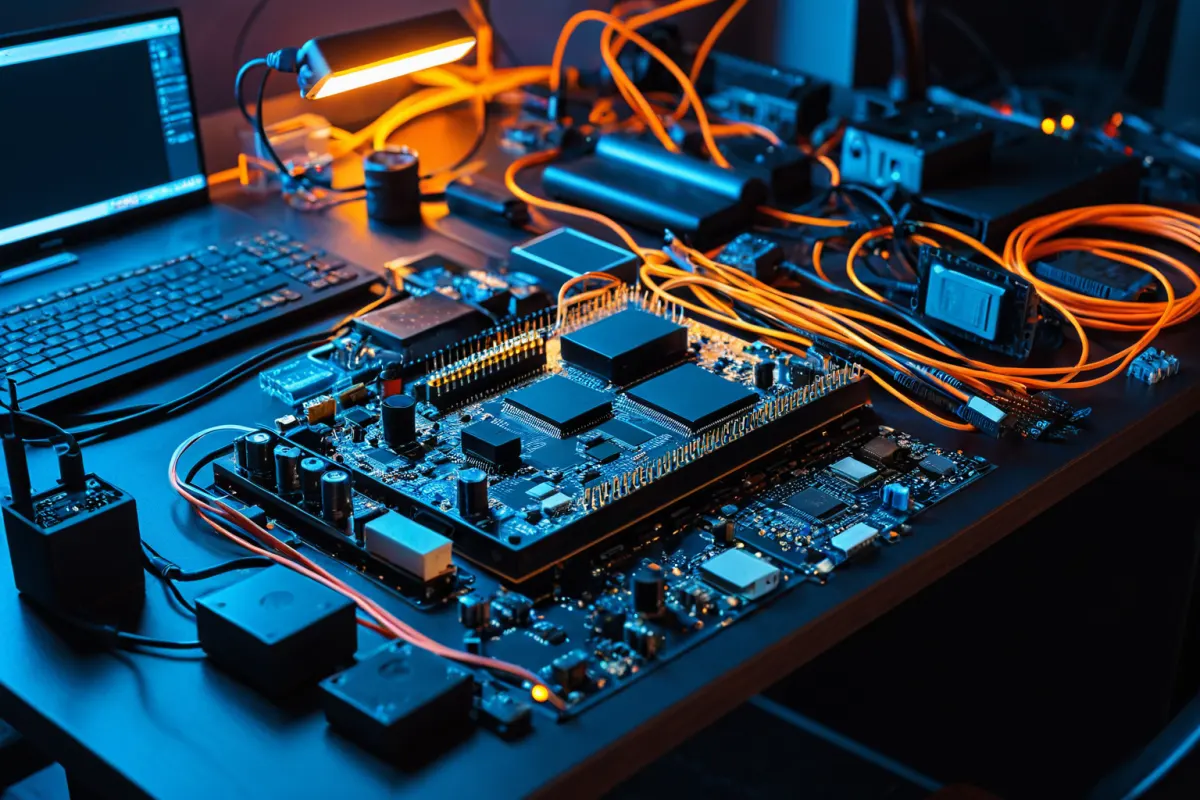
When choosing components at Micron Electronics Shopping Mall, check compatibility, specifications, and stock status before considering price. Especially for parts used with devices like Arduino or Raspberry Pi, relying solely on product names can lead to failure—they must match voltage, pin spacing, and operating methods.
Though there are many options at first glance, the criteria are simple: Does it work with your current board, do you need that quantity, and is soldering required? Filtering by these basics makes selection much easier.
Compatibility Is Key
The first thing to check in an electronics shopping mall is the specification sheet. Even for the same sensor, compatibility depends on whether it’s designed for 3.3V or also works with 5V. Devices like Raspberry Pi 5 are voltage-sensitive, and missing this detail can cause immediate malfunctions.
For example, when selecting an Arduino sensor, verify its operating voltage, signal output type, and interface type. Whether it uses I2C, SPI, or analog output determines how you wire it up.
Don’t trust terms like “universal” or “compatible” in product names—check the detailed specifications on the page. At places like Micron with broad component ranges, even within the same series, small differences matter.
You can find similar articles all in one place.
View Related ArticlesWhat to Check on Product Detail Pages
By checking just these items on the detail page, you can avoid many failures:
- Operating Voltage: Confirm 3.3V, 5V, or input range
- Pin Layout: Whether it fits directly into a breadboard or needs jumper wires
- Size: Whether it fits in your case or has space constraints
- Quantity: Sold individually or as a set
- Included Accessories: Whether cables, headers, or screws are included
Arduino kits can be beginner-friendly, but they often include extra parts. If you only need a sensor, buying a bundled module set may leave unused components—so clarify your purpose to avoid waste.
Conversely, Raspberry Pi accessories require attention to power specifications and storage compatibility. For example, microSD cards or power adapters might seem interchangeable, but choosing poorly can cause boot instability.
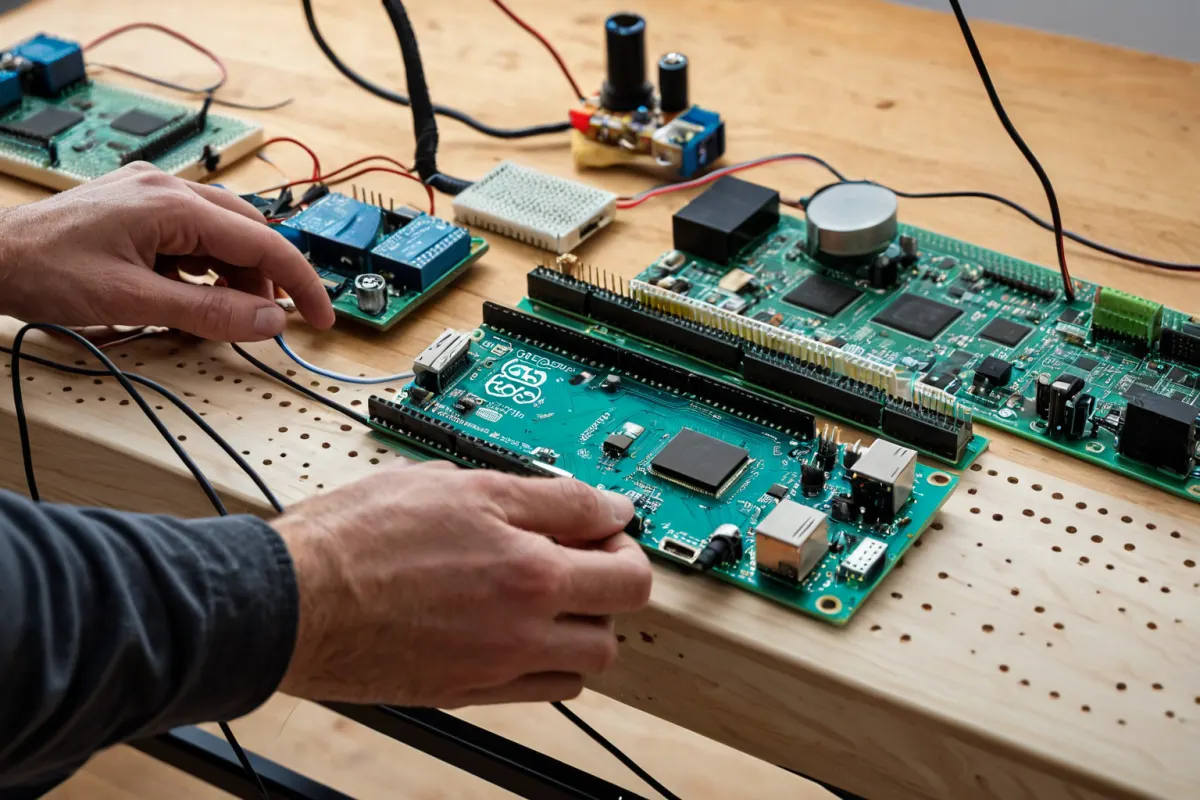
Common Confusions in Micron’s Product Range
Micron Electronics Shopping Mall has many similar-sounding components that can be confusing. To sort them out, focus on the purpose rather than features: Is it a sensor, controller board, storage device, or connector?
For example, Arduino sensors are categorized by what they measure—temperature, distance, light—and each type uses different output methods. Power-related parts prioritize rated current and stability over similar names.
Avoid thinking of components like finished products (e.g., Hasbro toys)—electronic parts are judged by numbers and specifications. Use product images as reference only; rely on specs for decisions.
Pre-Purchase Checklist
For first-time component selection, follow this order:
- Determine your project’s purpose
- Check your board’s voltage and interface
- Calculate the exact quantity needed
- Verify included accessories
- Review specs over reviews
For instance, if you want to connect a temperature-humidity sensor to Raspberry Pi 5, first check compatibility with 3.3V, then confirm I2C support. Next, see if jumper wires are needed or if it fits directly on a breadboard.
If you’re just starting with Arduino for basic button input, begin with simple components like push buttons, resistors, and jumper wires instead of complex modules—they have fewer failure points.
Stock and Shipping Matter More Than Price
Electronics parts are useless if they don’t arrive when needed. Even slightly cheaper items can be problematic if stock is unstable or shipping takes too long. Especially for small orders, consider total cost including shipping.
A simple example: Buying multiple 1,000 won components separately increases shipping costs more than buying them all at once. At malls like Micron with many options, filling your cart first and comparing everything in one go is efficient.
Even if stock levels are listed, low quantities can lead to quick sell-outs—so if your project timeline is tight, consider alternative parts as backups.
Common Beginner Mistakes
The most common mistake is assuming similar-looking products are identical. Electronic components may look alike but have different internal specs—especially connectors, converters, and sensor modules.
Another is treating bundled sets as a deal without checking if you need all the parts. While kits can be great for beginners, if you only need 2-3 items, buying a full kit might waste money. The best Arduino kits are those that include exactly what you need—not just many components.
For beginners, think of it as: one project = one core component + connection parts. For example, to control an LED, you only need the LED, resistor, jumper wires, and a board.
Additional Tips Before Purchasing
Before choosing components, also consider your usage environment. Will it be used indoors, outdoors, or while mobile? Is power stable? The same sensor might require different assembly methods for through-hole vs. breadboard use.
Also, whether the part is for educational purposes or actual production changes the criteria: easy assembly suits education, but durability and standardization matter more for real projects. Not knowing this can lead to buying something that seems good at first but requires replacement later.
Don’t get distracted by terms like “formal documents” in search results—when buying electronics, component specs and compatibility are the true priorities. Focus on your actual use case instead of confusing keywords.
FAQ
Q. What should I check first at Micron Electronics Shopping Mall?
A. Voltage, interface, and pin layout. Just getting these three right drastically reduces failure risk.
Q. Can Arduino components be used with Raspberry Pi 5?
A. Some can, but voltage and communication methods often differ—so always verify specs before connecting directly.
Q. Should beginners buy kits or single parts?
A. Kits may seem convenient for starters, but if your needs are clear, single parts are more efficient. It depends on the project.
Stock levels, prices, and product details change frequently—double-check before purchasing.
Keep exploring similar topics.
View Category ArticlesFAQ
What should I check first at Micron Electronics Shopping Mall?
Voltage, interface, and pin layout. Just getting these three right drastically reduces failure risk.
Can Arduino components be used with Raspberry Pi 5?
Some can, but voltage and communication methods often differ—so always verify specs before connecting directly.
Should beginners buy kits or single parts?
Kits may seem convenient for starters, but if your needs are clear, single parts are more efficient. It depends on the project.
Korean Source
This article is an English localization of a Korean-language report from BlogScore. Original: 마이크론 전자부품쇼핑몰에서 부품 고르는 법