
How to Buy Windows 11 Legally and Complete the Genuine Activation Process
Essential Channels for Genuine Windows 11 Activation
Purchasing through official channels is mandatory for Windows 11 genuine activation. Microsoft has blocked the transfer of product keys from Windows 7/8 to Windows 11 to prevent illegal upgrades. Using unauthorized tools or methods can lead to malware risks, security issues, and additional costs.
How to Purchase Genuine Windows 11
Genuine Windows 11 must be bought through official websites or authorized sellers. If you purchase a laptop or desktop without pre-installed OS, you can buy the Windows 11 Home version for an additional cost of 99,000 KRW (approximately $75). This is required to receive genuine activation. Some vendors also sell standalone Windows 11 licenses, but purchasing only from certified sellers ensures safety.
Step-by-Step Guide to Genuine Activation
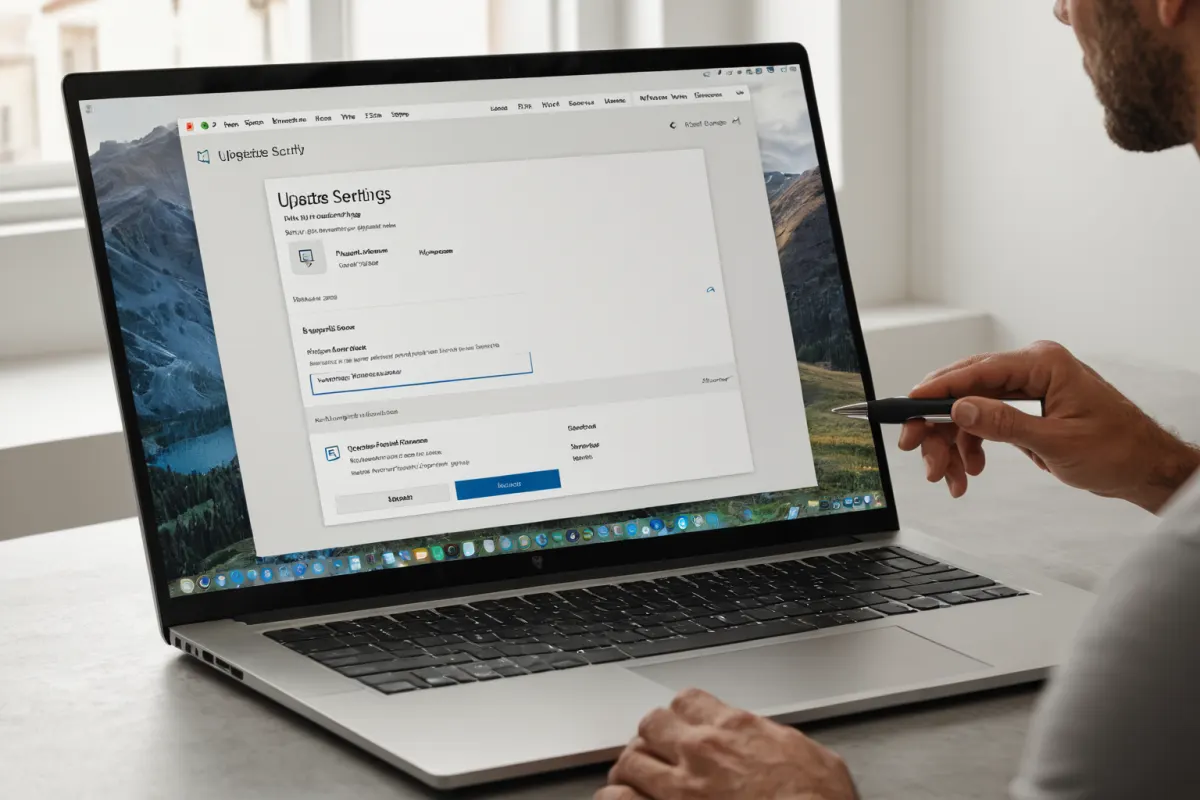
Activating Windows 11 as a genuine license is simple. Go to Settings > Update & Security > Activation. Sign in with your Microsoft account to verify the license. Using unauthorized tools or product keys is not recommended. After activation, regularly update and apply security patches to keep your system safe.
Important Notes on Using Unauthorized Software
In March 2022, a fake Windows activation tool disguised as malware was reported. In January 2020, some users incurred over 200,000 KRW in additional costs due to unauthorized upgrade methods for Windows 10. Using genuine software is crucial to prevent security breaches and financial loss. Unauthorized software can exploit system vulnerabilities, leading to data leaks or financial damage.
Microsoft's 'Copy Zero' Campaign and Encouraging Genuine Use
Since 2010, Microsoft has run the 'Copy Zero' campaign with government and corporate partners to eliminate illegal software. This includes surveys on software usage in public institutions. Using genuine licenses helps maintain security and legal compliance.
Frequently Asked Questions
Do I need to pay extra when buying a genuine Windows 11 license?
If you buy a device without pre-installed OS, you can purchase the Windows 11 Home version for an additional 99,000 KRW (approximately $75).
What problems occur if I use unauthorized tools for activation?
Using unauthorized tools may cause malware infections, security risks, and additional costs exceeding 200,000 KRW.
Can I transfer my Windows 7/8 product key to upgrade to Windows 11?
Microsoft blocked the transfer of product keys starting in October 2023 to prevent illegal upgrades.
References
- [Today's Shopping Cart] E-Mart, Lotte Department Store, Aekyung Industry, Worc Hotel and more (www.newsprime.co.kr)
- "The Best Marketing is Quality... GM and Audi Raised Their Prices Too" (www.edaily.co.kr)
- [Who Is ?] Jeong Mong-ik, Chairman of KCC Glass (www.businesspost.co.kr)
Find more articles on similar topics in one place.
View Related ArticlesFAQ
Do I need to pay extra when buying a genuine Windows 11 license?
If you buy a device without pre-installed OS, you can purchase the Windows 11 Home version for an additional 99,000 KRW (approximately $75).
What problems occur if I use unauthorized tools for activation?
Using unauthorized tools may cause malware infections, security risks, and additional costs exceeding 200,000 KRW.
Can I transfer my Windows 7/8 product key to upgrade to Windows 11?
Microsoft blocked the transfer of product keys starting in October 2023 to prevent illegal upgrades.
Korean Source
This article is an English localization of a Korean-language report from BlogScore. Original: 윈도우11 구매 방법과 정품 인증 절차 단계별 안내