
Excel Conditional Formatting: Automate Data Categorization
Basic Setup of Excel Conditional Formatting
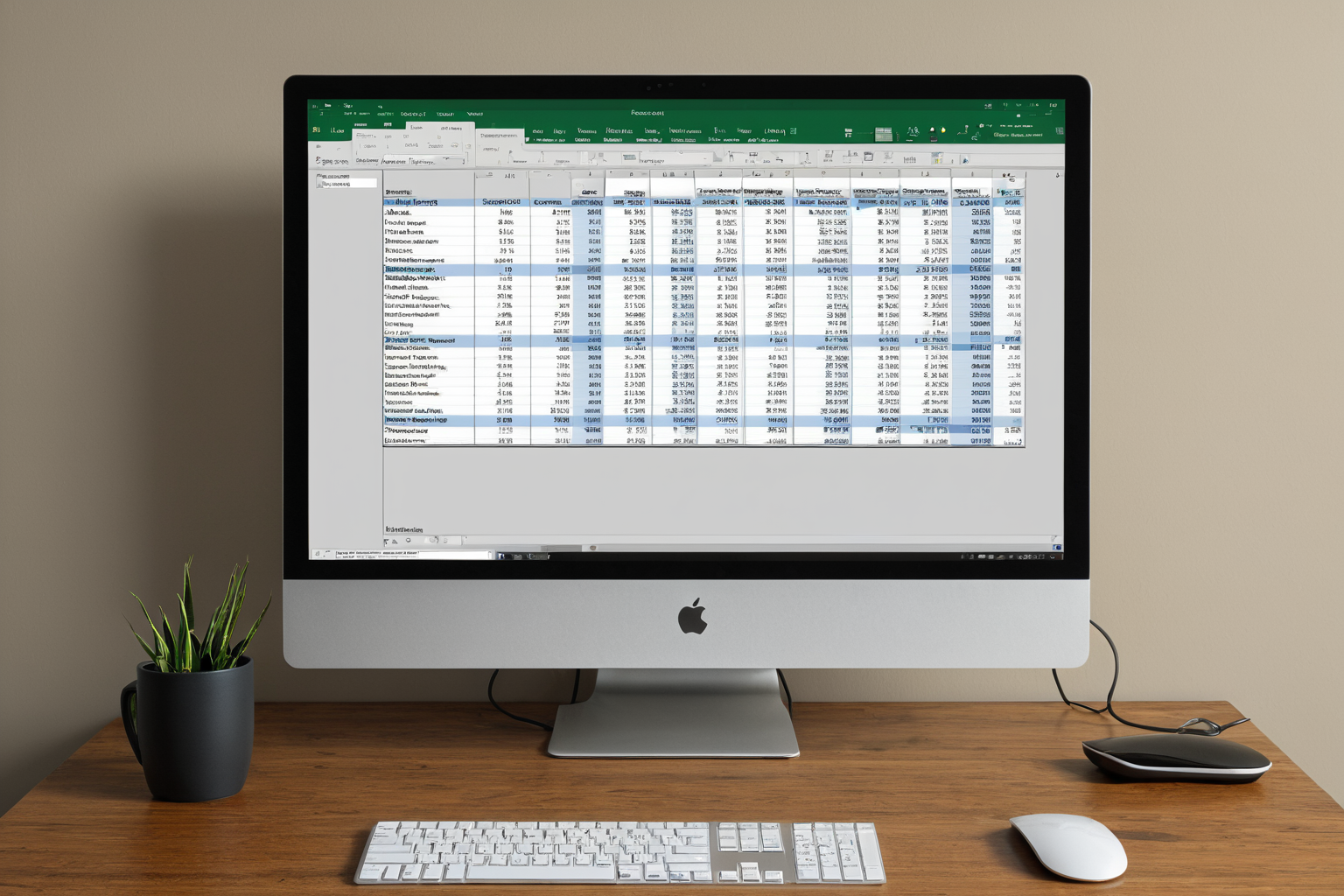
Excel conditional formatting automatically categorizes data and highlights important information. For example, you can highlight rows with sales exceeding 1 million won in blue or emphasize failing grades (below 60 points) in red.
This feature serves as a fundamental tool for data visualization and is often combined with Excel functions and pivot tables in professional settings. With recent MS365 updates, it now supports Python-based advanced analytics and text analysis, and can even integrate with AI tools.
In practice, conditional formatting proves highly useful for automating data categorization. For instance, finance teams automatically sort sales items above a certain threshold for management, while HR departments use it to categorize employees based on performance scores when preparing reports. This approach saves time and reduces errors.
Additionally, conditional formatting can be combined with pie charts and bar charts. For example, after visualizing sales data with a pie chart, you can highlight specific categories using conditional formatting to significantly improve analytical efficiency.
MS365 Excel New Features and Conditional Formatting
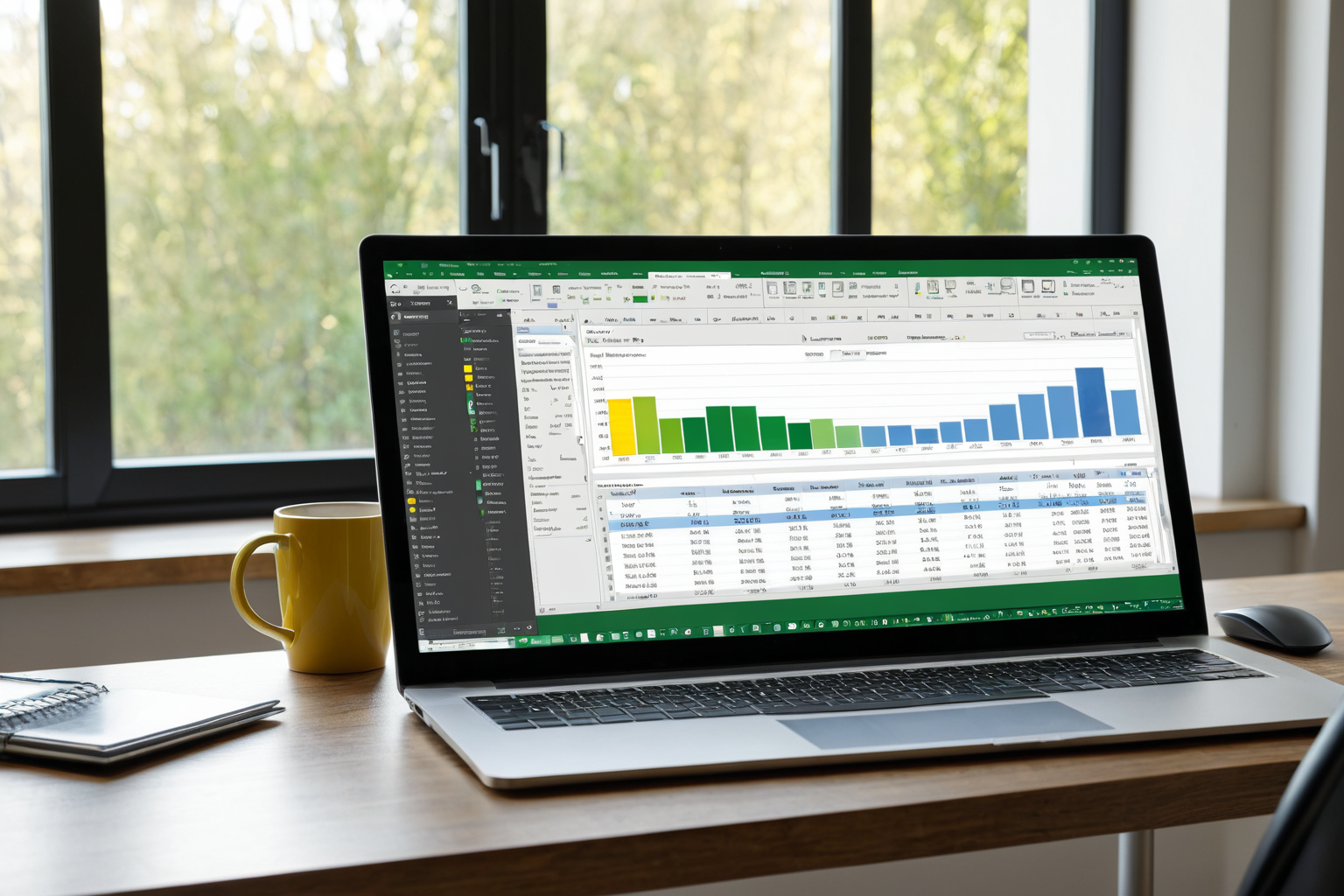
In November 2024, MS365 Excel introduced significant updates to Python-based advanced analytics and text analysis features. These enhancements allow users to perform additional analysis using Python scripts after categorizing data with conditional formatting.
For example, sales data can now be automatically categorized by product type, enabling the creation of predictive models based on these categories. This is a major benefit for Excel users in practical applications.
The MS365 Excel updates go beyond improving conditional formatting—they revolutionize the entire data analysis process. Integration with Python-based analytical tools simplifies complex data processing tasks while offering user-friendly interfaces.
Integration with AI Tools
In October 2025, Anthropic launched 'Claude for Excel,' a beta version of an Excel-specific AI assistant designed to help automate data categorization using conditional formatting.
For instance, users can generate conditional formatting rules through natural language commands like 'Highlight all items with sales over 1 million won.' This makes the feature accessible even for beginners.
Claude for Excel goes beyond assisting with conditional formatting setup—it supports the entire data analysis process. For example, when a user provides a natural language request, AI suggests appropriate conditional formatting rules tailored to their data and automatically applies them for visualization.
Practical Training Resources
A book titled 'Excel in Practice: AI-Powered Excel for Real-World Use' will be published in August 2026. It covers conditional formatting as well as integration with ChatGPT, Gemini, and Copilot.
Many Excel users leverage conditional formatting to automate data categorization, supporting report creation and decision-making. For example, finance teams automatically sort sales items above a specific threshold for management.
Additionally, the Computer Application Skills Level 1 certification is highly valued in public sector and corporate recruitment processes, requiring proficiency in advanced Excel functions, pivot tables, macros, and other practical skills. This highlights the importance of mastering tools like conditional formatting.
Ranking Changes and Future Outlook
How does conditional formatting categorize data?
By setting conditions based on data criteria and applying colors or styles to cells that meet those conditions.
How is Python analysis used in MS365 Excel updates?
After categorizing data with conditional formatting, users can perform additional analysis using Python scripts.
Who benefits most from the Claude for Excel beta?
Beginners and professionals seeking to automate data categorization in their daily work.
You can view similar articles all at once.
View Related ArticlesFAQ
How does conditional formatting categorize data?
By setting conditions based on data criteria and applying colors or styles to cells that meet those conditions.
How is Python analysis used in MS365 Excel updates?
After categorizing data with conditional formatting, users can perform additional analysis using Python scripts.
Who benefits most from the Claude for Excel beta?
Beginners and professionals seeking to automate data categorization in their daily work.
Korean Source
This article is an English localization of a Korean-language report from BlogScore. Original: 엑셀 조건부 서식: 데이터 분류를 자동으로 하는 방법