
Two Doosan Robotics Collaborative Robot Safety Guidelines and Real-World Applications
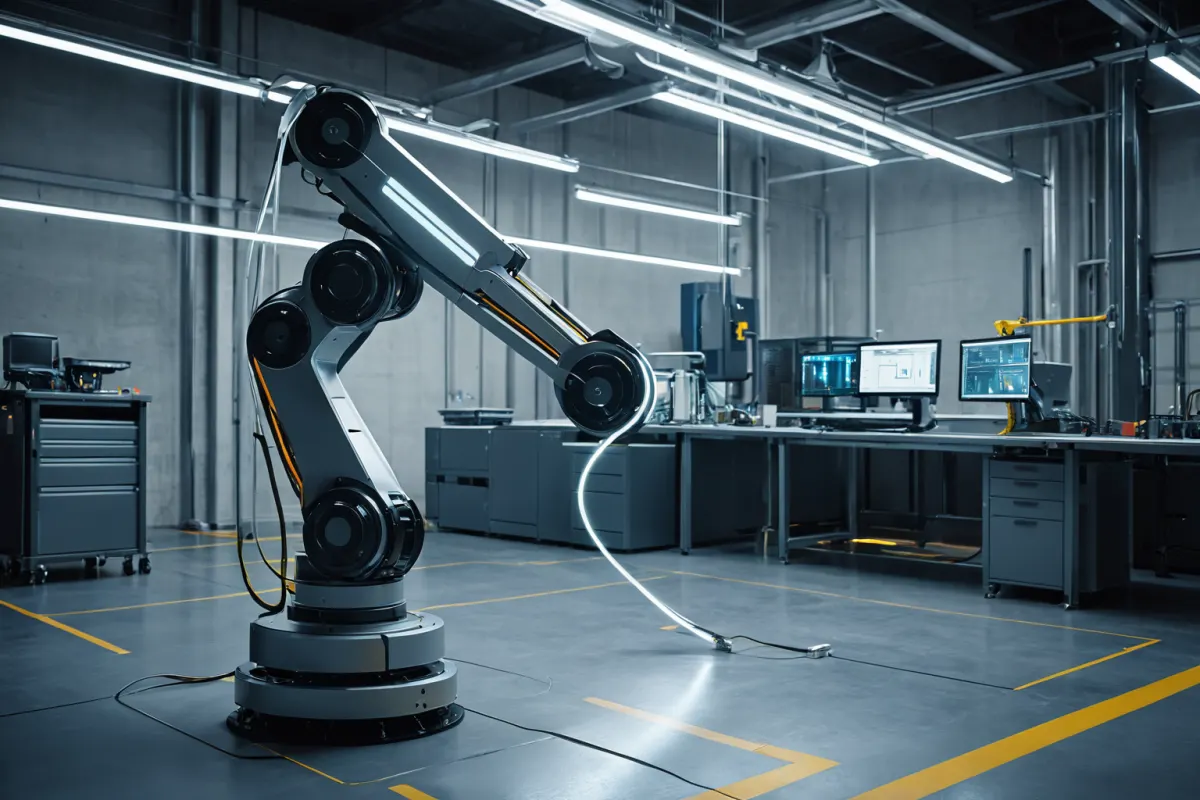
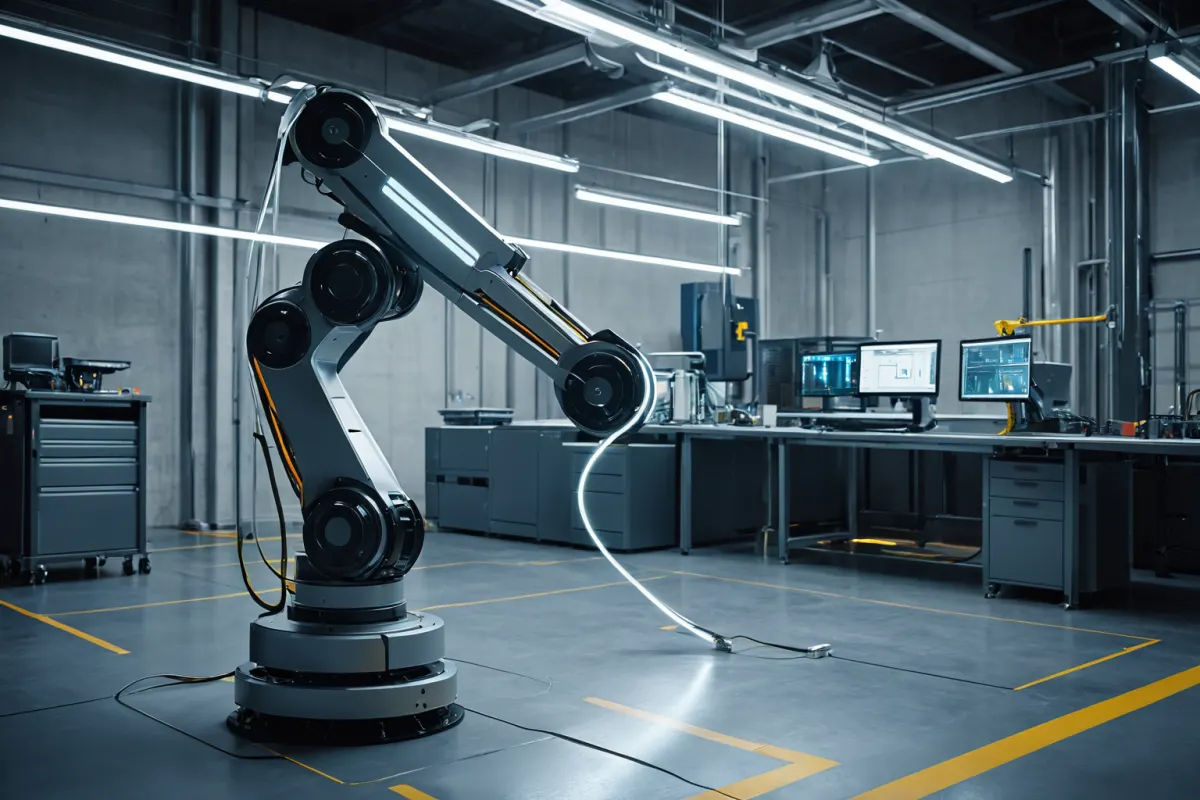
Doosan Robotics' collaborative robots are designed to work alongside humans in the same workspace, so prioritizing safety protocols can reduce accidents while steadily improving productivity. The core principles involve consistently applying four key practices tailored to the specific environment: defining work zones, adjusting speed, managing end-of-arm tools, and checking emergency stops.
It's important to note that collaborative robots aren't inherently safe just because they can operate near people—they're only safe when proper safety conditions are met. When implementing Doosan Robotics' collaborative robots, factors like worker traffic patterns, workpiece weight, gripper types, and operator experience levels must all be considered for optimal results.
Core Safety Principles for Collaborative Robots
Safety with collaborative robots relies more on consistent habits in the workplace than complex theories. First, verify whether people frequently move within the robot's work area—if so, consider speed limits or safety zone separation before proceeding.
Next, inspect end-of-arm tools like grippers, vacuum pads, or drills to ensure they won't cause injury. Even with collaborative design, sharp tools or hot components attached can compromise safety.
The most commonly overlooked aspect is the emergency stop button. It must be positioned where all workers immediately recognize it, and regular testing—where each worker presses it once after training—is essential. These routine checks build reliable operation over time.
See more articles on similar topics in one place.
View Related ArticlesKey Items to Verify Before Implementing Doosan Robotics
Before implementation, first check the weight of workpieces and the reach of robot arms. For example, in a part-handling task, ensure the weight is within the robot's rated load capacity and that its reach comfortably covers the workstation without strain.
Work speed matters too. In shared movement areas with humans, slower speeds are preferable, while faster movements can occur when people aren't nearby. This approach maintains efficiency while reducing risk significantly.
Installation location is also crucial. Areas near walls, material storage zones, or walkways where people frequently pass increase collision risks. Sometimes simply relocating equipment improves both safety and operational efficiency.
Conditions for Safe Collaborative Robot Operation
Collaborative robots use sensors and control features to minimize collision risks, but relying solely on sensors isn't enough. Slippery floors or unstable workpiece fixation can cause unexpected movements.
Therefore, secure workpiece fixation, cable management, and obstacle removal must all be addressed together. In practice, surrounding workspace organization often causes more issues than the robot itself—cables getting caught or materials protruding turn collaborative tasks into simple collision hazards.
Regular maintenance isn't just about checking for malfunctions—it should include verifying bolt tightness, gripper wear, joint noises, and emergency stop response times. These checks are necessary to maintain stable operation over time.
Common Real-World Applications
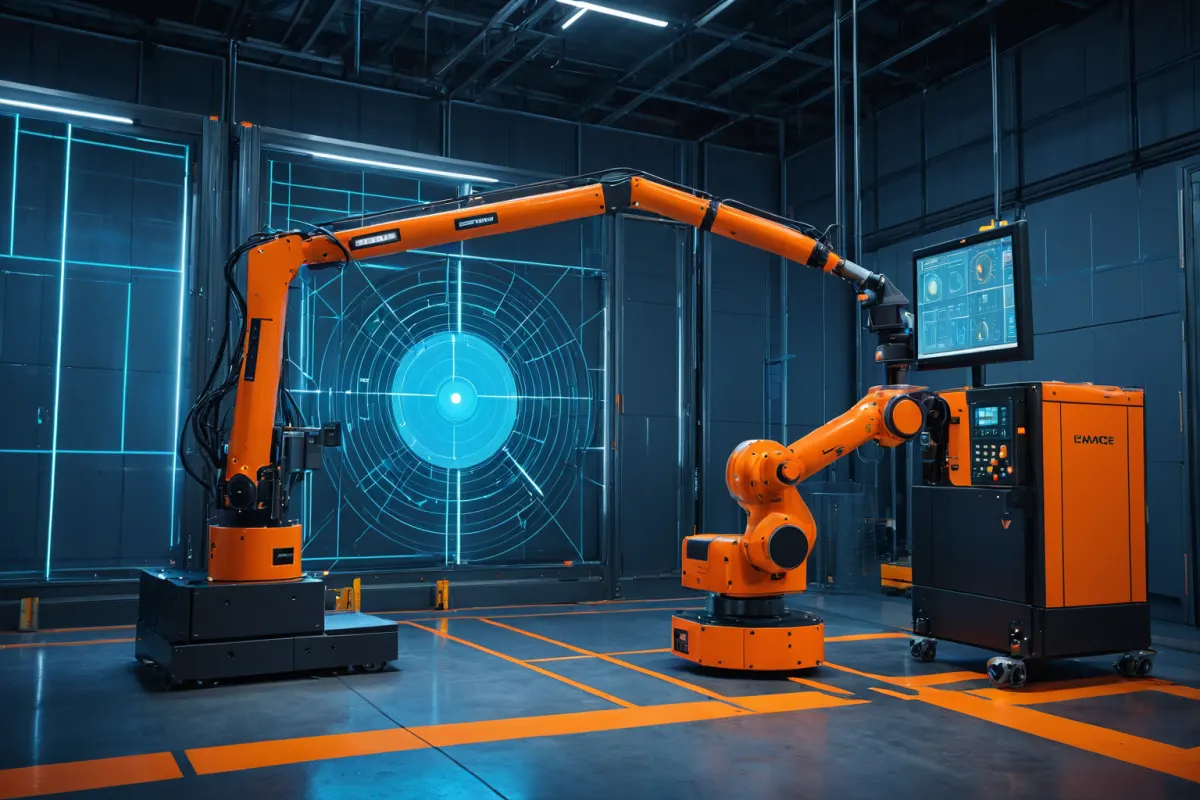
Doosan Robotics' collaborative robots excel in repetitive tasks. They're particularly well-suited for operations like placing parts into machines, pre-packaging handling, screw tightening, and simple inspections.
A real example involves a worker previously moving small components all day who now uses the robot to handle repetitive lifting—reducing physical strain while allowing humans to focus on inspection and exception handling. Here, robots manage routine tasks while people handle decision-making work—a highly efficient structure.
They're also widely used in training environments. Searches for terms like "Doosan Robotics education" or "ROKEY Boot Camp" indicate strong demand for learning actual deployment and safety settings rather than just basic operation. Collaborative robots aren't simple button-operated equipment—they require aligning the entire workflow to function properly.
Common Oversights After Implementation
After initial implementation, demonstrations may work well, but over time speed adjustments or exception handling can become lax. Therefore, retraining is necessary whenever staff changes occur. If only experienced workers know the system, safety standards quickly weaken.
Site managers should create short, fixed pre-work checklists—even just verifying power status, emergency stop response, gripper attachment, and clear pathways significantly reduces accident risks. Simple daily checklists are more effective than long, complex documents.
Another important point: Don't treat collaborative robots as universal solutions. Tasks involving high heat, high-speed cutting, or moving heavy large objects require separate safety measures. Collaborative robots aren't a replacement for safety—they perform best when properly designed with safety in mind.
Meaning Behind Related Search Terms
Similar search terms like "Doosan Robotics," "Doosan collaborative robot," "Doosan Robot," and "Doosan Robotics ROKEY" appear together because users often search for product names alongside education and partnership programs during the pre-implementation research phase. This shows greater interest in "how to apply it" rather than just product specifications.
Related terms like "Dekay Display," "ROKEY," and "Doosan Robotics Education" follow the same pattern—implementation involves not just purchase but also installation, training, and operational stability, which explains these search patterns. This reflects that proper application design matters more than simple procurement for collaborative robots.
Pre-Implementation Checklist
Verifying these points first makes on-site decision-making much clearer:
- Workpiece weight matches the robot's rated load capacity
- Worker traffic patterns overlap with robot work zones
- End-of-arm tools won't cause injury to people
- Emergency stop and power-off locations are clearly marked
- Training and retraining plans for operators exist
For example, in a small box-moving process where box sizes frequently change, determining whether to use universal grippers or custom jigs from the start helps avoid implementation errors.
FAQ
Q1. Are collaborative robots always safe when working next to people?
No—they're only safe when conditions like speed, load, tool configuration, and environment are properly managed.
Q2. What tasks work best with Doosan Robotics' collaborative robots?
They suit repetitive tasks where humans bear heavy physical loads—such as part handling, loading, fastening, and simple inspections.
Q3. What should be checked first after implementation?
Start with emergency stop response, obstacles within the work zone, gripper condition, and operator training status.
Safety standards and technical requirements for collaborative robots can vary by site—consulting current guidelines and application regulations before actual installation is recommended.
Continue exploring similar topics.
View Category ArticlesFAQ
Are collaborative robots always safe when working next to people?
No—they're only safe when conditions like speed, load, tool configuration, and environment are properly managed.
What tasks work best with Doosan Robotics' collaborative robots?
They suit repetitive tasks where humans bear heavy physical loads—such as part handling, loading, fastening, and simple inspections.
What should be checked first after implementation?
Start with emergency stop response, obstacles within the work zone, gripper condition, and operator training status.
Korean Source
This article is an English localization of a Korean-language report from BlogScore. Original: 두산 로보틱스 협동로봇 안전수칙과 적용 사례