
Custom Water Cooling Quote Ranges: Price Breakdown by Component and Selection Criteria
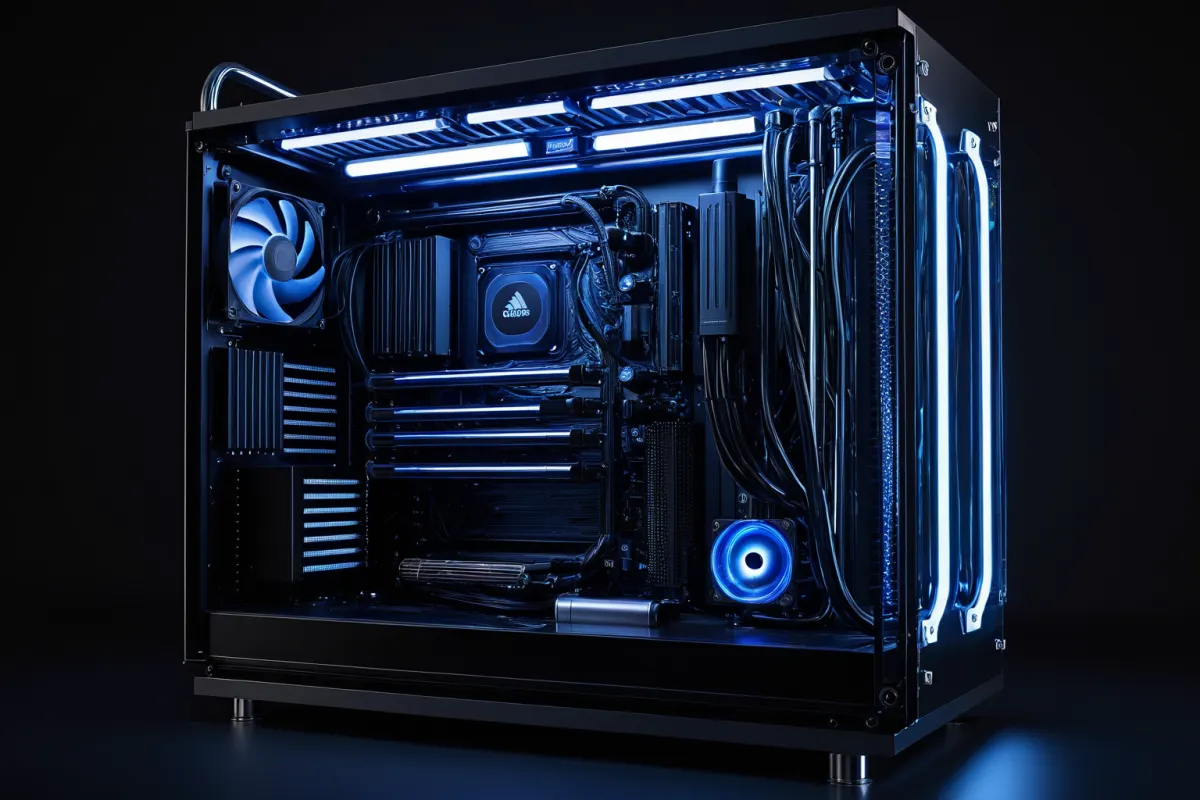
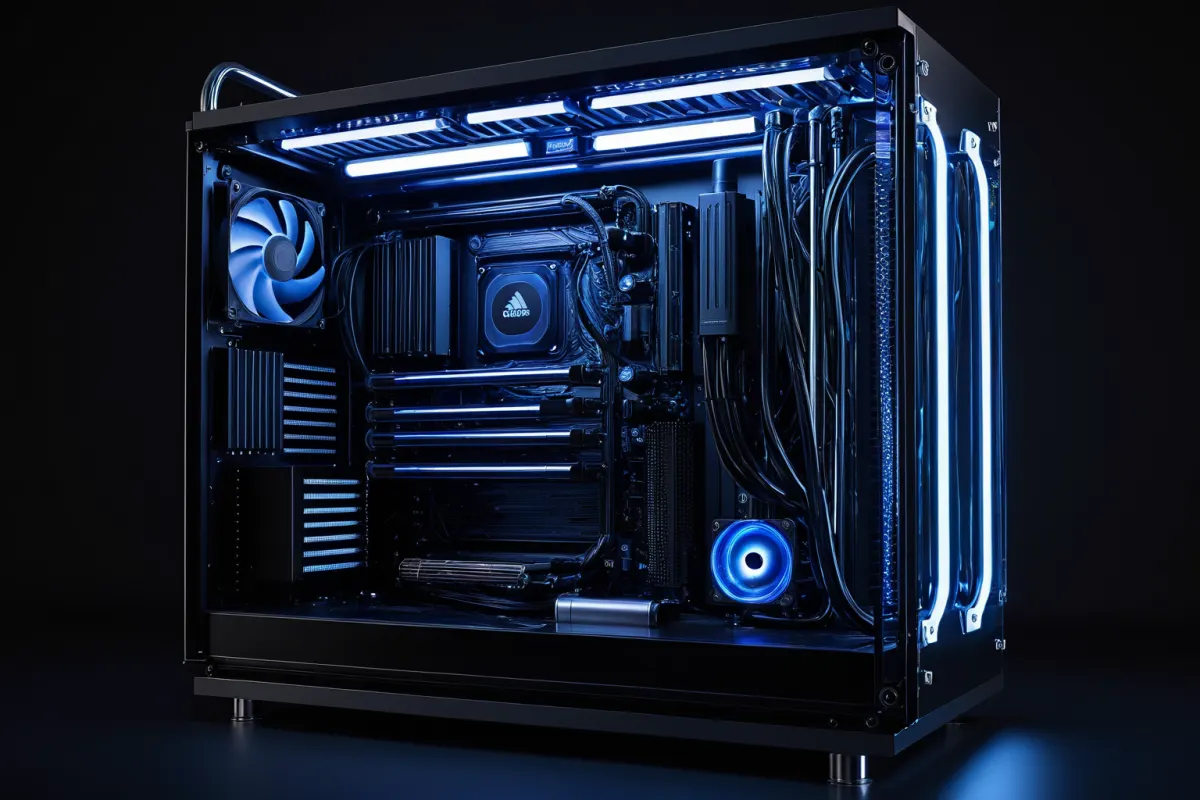
Custom water cooling quotes typically start around 1.5 million won and can easily exceed 3 million won depending on the components used and finish quality. The key is not that 'water cooling is expensive,' but rather how you allocate your budget across different parts.
Especially, the price difference between a full-cover setup (cooling both CPU and GPU) versus a simple CPU-only configuration can be significant. When reviewing an initial quote, don't just look at the total amount—break it down by component: water blocks, radiators, pumps, fittings, and tubing—to avoid overspending.
Why Custom Water Cooling Quotes Vary So Much
Unlike pre-made cooling solutions, custom water cooling involves selecting and assembling individual components. Even with the same CPU, factors like case size, number of radiators, and tubing material can drastically change the quote.
For example, a basic setup that cools only the CPU is relatively straightforward. In contrast, a configuration that also cools the GPU increases both block costs and complexity, making it feel more like a custom build than just a simple cooling solution.
Installation costs are often added on top of component prices. Many people budget based solely on part costs but end up paying tens of thousands more for assembly, leak testing, and setup.
You can find similar articles all in one place.
View Related ArticlesPrice Ranges by Component Are the First Thing to Consider
The first component to check is the CPU block. Entry-level options usually start around 100,000 won, while higher-quality or more stylish blocks often cost over 200,000 won.
Radiators are priced based on size and thickness. Standard sizes like 240mm or 360mm are relatively affordable, but for high-performance systems, you might need larger models like 480mm or thicker variants, which also require checking case compatibility.
Pumps and reservoirs may seem simple at first glance, but they significantly impact the quote. Lower-quality pumps can increase noise and reduce circulation efficiency, while integrated reservoir designs are cleaner-looking but cost more.
Tubing might appear insignificant, but material choice affects both aesthetics and workability. Soft tubing is easier for beginners to handle, whereas hard tubing offers a neater finish but requires more complex installation, leading to higher labor costs.
Fittings may seem minor, but they can significantly affect the final cost. Using angled or extension fittings improves convenience but increases per-unit prices, quickly adding up overall.
Entry-Level Quote Ranges and Realistic Combinations
If you're new to custom water cooling, starting with CPU-only cooling is a safe choice. This typically costs between 1.5 million won and 2.2 million won for parts.
For example, a setup with one high-performance CPU, one 360mm radiator, soft tubing, and basic fittings can keep costs relatively low. Adding RGB or premium finishing options will quickly increase the budget.
On the other hand, if you want to cool both GPU and CPU from the start, plan for at least 2.5 million won. In reality, GPU block prices are high, and adding components one by one often results in a mid-to-high-end quote.
Where Money Goes in High-End Quotes
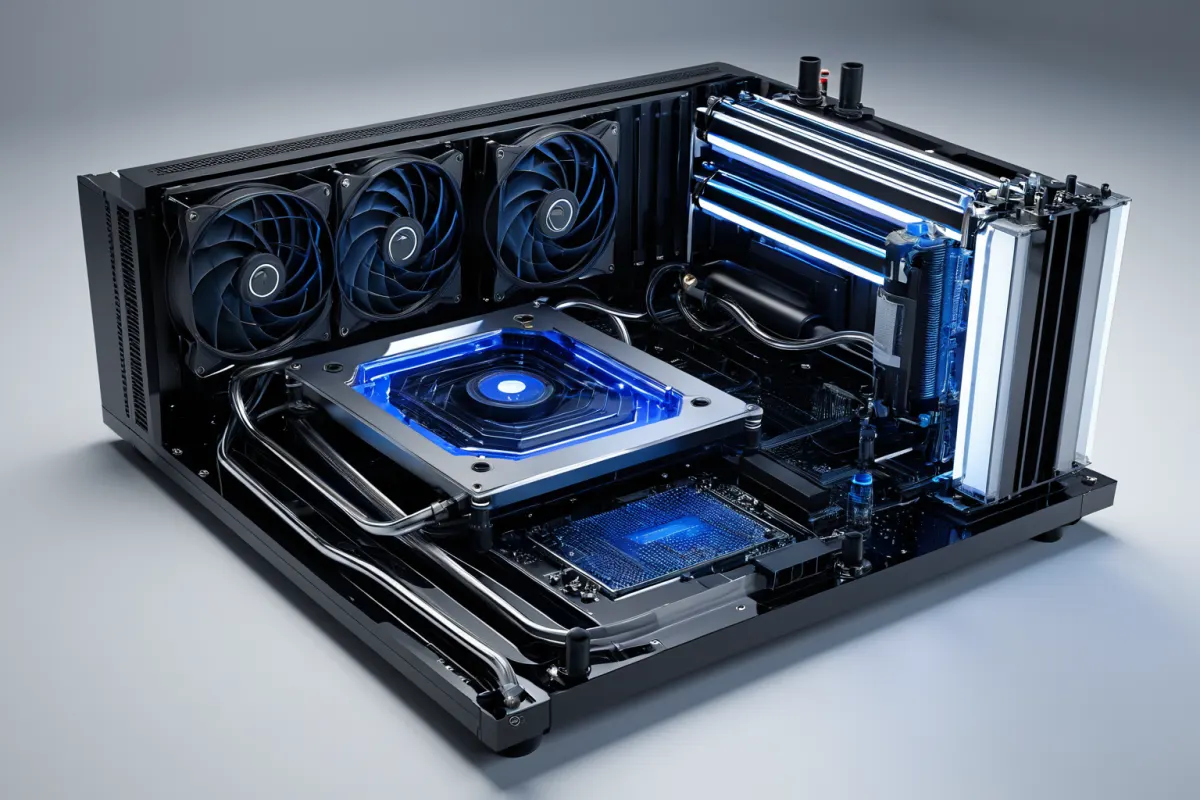
Once quotes exceed 3 million won, finish quality and expandability become more significant factors than raw performance. Adding hard tubing, dual radiators, or full GPU blocks can quickly drive up the total cost.
In this range, installation complexity often dictates costs more than part prices. Precise tube angling and checking component interference take longer to assemble, increasing labor time.
Another overlooked aspect is maintenance. Features like drain valves, coolant replacement schedules, and leak checks should be considered from the start; otherwise, future maintenance becomes cumbersome. High-end quotes should factor in both aesthetics and long-term care costs.
Select Based on Purpose, Not Just Performance
Picking custom water cooling solely based on performance can lead to overspending. The actual experience often feels more about reduced noise and visual satisfaction than temperature drops alone.
For gaming-focused builds, CPU-only cooling is often sufficient. For tasks like video editing or rendering that require prolonged high loads, a larger radiator with extra capacity is better. If you're not overclocking, there's no need to overspend on an expensive setup.
If your goal is desktop aesthetics (decoration), prioritize tubing color, fitting color, and coolant color first. Setting the overall tone early helps avoid confusion when selecting parts later.
Real Quote Examples: Budget Allocation
A budget around 1.8 million won typically includes a CPU block, mid-sized radiator, pump/reservoir, soft tubing, and basic fittings—enough to experience the essence of custom water cooling.
For a budget of about 2.5 million won, you can consider adding a GPU block. However, note that many GPU models require model-specific blocks, so compatibility must be confirmed first.
Budgets above 3.5 million won are ideal for incorporating hard tubing, premium radiators, angled fittings, and separate reservoirs. At this level, focus on both finish quality and ease of maintenance rather than raw performance.
For example, adding an extra radiator might be more beneficial for actual temperature control than spending heavily on fittings and tubing, which can look nice but offer poor value for cooling efficiency.
Commonly Overlooked Details When Comparing Quotes
First, case compatibility. Radiator size and thickness must match your case; otherwise, even purchased parts may not fit. Especially with laptop-style cases (like MSI Gaming Notebooks), which are completely different from standard desktops, you need to confirm the case specifications first.
Second, GPU blocks require model-specific compatibility. Even within the same brand, different models might have incompatible designs, so don't just go by product names.
Third, maintenance parts. Missing items like drain valves, spare fittings, or leak-checking supplies can make future maintenance difficult. These aren't always visible in initial quotes but greatly affect long-term satisfaction.
Clear Selection Criteria for Choosing Components
Custom water cooling can feel overwhelming if you just go by looks. Start by defining your budget, noise goals, and expansion needs.
- If budget is under 2 million won, focus on CPU-only cooling
- To reduce assembly complexity, choose soft tubing
- To prioritize aesthetics, consider hard tubing and angled fittings
- For GPU temperature management, confirm block compatibility with your card model
- For long-term high-load tasks, ensure sufficient radiator capacity
Following these criteria helps avoid unnecessary upgrades. Ultimately, the most important factor is understanding how you'll use your PC.
FAQ
Q: How much more expensive is custom water cooling compared to standard liquid cooling?
Custom setups are generally much pricier than pre-made solutions because you buy components individually and pay for assembly and setup costs.
Q: Is CPU-only cooling sufficient for gaming?
Yes, for most gamers, a CPU-only configuration is enough. Whether you need GPU cooling depends on your usage.
Q: What's the easiest way to start with custom water cooling?
Begin with a basic CPU-only setup using soft tubing—it’s less stressful and allows easy expansion later (like adding GPU blocks or switching to hard tubing).
Current part prices and compatibility can vary over time, so always verify the latest models before purchasing.
Check out more articles on similar topics.
View Category ArticlesFAQ
How much more expensive is custom water cooling compared to standard liquid cooling?
Custom setups are generally much pricier than pre-made solutions because you buy components individually and pay for assembly and setup costs.
Is CPU-only cooling sufficient for gaming?
Yes, for most gamers, a CPU-only configuration is enough. Whether you need GPU cooling depends on your usage.
What's the easiest way to start with custom water cooling?
Begin with a basic CPU-only setup using soft tubing—it’s less stressful and allows easy expansion later (like adding GPU blocks or switching to hard tubing).
Korean Source
This article is an English localization of a Korean-language report from BlogScore. Original: 커스텀수냉 견적 범위, 부품별 가격대와 선택 기준