
Connecting Cursor AI to Supabase MCP for Database Integration
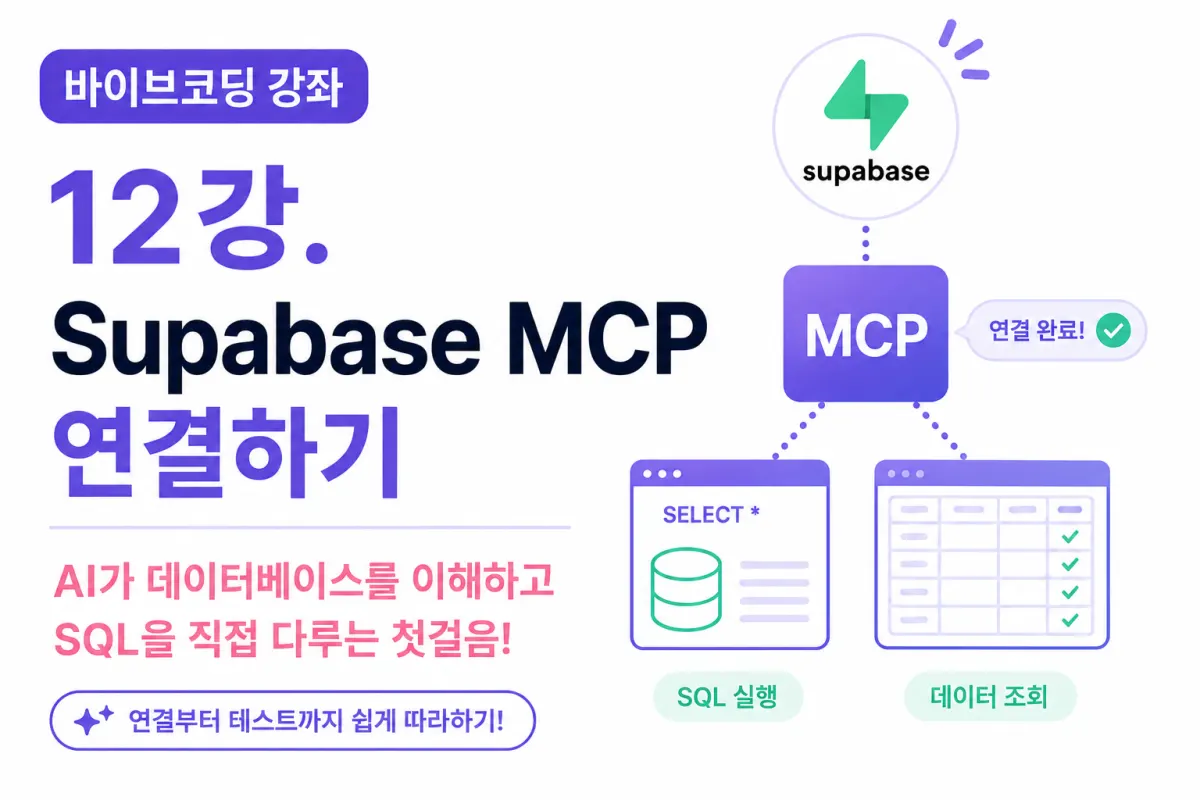
What You'll Learn in This Lesson
In the previous lesson, we created a Supabase project and explored its Dashboard.
Your database is now ready for use.
However, Cursor AI currently doesn't know your database's structure.
In this lesson, we'll connect Supabase MCP (Model Context Protocol) to allow AI to understand and interact with your actual database.
You'll learn:
What is Supabase MCP?
How to check project information
How to verify API details
Connecting with Cursor
Testing the connection
Asking AI database-related questions
What is Supabase MCP?
Supabase MCP connects Cursor AI with your Supabase project.
Previously, AI could only generate SQL code,
but with Supabase MCP connected,
AI can now view and work with your actual database structure.
In other words,
AI doesn't just 'imagine' the database—
it truly understands it.
Difference Between GitHub MCP and Supabase MCP
The GitHub MCP we connected in a previous lesson helped AI understand your project's code and repository.
In contrast,
Supabase MCP helps AI understand:
Database structure
Tables
Columns
SQL relationships
You can think of GitHub MCP as handling code,
and Supabase MCP as managing data.
Why Do You Need Supabase MCP?
For example, if you ask AI:
Create a users table.
Without MCP,
AI would just generate SQL code.
With MCP connected,
AI checks whether the users table already exists in your project,
what columns it has,
and what relationships exist.
before creating or modifying anything.
Checking Your Supabase Project Information
Open your Supabase Dashboard.
Navigate to Settings in the left menu.
This section contains various project details,
including:
Project URL
Project Reference
API information
You'll need this information to connect with Cursor.
What is an API Key?
Supabase communicates with external programs using APIs,
and the API Key serves as your project's ID card.
Cursor uses this key to connect to your Supabase project.
TIP
API Keys are highly sensitive information.
Never commit them to GitHub or store them in public repositories.
Setting Up MCP in Cursor
Now open Cursor.
In the MCP settings, add a new MCP Server.
Enter your Supabase project details and authentication information,
and Cursor will attempt to connect to your database.
If connected properly, AI can now read your database structure.
Verifying the Connection
After connecting,
ask a simple question like:
How many tables are in the current project?
or
Show me the project information.
If properly connected, AI will answer based on your actual project data.
Requesting SQL from AI
Now ask AI to generate SQL for:
Create a SQL statement for the users table.
AI will create appropriate SQL based on your project's current state,
rather than just providing generic examples.
Asking AI About Database Structure
You can now ask questions like:
Explain the structure of the users table.
What columns might be missing?
How could we improve performance?
The AI will analyze your actual project and provide answers.
Designing Your Database with AI
For example, a dating app would need tables like:
users
profiles
likes
matches
Now you can ask AI:
Design the tables needed for a dating app.
and it will suggest a structure tailored to your project,
which you can then refine as needed.
Asking About Database Relationships
Database relationships are important too.
You can ask:
What relationship should exist between users and profiles?
or
How should the matches table be designed?
and AI will help design both data structure and relationships.
Do You Still Need to Write SQL Manually?
In the past, you had to memorize all SQL syntax,
but now AI can generate most of it for you.
You still need to understand basic SQL concepts,
but don't need to memorize complex syntax.
The key is being able to explain what you want to build.
What If AI Writes Incorrect SQL?
AI can make mistakes too,
so it's important to always:
Review the SQL
Check columns
Verify relationships
before executing it.
Especially be cautious with commands like
DROP
DELETE
.
When to Use Supabase MCP Going Forward
We'll use Supabase MCP in almost all remaining lessons of this project.
For example:
User registration
Login functionality
Profile storage
Photo storage
Likes
Matches
Chat systems
Notifications
All these features connect to Supabase,
making Supabase MCP essentially the core of this project.
GitHub MCP + Supabase MCP
We're now using two MCPs:
GitHub MCP understands your codebase,
and Supabase MCP understands your database.
In the future, adding Vercel MCP will allow AI to manage:
Code
Data
Deployment
all together.
This is the core of Vibecoding (바이브코딩).
Next Lesson Preview
In the next lesson, we'll learn how to directly ask AI to write SQL,
practice designing databases with effective prompts,
and build your database alongside AI.
Conclusion
Supabase MCP is a crucial technology that enables AI to understand and work with your actual database structure, providing relevant SQL and design suggestions.
In this lesson, we've connected Supabase MCP with Cursor AI,
preparing us to manage our database together with AI.
From now on, you'll design tables and generate SQL with AI,
gradually building a dating app that approaches real-world service functionality.
In the next lesson, we'll experience another powerful feature of Vibecoding by entrusting AI with database design tasks.
FAQ
What is Supabase MCP?
Supabase MCP (Model Context Protocol) connects Cursor AI with your Supabase database, allowing AI to understand and work with your actual database structure rather than just generating generic SQL.
How do I protect my API Key?
API Keys are highly sensitive. Never commit them to GitHub or store them in public repositories—treat them like secret passwords.
Korean Source
This article is an English localization of a Korean-language report from BlogScore. Original: [바이브코딩 강좌] 12강. Supabase MCP 연결하기