
How to Check if Your Phone Number Portability Requires Face Recognition
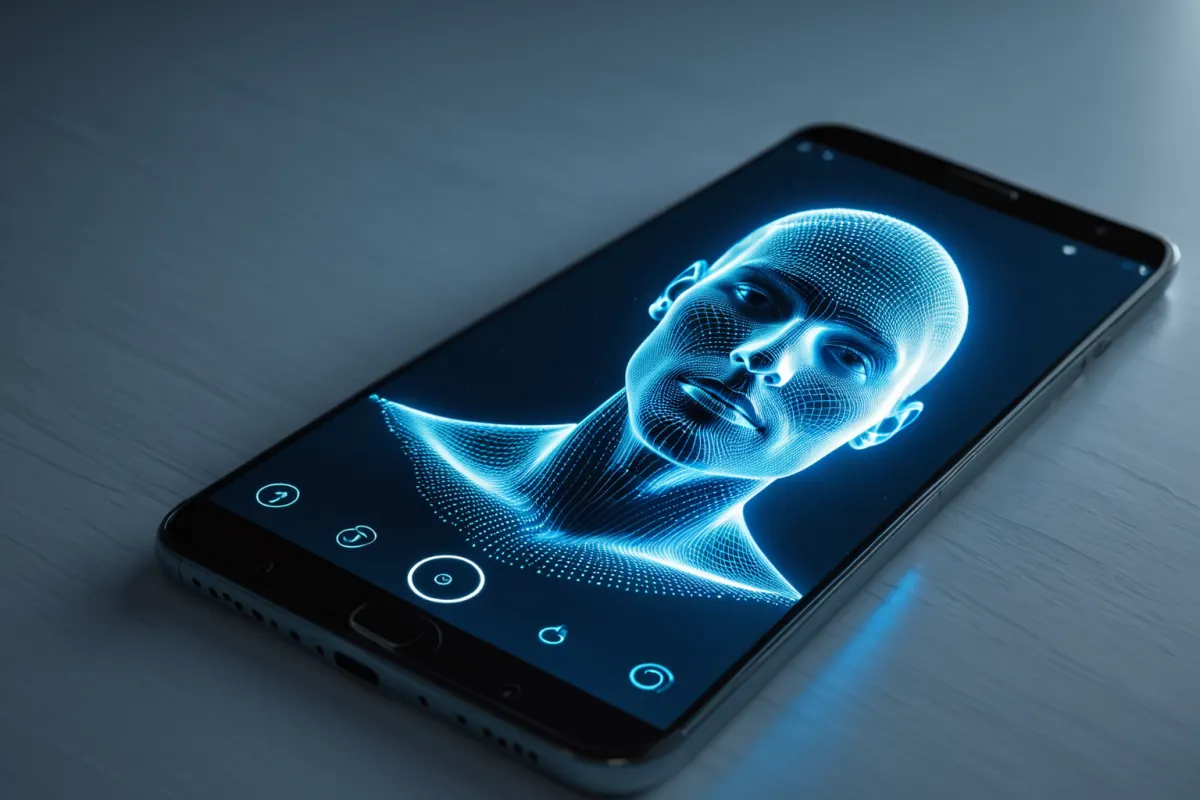
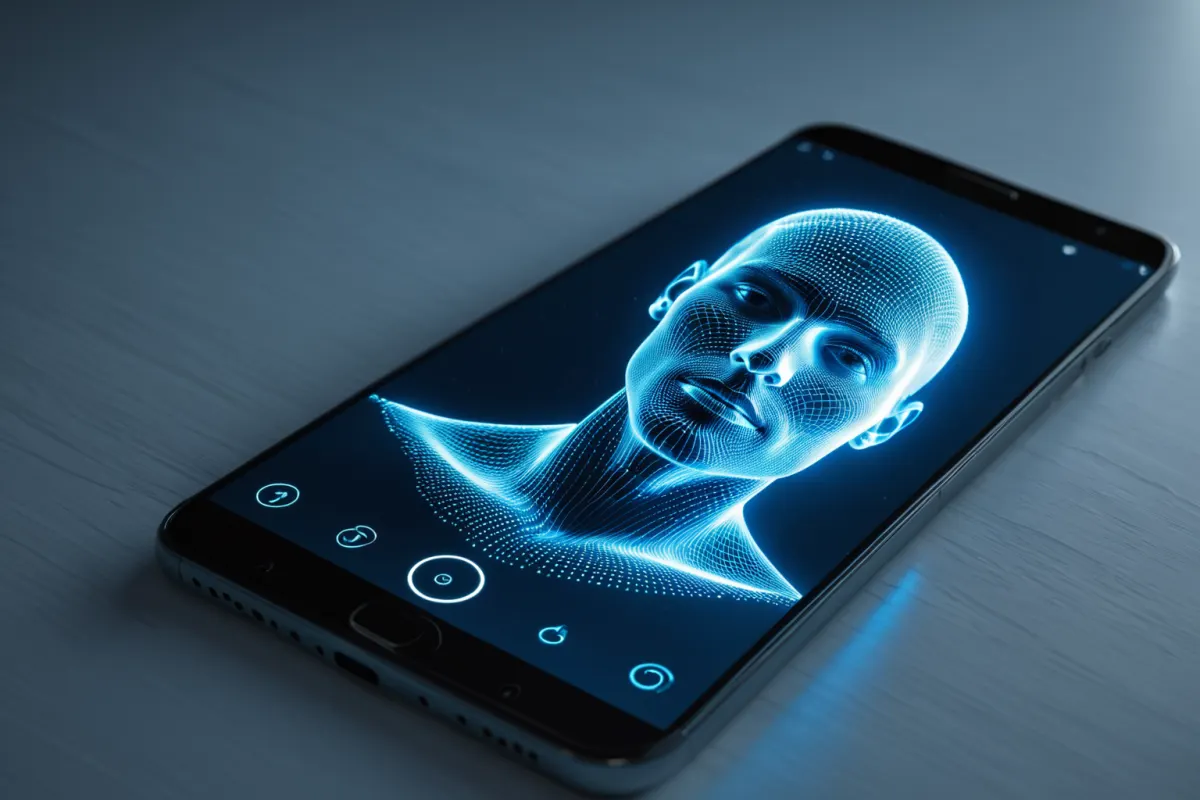
If you're unsure whether face recognition is required for your mobile number porting, check if the number porting process guides you through facial authentication during application. Especially with non-face-to-face applications, new device combinations, or specific line statuses, face recognition is often required—so it's crucial to verify beforehand.
Note that not all number portings require face recognition. It depends on the telecom provider, application channel, account holder status, and identity verification method, so delaying confirmation until just before activation can lead to process delays.
How to Verify Face Recognition Requirement
The first thing to check is whether facial authentication guidance appears on your application screen. If the identity verification step during number porting requires face scanning, biometric checks, or photo capture of your ID, you're likely in the face recognition category.
This typically happens in these situations:
- Applying for number porting online (non-face-to-face)
- When verifying the account holder's current line under their own name
- When changing SIM cards, devices, or applying for bundled services simultaneously
- If you have recent activations or multiple lines requiring additional verification
Conversely, if you visit a physical store where staff verify your ID and identity in person, face recognition may be skipped. The key is to check the application channel and identity verification method.
You can find similar articles on this topic all in one place.
View Related ArticlesCommon Bottlenecks in Phone Activation and Number Porting
Many users search for "starting today mobile activation number porting" when trying to complete the process quickly. The most common issue isn't the porting itself but failing to complete identity verification, preventing progression to the next step.
If you're required to use face recognition but haven't prepared, repeated attempts will fail. Poor lighting, camera angle, or blurry ID photos can cause authentication failures. For example, applying for number porting at night with dim indoor lighting and a blurred ID photo may result in failed verification. In such cases, retrying during daylight hours in well-lit conditions is recommended.
Key Points to Verify During Identity Check
When checking if face recognition is required, don't just look for "facial authentication"—review the instructions and flow of the process.
Check these points:
- If the application form shows identity verification as facial authentication
- If a face scan follows ID photo capture
- If alternative methods are available after failure
- If account holder information matches your details exactly
Mismatches in any of these areas can delay processing. Common issues include using someone else's name, outdated address information, or damaged IDs.
Why Face Recognition Is Required
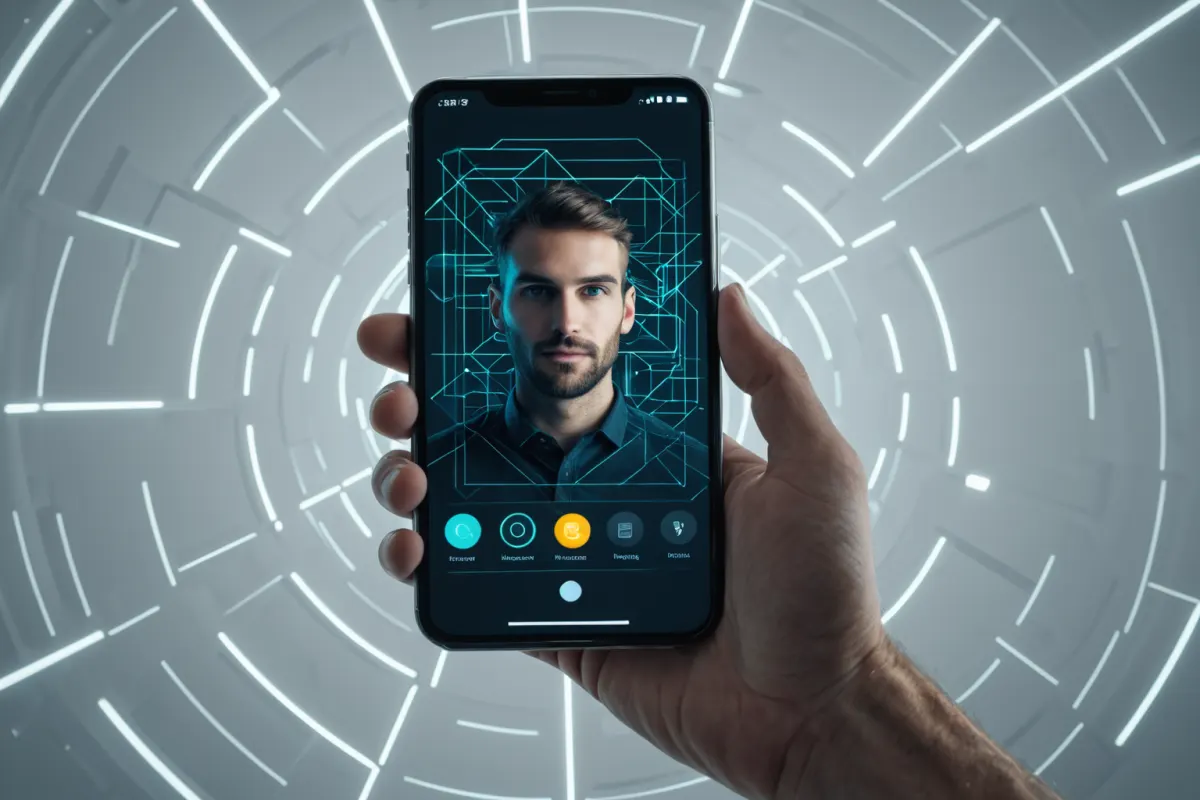
Face recognition isn't just an extra step—it's a security measure to prevent identity theft and fraudulent activations when switching providers. Previously, ID copies were sufficient, but with the rise of non-face-to-face activations, facial checks have become more important.
Even if your line is clean and your name matches, some channels may require face recognition due to higher security standards. Conversely, under certain conditions, simple ID verification might suffice.
Example: How to Check If You Need Face Recognition
For example, if you apply online for number porting and see a message like "Face authentication is required for identity verification," you're in the face recognition category. On the other hand, if you visit a store where staff verify your ID and appearance directly before activation, no additional face recognition step appears—though identity was confirmed on-site.
In short, whether you need it depends more on what's required during the actual application process than any official announcement.
How to Reduce Face Recognition Failures
If face recognition is required, preparation makes a big difference. Good preparation can significantly speed up activation:
- Complete the process in well-lit areas
- Remove glasses, hats, or masks before scanning
- Use a valid original ID document
- Clean your camera lens for better clarity
- Ensure your face matches the account holder details exactly
For best results, make sure your face is clearly visible from the front. Tilting your head or holding the phone too close increases failure rates.
Online vs. Physical Store: Key Differences
The biggest difference between online and offline applications lies in how face recognition is handled. Online systems automatically determine requirements, so even minor complexity may trigger facial authentication. In physical stores, staff verify your ID and appearance directly—sometimes skipping the app-based face recognition step.
However, this varies by store conditions and telecom provider policies. If time is critical, check which channel best suits your situation before applying to avoid mistakes.
Additional Tips for a Smooth Process
When preparing for number porting, don't focus only on face recognition—also verify your current line status. Outstanding fees, contracts, device installments, or line limits may delay activation even after successful verification.
Also, wait times for SIM delivery can add delays, so confirm if same-day activation is needed beforehand. For urgent cases, prepare your ID, current line details, and a verified phone in advance to avoid last-minute issues.
Key Takeaway: How to Check Face Recognition Requirement
The fastest way to determine if face recognition is required for your number porting is to check how identity verification is presented during the application process. While it might not be obvious beforehand, most applications clearly show the required verification method mid-process.
Number porting has many conditions—when you see a requirement for facial authentication, don't panic. Check your lighting and ID first, and with proper preparation, most users can complete the process smoothly.
Since the latest identity verification methods vary by telecom provider and application channel, always double-check the actual screen during submission.
FAQ
Q1. Is face recognition required for all number porting processes?
No. It depends on your telecom provider, application channel, account holder status, and identity verification method. Online non-face-to-face applications often require it.
Q2. What happens if face recognition fails?
Most systems won't proceed to the next step after a failed attempt. Users usually retry with better lighting, ID quality, or camera settings.
Q3. Can you still need face recognition at a physical store?
Yes, though staff may verify your ID and appearance directly instead of using an app-based process. This depends on the store and provider policies.
Continue exploring similar topics.
View Category ArticlesFAQ
Is face recognition required for all number porting processes?
No. It depends on your telecom provider, application channel, account holder status, and identity verification method. Online non-face-to-face applications often require it.
What happens if face recognition fails?
Most systems won't proceed to the next step after a failed attempt. Users usually retry with better lighting, ID quality, or camera settings.
Can you still need face recognition at a physical store?
Yes, though staff may verify your ID and appearance directly instead of using an app-based process. This depends on the store and provider policies.
Korean Source
This article is an English localization of a Korean-language report from BlogScore. Original: 휴대전화 번호이동 안면인증 대상인지 확인하는 방법