
Building Real-World Board Features in JavaScript (Likes, Comments, Search, Live Updates)
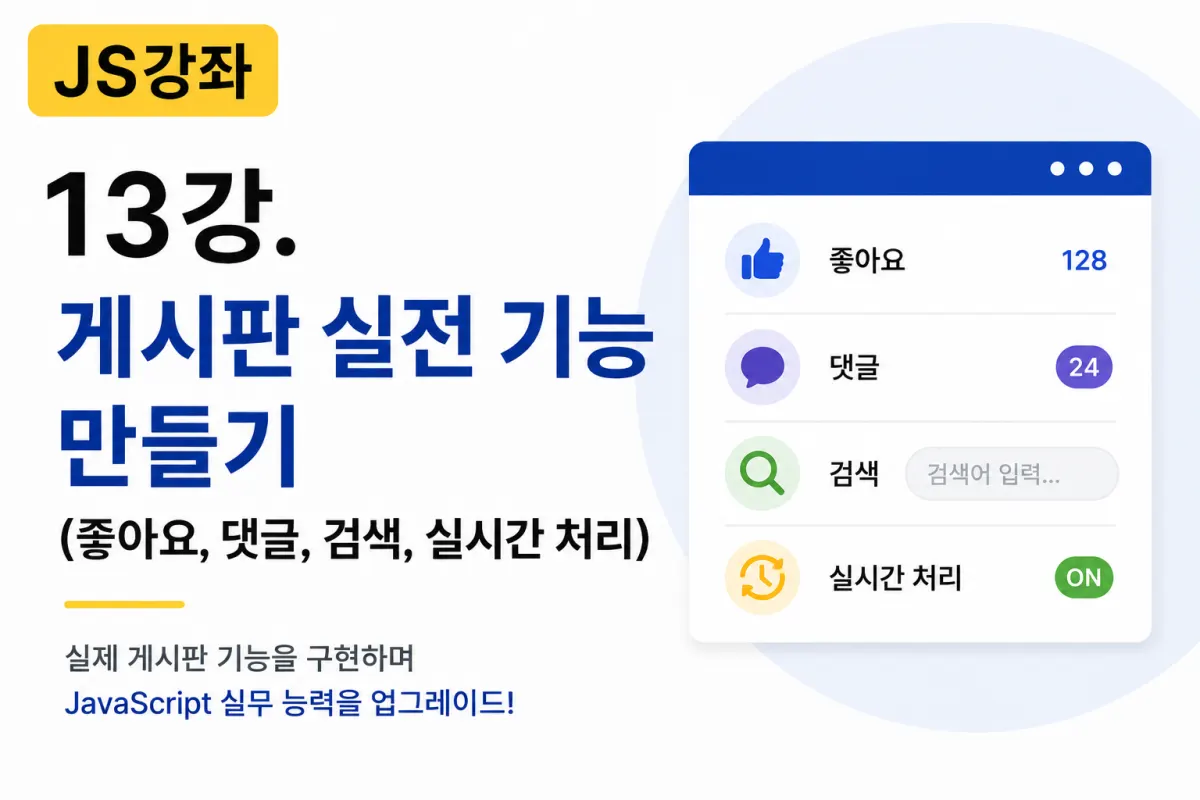

Apply What You've Learned
This lecture applies the concepts you've studied to a real project.
You've already learned:
Variables and data types
Conditional statements and loops
Functions
Arrays and objects
DOM manipulation
Events
Form validation
JSON
Fetch API
You can now combine these features to build practical forum functionality.
Creating a Like Button
One of the most commonly used features is the like button.
HTML
<button id="likeBtn">
👍 Like
</button>

<span id="count">0</span>
JavaScript
let count = 0;

document.querySelector("#likeBtn")
.addEventListener("click",function(){

    count++;

    document.querySelector("#count").textContent = count;

});
The like counter increments each time the button is clicked.
Preventing Duplicate Likes
You can also prevent multiple clicks from the same user.
let liked = false;

likeBtn.addEventListener("click",function(){

    if(liked){

        return;

    }

    liked = true;

});
In professional development, this check is also performed on the server side.
Comment Input Interface
HTML
<input type="text" id="comment">

<button id="writeBtn">

Submit

</button>

<ul id="list"></ul>
Submitting Comments
writeBtn.addEventListener("click",function(){

    let text =
    comment.value;

    list.innerHTML +=
    "<li>" + text + "</li>";

});
The submitted comment appears in the list.
Preventing Empty Comments
Comments cannot be submitted if empty.
if(comment.value.trim() === ""){

    alert("Please enter a comment.");

    return;

}
This uses the form validation techniques you've learned.
Submitting Comments with Enter Key
Comments can also be submitted by pressing Enter.
comment.addEventListener("keydown",function(e){

    if(e.key==="Enter"){

        writeBtn.click();

    }

});
This is a common implementation in professional development.
Deleting Comments
Existing comments can be deleted as well.
item.remove();
You can also add a delete button for this functionality.
Adding Search Functionality
Let's create a search input field.
HTML
<input type="text"

id="search">
JavaScript
search.addEventListener("input",function(){

    console.log(search.value);

});
This lets you see the user's input in real time.
Searching by Title
Check if a specific word appears in the post title.
if(title.includes(keyword)){

    console.log(title);

}
The includes() method is widely used in search functionality.
Fetching Posts with Fetch API
fetch("list.php")

.then(response=>response.json())

.then(posts=>{

    console.log(posts);

});
This retrieves the post list from a PHP file.
Displaying Posts on Screen
posts.forEach(post=>{

    list.innerHTML +=

    "<li>"+post.title+"</li>";

});
This creates the display using JSON data.
Storing Likes on Server
Likes should also be stored on the server.
fetch("like.php",{

    method:"POST",

    headers:{

        "Content-Type":"application/json"

    },

    body:JSON.stringify({

        id:1

    })

});
This updates the database via PHP.
Storing Comments on Server
Comments are stored similarly.
fetch("comment.php",{

    method:"POST",

    headers:{

        "Content-Type":"application/json"

    },

    body:JSON.stringify({

        comment:text

    })

});
Live List Refresh
The list can be refreshed at regular intervals.
setInterval(function(){

    loadPosts();

},5000);
This retrieves the latest data every 5 seconds.
Loading Indicators
You can show a loading screen while waiting for data.
loading.style.display = "block";
Then hide it when done:
loading.style.display = "none";
This significantly improves user experience.
Displaying Post Count
count.textContent = posts.length;
This displays the current number of posts.
Handling Empty Search Results
if(posts.length===0){

    list.innerHTML =

    "No search results found.";

}
This should always be handled in professional development.
All Features Work Together
Real forums don't use just one feature - they combine many functions.
For example, submitting a comment involves:
Events
DOM manipulation
Fetch API
JSON data handling
PHP backend
MySQL database
The like feature works similarly.
Implementing one feature requires multiple technologies working together.
How This Is Used in Professional Work
These features are used across many services, not just forums:
Community platforms
Product reviews on e-commerce sites
News comment sections
Customer support systems
Blogs
Social media
Admin panels
Most web services operate using similar patterns.
Key Takeaways from This Lesson
Today you learned how to implement real forum features.
The key points to remember are:
Likes use events and DOM manipulation.
Comments can be input and added to a list.
Fetch API handles data exchange with the server.
Search functionality often uses
includes().Live features use
setInterval().Forum features combine JavaScript and PHP.
All previously learned concepts work together in real projects.
Conclusion
This lesson applied core JavaScript concepts to a practical forum project.
Forums are one of the most common web development practice projects, allowing you to naturally learn how to use JavaScript through implementing features like likes, comments, search, and live updates.
Try running this example yourself - register comments, add search functionality, and connect Fetch API with PHP to see how real web applications work.
In the next lesson, we'll build more practical features used in professional development: localStorage, Clipboard API, file upload previews, modals, and toast notifications.
FAQ
Why is server-side validation important for features like 'like' buttons?
Server-side validation ensures that data integrity is maintained, preventing users from manipulating client-side code to bypass restrictions.
How does the Fetch API help in building dynamic web applications?
The Fetch API allows JavaScript to communicate with server endpoints, enabling real-time data exchange without page reloads.
Korean Source
This article is an English localization of a Korean-language report from BlogScore. Original: [JS 강좌] 13강 - 게시판 실전 기능 만들기 (좋아요, 댓글, 검색, 실시간 처리)