
Building a Real-World Board Database: A Step-by-Step Guide
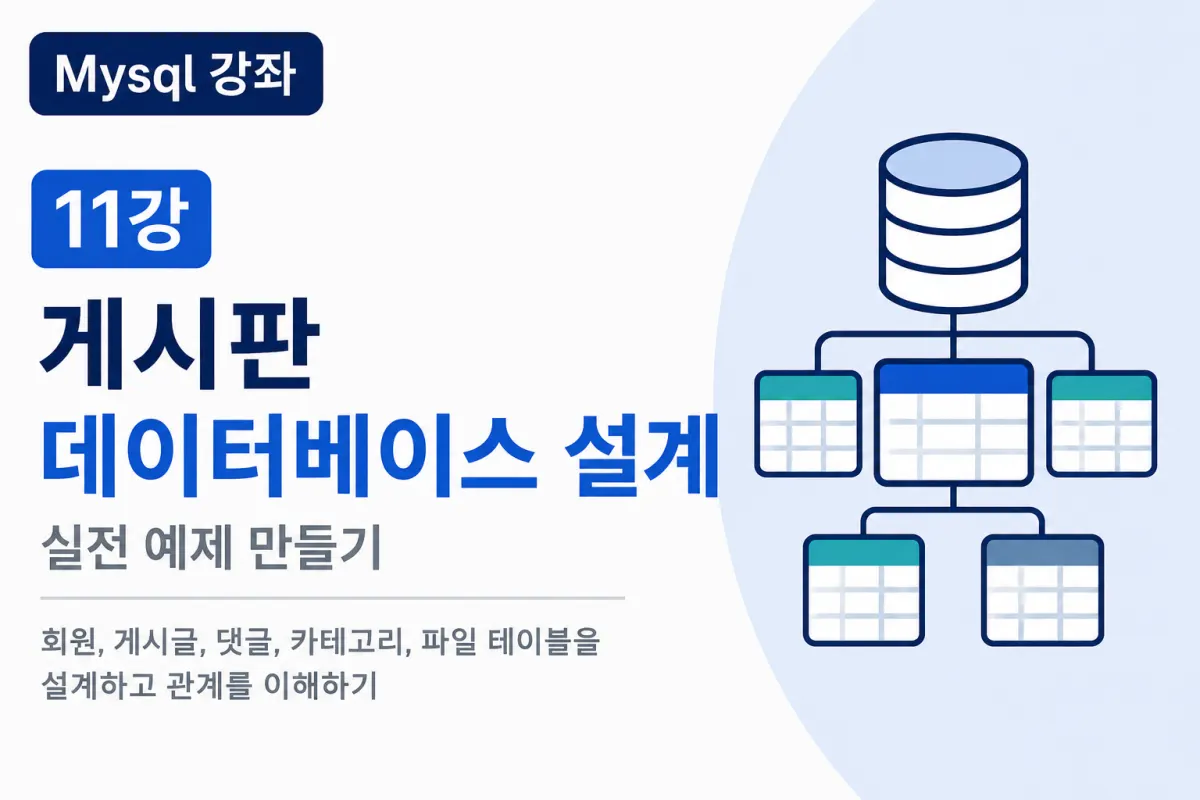

Putting It All Together
We've covered the following concepts so far:
Creating databases
Creating tables
Columns and data types
INSERT statements
SELECT statements
WHERE clauses
UPDATE statements
DELETE statements
PRIMARY KEYs
AUTO_INCREMENT
INDEXes
JOIN operations
Now, let's apply all these concepts to design a database for a real-world project.
This example focuses on creating a standard bulletin board system.
What Features Does a Typical Board Need?
Common features in boards you frequently use include:
User registration
Login functionality
Posting new articles
Editing posts
Deleting posts
Writing comments
Editing comments
Deleting comments
Categorization system
File attachment uploads
To implement these features, we first need to determine which tables are required.
Necessary Table Structure
This lesson will use five specific tables:
member
category
board
comment
file
Each table serves a distinct purpose.
Member (User) Table
This table stores user information.
Typically, it includes:
User ID number
Username
Password
Name
Email address
Registration date
Example structure:
CREATE TABLE member (
    id INT AUTO_INCREMENT PRIMARY KEY,
    userid VARCHAR(50) NOT NULL UNIQUE,
    password VARCHAR(255) NOT NULL,
    name VARCHAR(50) NOT NULL,
    email VARCHAR(100),
    created_at DATETIME DEFAULT CURRENT_TIMESTAMP
);
The user ID (id) serves as the reference point for identifying users across all tables.
Category Table
This table stores board categories.
For example:
Announcements
General discussion
Q&A section
Resource library
This structure helps organize the board efficiently.
CREATE TABLE category (
    id INT AUTO_INCREMENT PRIMARY KEY,
    name VARCHAR(100) NOT NULL
);
Managing categories separately makes the board much more flexible.
Board (Posts) Table
This table stores core information for each post.
CREATE TABLE board (
    id INT AUTO_INCREMENT PRIMARY KEY,
    member_id INT NOT NULL,
    category_id INT NOT NULL,
    title VARCHAR(255) NOT NULL,
    content TEXT,
    hit INT DEFAULT 0,
    created_at DATETIME DEFAULT CURRENT_TIMESTAMP
);
Posts store the author and category as numbers rather than text.
We don't store names directly to avoid duplication issues.
Comment Table
Comments need to connect both posts and users.
CREATE TABLE comment (
    id INT AUTO_INCREMENT PRIMARY KEY,
    board_id INT NOT NULL,
    member_id INT NOT NULL,
    content TEXT,
    created_at DATETIME DEFAULT CURRENT_TIMESTAMP
);
A single post can have multiple comments.
File Table
Posts can include multiple images or files as attachments.
CREATE TABLE file (
    id INT AUTO_INCREMENT PRIMARY KEY,
    board_id INT NOT NULL,
    filename VARCHAR(255),
    filepath VARCHAR(255)
);
It's standard practice to manage images and attachments in separate tables.
Understanding Table Relationships
The tables relate to each other as follows:
User 1

↓

Multiple posts

↓

Multiple comments

↓

Multiple attachments
This structure is commonly used in relational databases.
Visualizing Relationships
member

↓

board

↓

comment

↓

file
And:
category

↓

board
Posts connect to both users and categories.
Why Store IDs Instead of Names?
Can't we store the author's name directly in posts?
For example:
Author
Hong Gil-dong
If a user changes their name from Hong Gil-dong to Kim Min-su, you'd need to update hundreds of posts.
But if we store:
member_id = 1
We can always retrieve the current name through a JOIN operation, without needing to update all posts.
How to Display Board Listings
To create board listings, we use JOIN operations:
SELECT
b.id,
b.title,
m.name,
c.name AS category,
b.hit,
b.created_at
FROM board b
INNER JOIN member m
ON b.member_id = m.id
INNER JOIN category c
ON b.category_id = c.id
ORDER BY b.id DESC;
Most real-world boards use SQL in this format.
Displaying Comments with JOIN
We also need the author's name for comments:
SELECT
c.content,
m.name
FROM comment c
INNER JOIN member m
ON c.member_id = m.id;
This retrieves both the comment content and author name.
The Post Creation Process
When creating a post, the following happens internally:
User logs in

↓

Enter title

↓

Enter content

↓

Execute INSERT

↓

Save post
Users simply click a 'Write' button, but internally SQL is executed.
The Post Deletion Process
Deleting posts is straightforward:
Click delete button

↓

Verify post ID

↓

Execute DELETE

↓

Return to list
With the post ID (id), you can precisely delete the desired post.
Adding Future Features
This structure allows for easy expansion of additional features:
Recommendation systems
Dislike functionality
Bookmarks
Report system
Tags
Reply comments
Likes
You can add these as separate tables without disrupting the existing structure.
Common Beginner Mistakes
1. Storing all information in a single table
One of the core principles of relational databases is to divide tables by function.
2. Not using JOIN operations
Storing names directly leads to duplication and management issues.
3. Forgetting PRIMARY KEYs
All tables should have a PRIMARY KEY.
4. Not using AUTO_INCREMENT
Manually managing numbers leads to errors.
Key Takeaways
Important points from this lesson:
Boards are built with multiple tables.
Separate user, post, comment, category, and file management.
Tables connect through IDs (PRIMARY KEYs).
Use JOIN to retrieve combined information.
Good design significantly improves maintainability and scalability.
In Conclusion
This lesson applied all previously learned SQL and database concepts to design a practical bulletin board database.
If you understand this material, you're ready to design databases for simple boards or user management systems.
The final lecture will cover common MySQL mistakes, Q&A, and operational tips for beginner developers looking to master real-world implementation.
FAQ
Why store IDs instead of names in database tables?
Storing IDs (like member_id) allows for easy updates when user information changes, avoiding the need to modify multiple records. For example, changing a username won't require updating hundreds of posts.
How do you display board listings with author and category information?
By using JOIN operations in SQL to combine data from the board table with member and category tables, retrieving both post content and related user/category details.
What's the benefit of separating file attachments into a dedicated table?
Separating files into their own table improves database efficiency, reduces redundancy, and makes it easier to manage multiple attachments for each post without duplicating other post information.
Korean Source
This article is an English localization of a Korean-language report from BlogScore. Original: [Mysql 강좌] 11강 게시판 데이터베이스 설계 실전 예제 만들기