
Building Real-Time Entry and Exit Notifications in Node.js
Welcome.
Last session covered implementing nickname settings and user information management.
Now, the chat window shows who sent which message.
However, it still lacks features found in real messaging apps.
Other users don't know when someone joins or leaves the chat room.
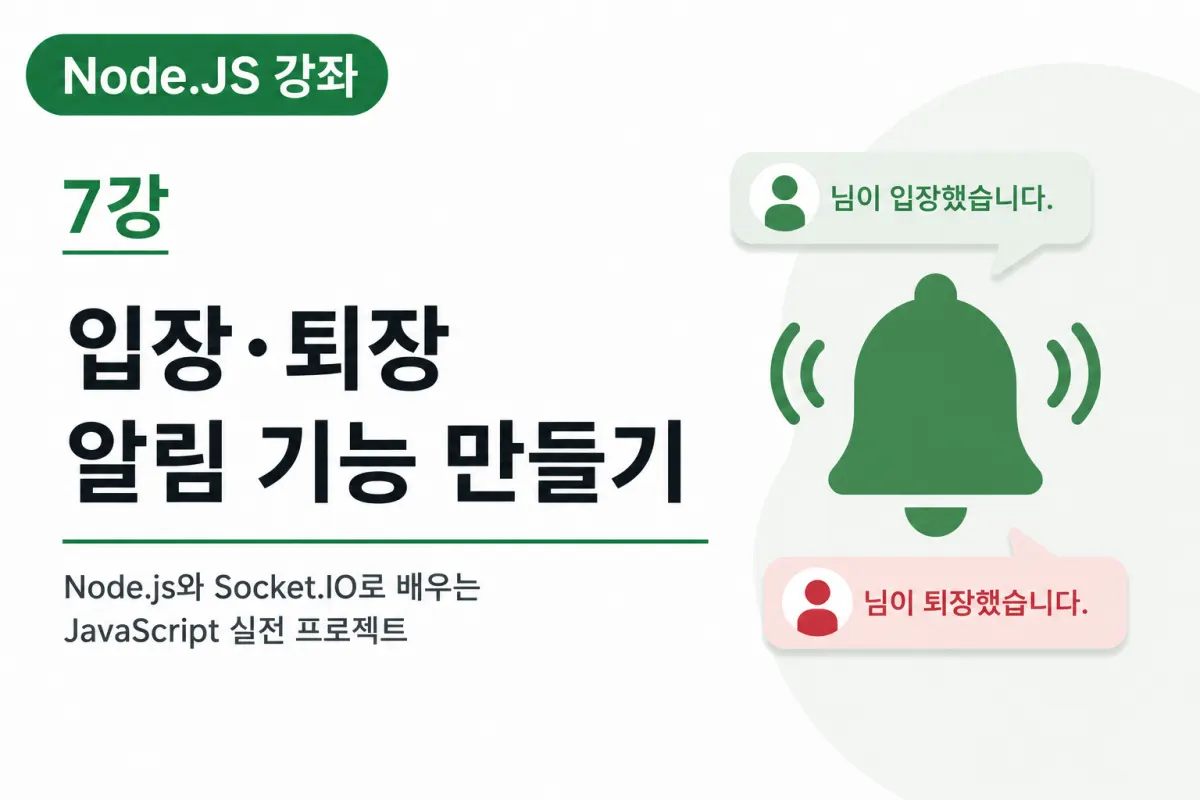
This lesson will implement a feature that notifies users about real-time entry and exit.
Why Are Entry Notifications Important?
Most messaging services show notifications like this when someone joins:
Min-su has joined the chat.
Or
Young-hee has entered the chat room.
This helps users quickly understand who's in the current chat.
This is especially common in group chats.
Exit Notifications Matter Too
When a user closes their browser or loses internet connection, the server detects this and ends their session.
The system can then show messages like:
Min-su has left the chat.
This makes it easy to see who's still in the room.
The Socket.IO Connection Event
Socket.IO automatically triggers a connection event when a new user connects.
You can use this event for:
New user registration
Saving nicknames
Sending entry notifications
This is essentially the starting point for your chat service.
What Is the Disconnect Event?
When a user disconnects, Socket.IO triggers a disconnect event.
This happens in these situations:
Closing the browser
Refreshing the page
Losing internet connection
Server disconnection
You can use this event to delete user data and send exit messages.
Sending Entry Messages
When a user connects, the server checks their nickname and sends an entry message to all current users.
For example:
Min-su has joined.
This system message should have a different color or design than regular chat messages for better distinction.
Sending Exit Messages
When the disconnect event occurs, the server identifies the user's nickname and sends an exit message to everyone.
For example:
Min-su has left.
This helps users quickly see changes in who's present in the chat room.
Distinguishing System Messages
Entry and exit notifications should be visually different from regular messages.
For example:
Gray text
Centered alignment
Smaller font size
Adding icons
This helps users easily distinguish between regular chat and status updates, which most messaging apps do.
User Lists Also Update Automatically
When a user joins or leaves, it's not just about displaying messages.
The list of currently connected users should update too.
This lesson focuses on the notification feature, but next week we'll implement real-time display of the active user list.
Multiple Disconnection Scenarios
The disconnect event isn't just triggered when closing a browser.
It also happens in these cases:
Refreshing the page
Losing internet connection
Server restarts
Closing browser tabs
Therefore, it's important for servers to always handle disconnect events.
How This Is Used in Real Services
Entry and exit features are common across many services:
Game servers
Online courses
Video conferences
Customer support
Group chats
Most real-time services include this as a standard feature.
We'll apply the same structure in our project.
Future Features Linked to This
The entry and exit events we're implementing today will connect to many future features:
Displaying current online user count
Showing online status
Admin logs
Tracking group chat participants
Displaying last login time
All these features rely on the same event structure.
In short, today's lesson is a crucial step toward more advanced user management capabilities.
Lesson Recap
This session covered implementing entry and exit notifications using Socket.IO's connection and disconnect events.
We also learned how to distinguish system messages from regular chat and why managing user connections matters.
In real-time chat services, monitoring user status is as important as message delivery.
Next Lesson Preview
The next lesson will implement a feature that displays the list of currently connected users in real time.
We'll create a system where the user list automatically updates when someone joins or leaves, making our chat service more similar to actual messaging apps.
FAQ
Why are connection and disconnect events important?
They enable real-time tracking of user presence, allowing the system to send timely entry/exit notifications that enhance user experience in chat applications.
How should system messages differ from regular chat?
System messages should use visual cues like gray text, centered alignment, smaller font size, or icons to distinguish them from regular messages.
Korean Source
This article is an English localization of a Korean-language report from BlogScore. Original: [Node.JS 강좌] 7강 입장·퇴장 알림 기능 만들기