
Building Real-Time Chat with Supabase: Connecting Realtime for Instant Messaging
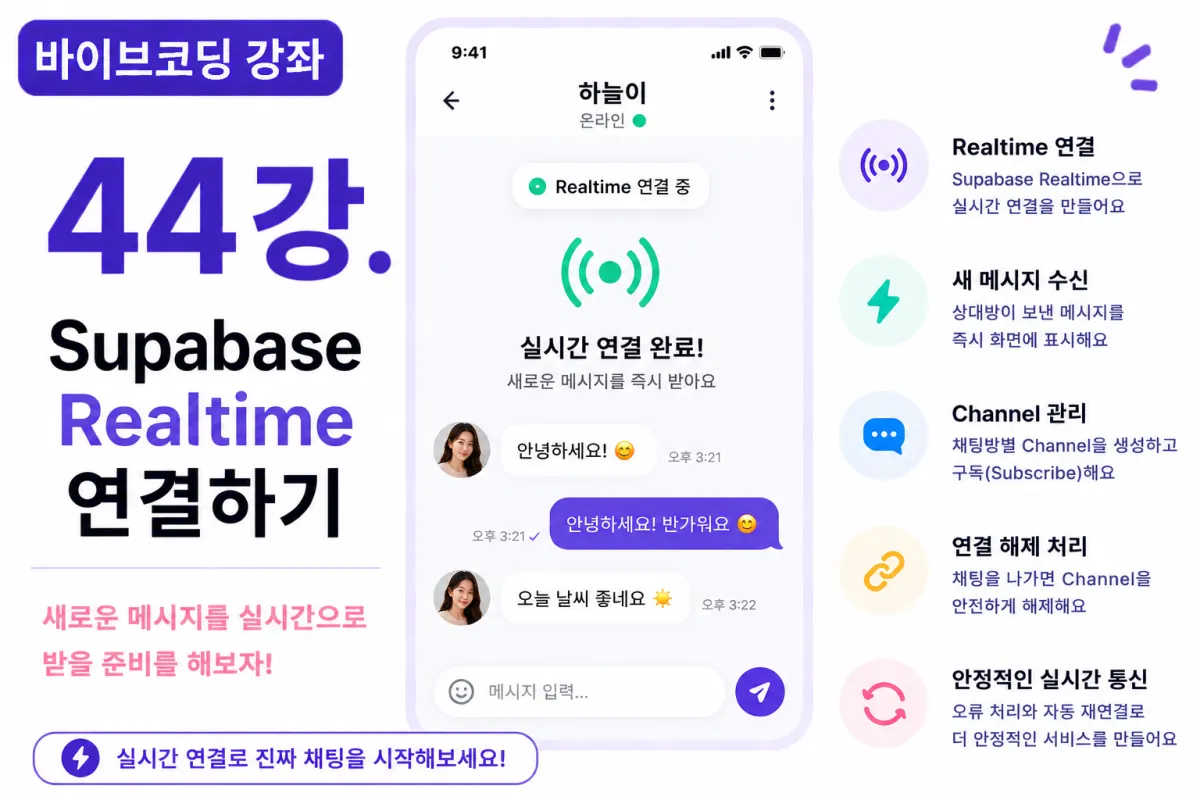
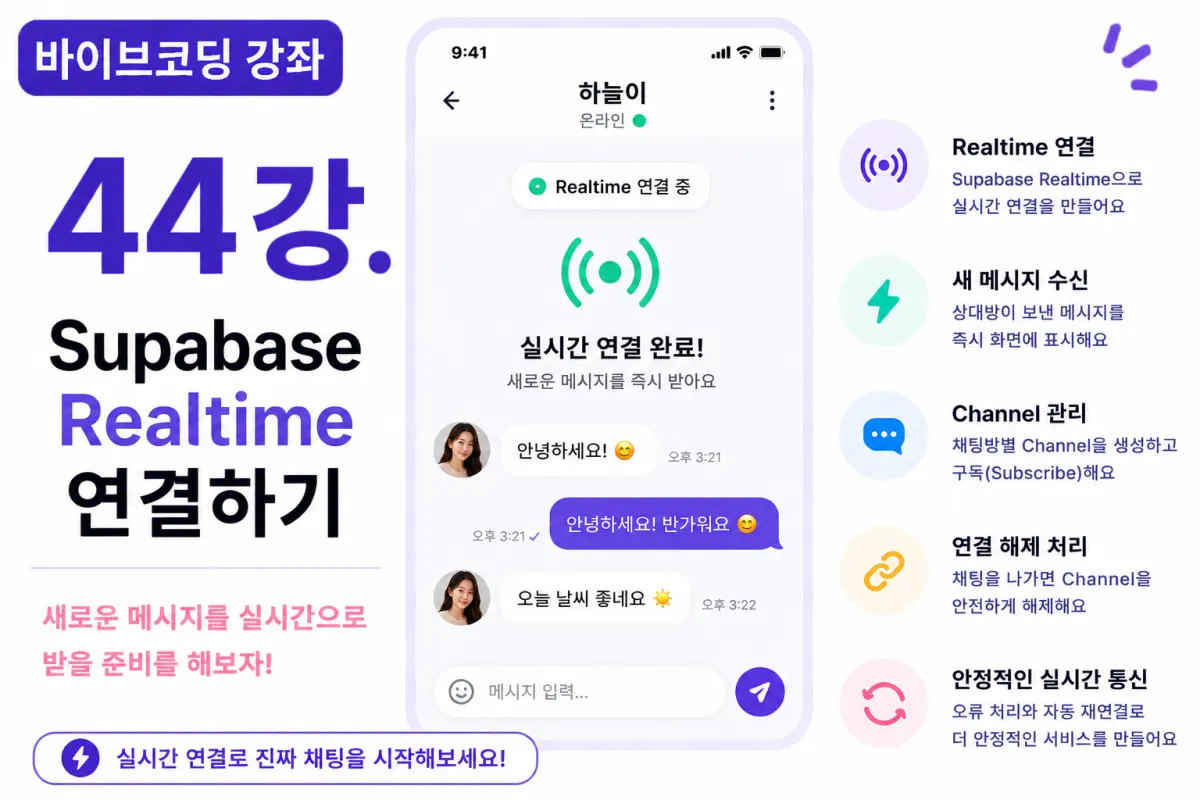
What You'll Learn in This Lesson
In the previous lesson, we implemented a chat room creation feature.
Now that the chat rooms are set up,
messages still aren't being delivered in real time.
In this lesson, we'll connect Supabase Realtime
to establish the foundation for real-time chatting.
We'll cover these topics together:
Understanding Realtime
Creating Channels
Establishing Subscriptions
Receiving Events
Disconnecting
Error Handling
By the end of this lesson,
you'll be ready to receive new messages in real time.
What Is Realtime?
Realtime is a feature that notifies clients immediately when data changes.
No longer do you need to poll the server every 5 seconds,
as was common in older systems.
When data changes, the screen updates instantly.
This is the core of real-time chat functionality.
Why Use Realtime?
In chat applications,
a delay in message delivery significantly impacts user experience.
With Realtime, messages appear on your screen as soon as they're sent.
Most messaging services use this approach.
Requesting Help from Cursor AI
First, we'll ask Cursor AI to help us write code for:
Write code that uses Supabase Realtime to receive messages in a specific chat room in real time.

Implement channel creation and disconnection as well.
The AI will suggest code for creating Realtime channels and handling events.
Creating Realtime Channels
Create one Realtime Channel per chat room.
For example, name the channel based on the chat room ID.
This ensures you only receive messages for that specific chat room.
Establishing Subscriptions
After creating a channel,
call the Subscribe function to subscribe to real-time events.
Once connected, new messages will trigger automatic events.
Receiving New Messages
When a message is added,
a Realtime event triggers.
Add the new message to your chat list on screen.
You'll see messages appear instantly without refreshing.
Updating React State
When a new message arrives,
update the React state.
Keep existing messages and add only the new one to the end of the array.
It's important not to refetch all data unnecessarily.
Disconnecting Channels
When leaving a chat room,
you should also disconnect the Realtime connection.
If you don't, memory leaks and unnecessary network usage can occur.
Always disconnect the channel when the component unmounts.
Handling Multiple Chat Rooms
Users may join multiple chat rooms,
but it's sufficient to connect Realtime only for currently open chat rooms.
Maintaining only necessary channels improves performance.
Displaying Connection Status
You can show the Realtime connection status to users,
for example with:
Realtime connected...
or
Realtime connection complete
This makes it easy for users to see the current status.
Error Handling
Network issues or failed Realtime connections can occur.
In such cases, show users a message like:
Failed to connect in real time.

Trying to reconnect shortly.
Adding automatic reconnection is also recommended.
Improving with Cursor AI
After completing the feature,
ask Cursor AI:
Improve the Realtime connection code to be more stable.
The AI may suggest improvements like:
Automatic reconnection
Error handling enhancements
Code refactoring
Performance Optimization
While Realtime is convenient,
creating too many unnecessary channels can degrade performance.
It's best to connect only to currently active chat rooms and disconnect immediately when no longer needed.
Testing the Feature
Test in this order:
Open two browser windows
Enter the same chat room in both
Verify Realtime connection
Check connection status
Confirm new message events
We'll verify that Realtime events work properly before saving messages.
GitHub Commit Message
When the feature is complete,
ask Cursor AI to write a commit message like:
Create Supabase Realtime connection for chat rooms.
Feature-specific commits are helpful for future maintenance.
Additional Features in Production
In real services,
these additional features are often implemented:
Automatic reconnection
Connection quality indicators
Network change detection
Background connection management
This project implements only the basic Realtime connection functionality.
Now Real-Time Chat Is Truly Live
With this lesson complete,
your chat rooms will connect to the server in real time.
What remains is implementing message storage and display.
The real-time messaging experience is now within reach.
Next Lesson Preview
In the next lesson, we'll implement real-time chat functionality,
storing messages in Supabase Database and displaying them instantly on the recipient's screen via Realtime.
Conclusion
This lesson covered connecting Supabase Realtime.
We implemented channel creation, subscription, event handling, and disconnection,
completing the core foundation for real-time chat.
In the next lesson, we'll implement actual message sending and receiving to complete our messaging app.
FAQ
What is Supabase Realtime?
Supabase Realtime is a feature that allows instant data updates to clients when changes occur in the database, eliminating the need for constant polling.
Why should I use Realtime instead of polling?
Realtime delivers messages instantly without requiring frequent server requests, improving user experience and reducing unnecessary network traffic.
Korean Source
This article is an English localization of a Korean-language report from BlogScore. Original: [바이브코딩 강좌] 44강. Supabase Realtime 연결하기