
Building an Image AI Server with NVIDIA RTX 3060 12GB: A Step-by-Step Guide
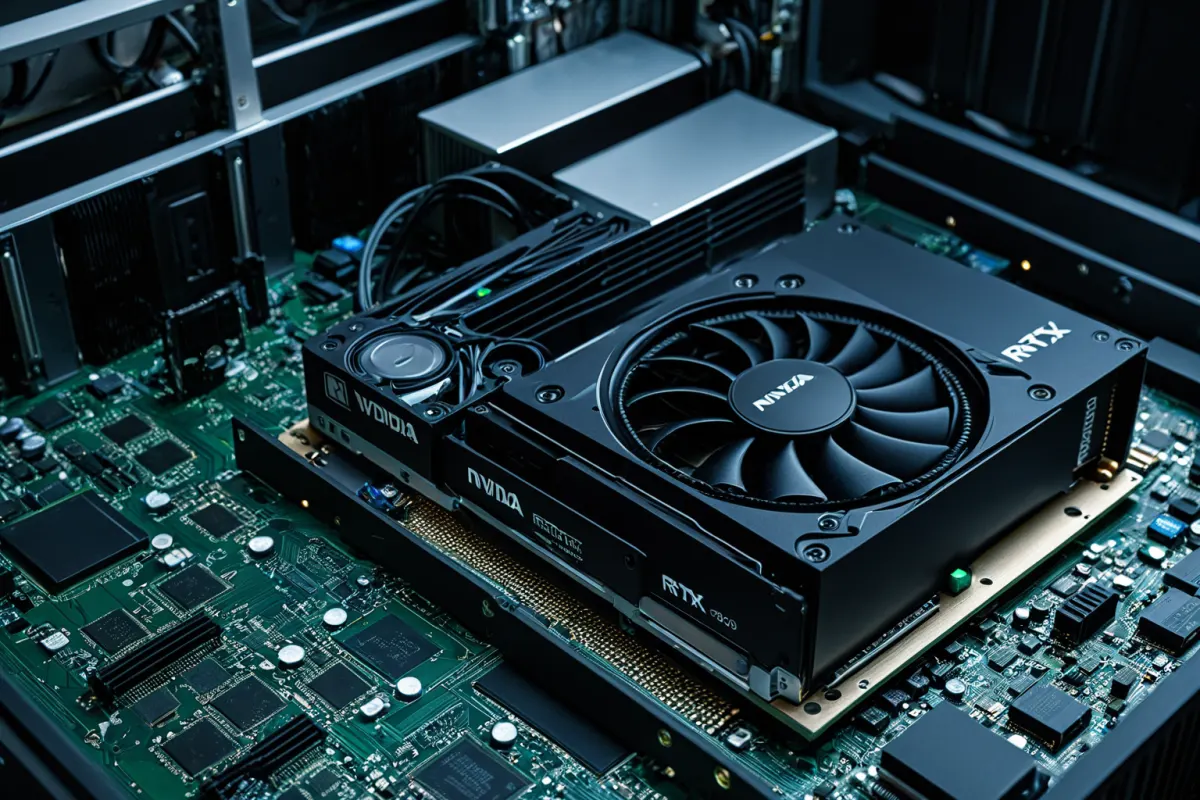
The NVIDIA RTX 3060 12GB is a capable graphics card for building an image generation AI server. With 12GB of memory, it's well-suited for running most open-source image AI models like Stable Diffusion and SDXL locally, making it ideal for personal projects or small team operations.
Building your own server instead of relying on expensive cloud services can lead to significant long-term cost savings. However, understanding the correct setup process from the start helps avoid wasting time and money.
Checking RTX 3060 12GB Specifications and Installing Drivers
First, you need to install NVIDIA drivers on either Windows or Linux. Download and install the latest compatible driver for the 3060 from NVIDIA's official website, which will allow your system to recognize the GPU.
After installation, run the 'nvidia-smi' command in Command Prompt or Terminal to verify GPU information. It's crucial to confirm that the 12GB memory is properly recognized at this stage; improper driver installation can lead to performance issues in all subsequent AI tasks.
Installing CUDA and cuDNN
To enable AI frameworks to utilize the GPU, you'll need the CUDA Toolkit and cuDNN. Install a compatible CUDA version (typically 11.x or 12.x) for the RTX 3060 from NVIDIA's official site.
After installation, set environment variables so the system recognizes the CUDA path. Similarly, install cuDNN and configure its path to significantly improve image generation speed. Skipping this step will result in CPU-only processing, which is much slower.
Selecting Image Generation AI Software
Stable Diffusion WebUI is the most popular choice. Download the code from GitHub and run it in a Python environment to automatically generate a web interface. It's straightforward for anyone to use without complex setup.
Alternatives like ComfyUI or Invoke AI exist, but for beginners, WebUI offers the lowest entry barrier. After installation, download model files and you can start generating images immediately.
Memory Optimization Settings
You can view similar articles in one place.
View Related ArticlesWhen running larger models like SDXL on the RTX 3060 12GB, memory optimization is essential. In Stable Diffusion WebUI settings, enable options like 'enable-attention-slicing' or 'opt-split-attention' to reduce memory usage.
Also, ensure sufficient system RAM is available—having at least 16GB will help maintain stable operation. If you encounter memory shortage errors, adjust the batch size or model size accordingly.
Considerations for Server Operation
Prolonged image generation tasks can increase GPU temperature, so proper cooling is necessary. Regularly clean dust around the graphics card and check case airflow to maintain optimal performance.
Power consumption should also be considered. While the RTX 3060 12GB is relatively low-power, it requires a stable power supply of over 600W for high-load tasks. Factor in electricity costs if you plan long-term operation.
Frequently Asked Questions
How many images can I generate simultaneously with an RTX 3060 12GB?
Typically, setting the batch size to 4-8 provides stability. With memory optimization, you may increase the batch size. However, larger batches will result in longer generation times, so adjust based on your specific needs.
Can other image AI models besides Stable Diffusion be run similarly?
Most open-source image generation models can be installed using a similar process and run under CUDA and PyTorch environments. However, memory requirements vary by model, so check specifications beforehand.
Is building a local server more cost-effective than cloud GPU services?
Initial setup costs are involved, but over time, a local server becomes more cost-efficient. If you use it for over 100 hours per month, you can recoup cloud costs within six months, after which it's pure savings. However, maintenance and power costs should be factored in.
Disclaimer: This article provides technical information only. Software and model deployment methods or specifications may change over time. Always check official documentation and community updates before building your server.
Continue exploring similar topics.
View Category ArticlesFAQ
How many images can I generate simultaneously with an RTX 3060 12GB?
Typically, setting the batch size to 4-8 provides stability. With memory optimization, you may increase the batch size. However, larger batches will result in longer generation times, so adjust based on your specific needs.
Can other image AI models besides Stable Diffusion be run similarly?
Most open-source image generation models can be installed using a similar process and run under CUDA and PyTorch environments. However, memory requirements vary by model, so check specifications beforehand.
Is building a local server more cost-effective than cloud GPU services?
Initial setup costs are involved, but over time, a local server becomes more cost-efficient. If you use it for over 100 hours per month, you can recoup cloud costs within six months, after which it's pure savings. However, maintenance and power costs should be factored in.
Korean Source
This article is an English localization of a Korean-language report from BlogScore. Original: 3060 12G로 이미지 AI 서버 구축 방법