
Build Your Own AI Image Server with an RTX 3090: A Beginner's Guide to Stable Diffusion
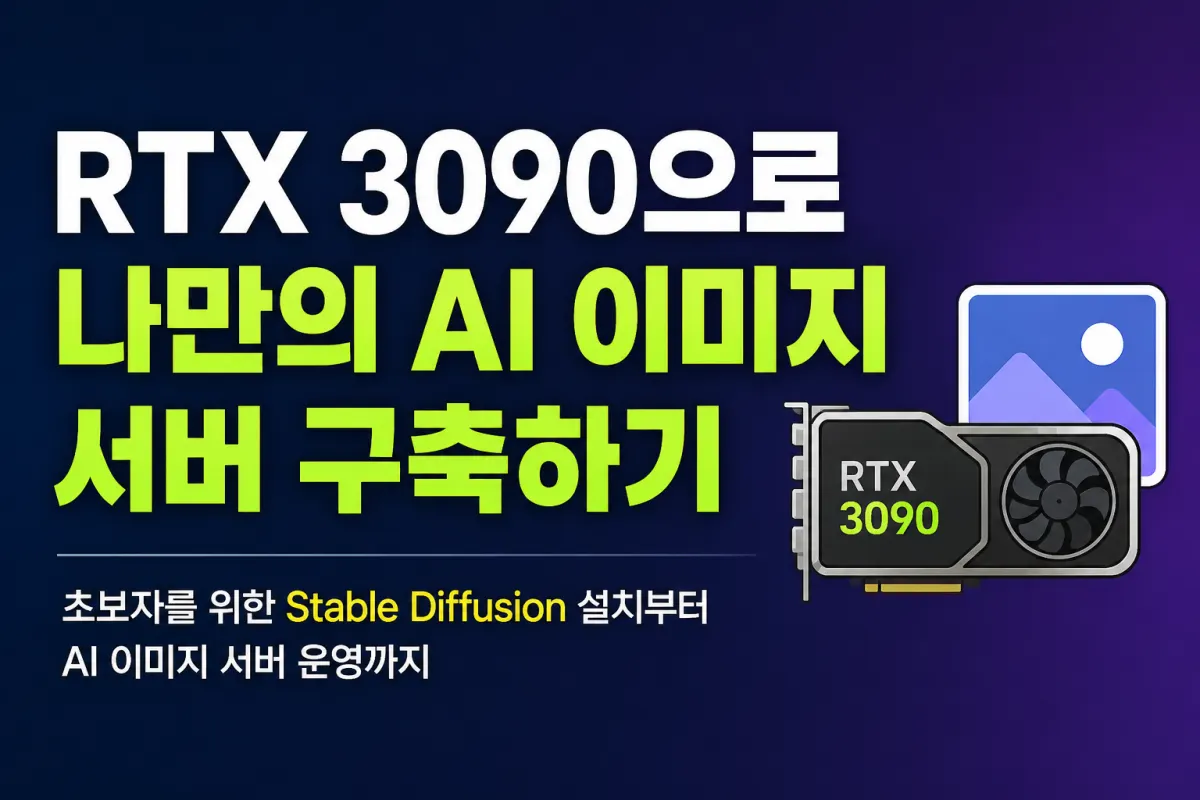
Build Your Own AI Image Server with an RTX 3090
As AI image generation technology rapidly advances, it's now possible for anyone to operate their own AI image server at home or in the office.
No longer do you need expensive servers or cloud services—just a single RTX 3090 graphics card can create a professional-grade AI image generation environment.
Stable Diffusion, being a free open-source AI model, allows unlimited image creation once installed.
This guide walks beginners through setting up an AI image server using Stable Diffusion, including necessary hardware and recommended software.
Why Is the RTX 3090 Still the Best Choice?
Although the RTX 3090 has been on the market for a while, it remains one of the top-performing GPUs for AI image generation.
The main reason is its 24GB of VRAM.
Unlike typical gaming graphics cards, AI models rely heavily on VRAM capacity.
Adequate VRAM allows you to:
Create high-resolution images
Run SDXL models
Use ControlNet
Apply multiple LoRAs simultaneously
Upscale images
These tasks run more smoothly with sufficient VRAM.
The RTX 3090 is also reasonably priced on the used market, making it a consistent recommendation for personal AI server setups.
What Is Stable Diffusion?
Stable Diffusion is an open-source generative AI that creates images from text prompts.
For example, entering these prompts generates unique images:
Futuristic city night view
Korean traditional hanok house
Cute cat character
YouTube thumbnail
Blog illustration
Product mockup image
This versatility in generating various styles has made it popular among content creators.
Necessary Equipment for Building an AI Image Server
For beginners, the following specifications are recommended:
CPU
Ryzen 7 or higher, or Intel i7 or higher
While CPU performance matters, GPU plays a more significant role in image generation.
Memory
Minimum 32GB
Recommended 64GB
More memory ensures stability when running multiple models or generating large images.
Graphics Card
RTX 3090 with 24GB VRAM
This is the most recommended configuration for serious Stable Diffusion use.
Storage
NVMe SSD with at least 1TB
AI models can range from several gigabytes to tens of gigabytes, so ample storage is essential.
The Most Popular Stable Diffusion Program
The most widely used environment today is AUTOMATIC1111 WebUI.
It's accessible via any browser and supports various extensions.
Key features include:
Text-to-image generation
Image-to-image editing
Face restoration
Upscaling
LoRA application
ControlNet integration
Prompt management
Model switching
Its user-friendly interface makes it ideal for beginners.
Know ControlNet and LoRA
When using Stable Diffusion, you'll often hear about ControlNet and LoRA—two powerful features worth understanding.
ControlNet
Allows generating new images while maintaining the pose or composition of an existing image.
For example, you can change clothing or background while keeping a person's posture intact.
LoRA
Small models trained to learn specific styles or characters.
They enable easy application of styles like anime, realistic portraits, or product designs for high versatility.
Use Your AI Server Remotely
You can install your Stable Diffusion server at home and access it from outside using a web browser.
This means you can generate AI images on:
Office computers
Laptops
Tablets
Smartphones
With additional setup like a VPN or reverse proxy, you can secure your personal AI server.
Use Cases for an AI Image Server
Stable Diffusion is more than just a tool for creating images—it's being used across various fields:
Blog header images
YouTube thumbnails
E-commerce product images
Social media content creation
Web novel illustrations
Game character design
Website mockups
Ad banner creation
If you regularly need to create images, this tool can significantly boost productivity.
The Era of Personal AI Servers Is Here
Generative AI is moving beyond cloud-based services toward personal server setups that users build and manage themselves.
An RTX 3090 can run Stable Diffusion smoothly, and with additional models and extensions, you can create a personalized image creation environment.
It also offers the advantage of generating images without internet access, improving privacy and speed.
Conclusion
Setting up your own AI image server may seem challenging at first, but once configured, it becomes a powerful tool for blogs, YouTube channels, e-commerce, design work, and more.
In the next guide, we'll walk you through installing Stable Diffusion WebUI on an RTX 3090, downloading models, and generating your first image with step-by-step visuals.
FAQ
Can I use a different GPU instead of RTX 3090?
While other GPUs can run Stable Diffusion, the RTX 3090's 24GB VRAM is ideal for high-resolution images and advanced features like ControlNet and LoRA.
Do I need a powerful CPU for AI image generation?
A good CPU helps but isn't as critical as the GPU. The RTX 3090's VRAM is more important for smooth performance.
Korean Source
This article is an English localization of a Korean-language report from BlogScore. Original: RTX 3090으로 나만의 AI 이미지 서버 구축하기(초보자를 위한 Stable Diffusion 설치부터 AI 이미지 서버 운영까지)