
Adding KakaoTalk Login Functionality to Your BlogScore Platform
Implementing Login Function (Kakao Login)
Day two: There's still a lot to do.
After creating the frame and homepage, I moved on to implementing the login feature.
Previously, users had to sign up and enter an ID and password for login. However, with strengthened personal information protection laws and security concerns,
and since almost all Koreans use KakaoTalk (Kakao's messaging app), with most accessing sites via mobile,
I decided it would be best to implement KakaoTalk login integration.
(Of course, older users might find this inconvenient, but I believe my site's users will adapt well to KakaoTalk login. ㅎ)
login.php
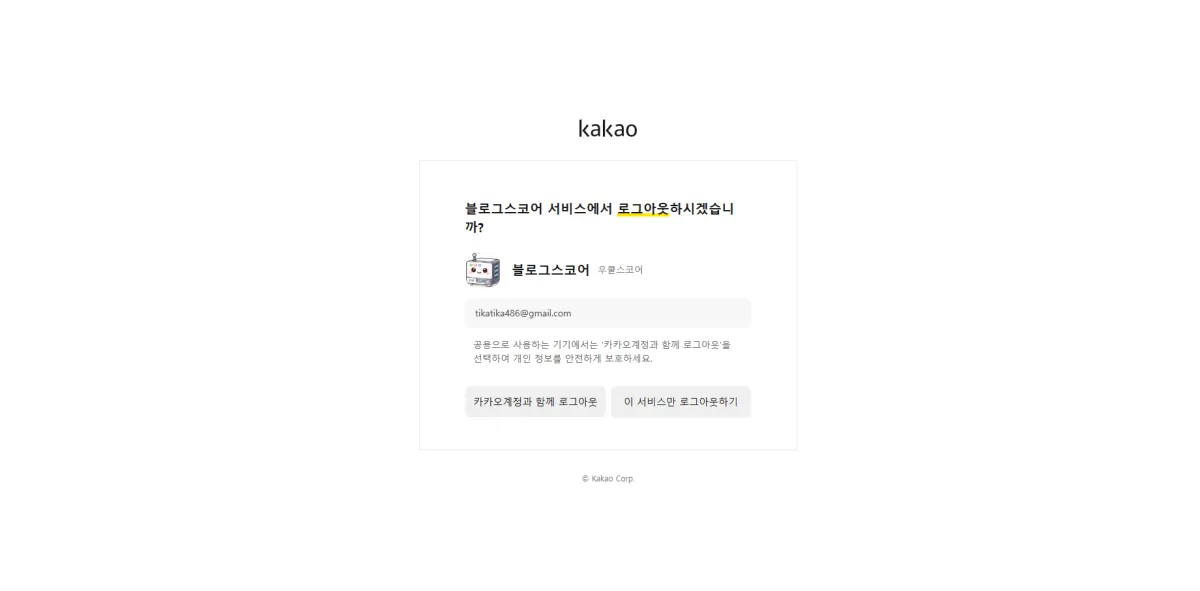
logout.php
kako_callback.php
kako_start.php
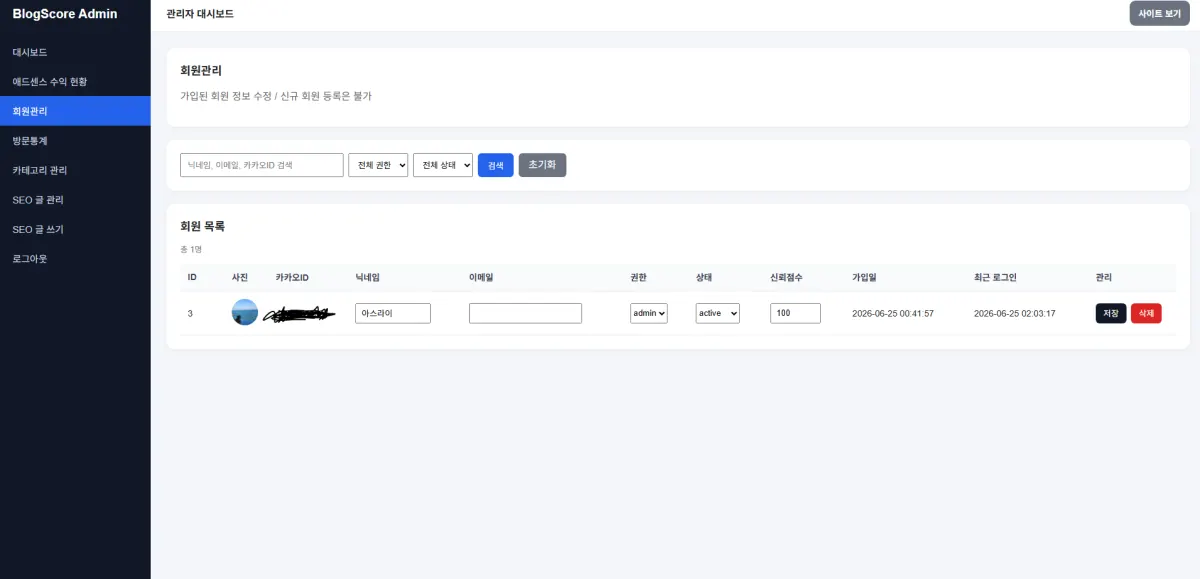
users.php (admin page for management)
Creating the blogscore_users table
CREATE TABLE `blogscore_users` (
  `id` bigint UNSIGNED NOT NULL,
  `kakao_id` varchar(50) COLLATE utf8mb4_unicode_ci NOT NULL,
  `nickname` varchar(100) COLLATE utf8mb4_unicode_ci NOT NULL,
  `nickname_set` tinyint(1) NOT NULL DEFAULT '0',
  `profile_image` varchar(500) COLLATE utf8mb4_unicode_ci DEFAULT NULL,
  `email` varchar(255) COLLATE utf8mb4_unicode_ci DEFAULT NULL,
  `role` enum('user','admin') COLLATE utf8mb4_unicode_ci NOT NULL DEFAULT 'user',
  `status` enum('pending','active','blocked','rejected') COLLATE utf8mb4_unicode_ci NOT NULL DEFAULT 'active',
  `trust_score` int NOT NULL DEFAULT '0',
  `created_at` datetime NOT NULL DEFAULT CURRENT_TIMESTAMP,
  `updated_at` datetime NOT NULL DEFAULT CURRENT_TIMESTAMP ON UPDATE CURRENT_TIMESTAMP,
  `last_login_at` datetime DEFAULT NULL
) ENGINE=InnoDB DEFAULT CHARSET=utf8mb4 COLLATE=utf8mb4_unicode_ci;
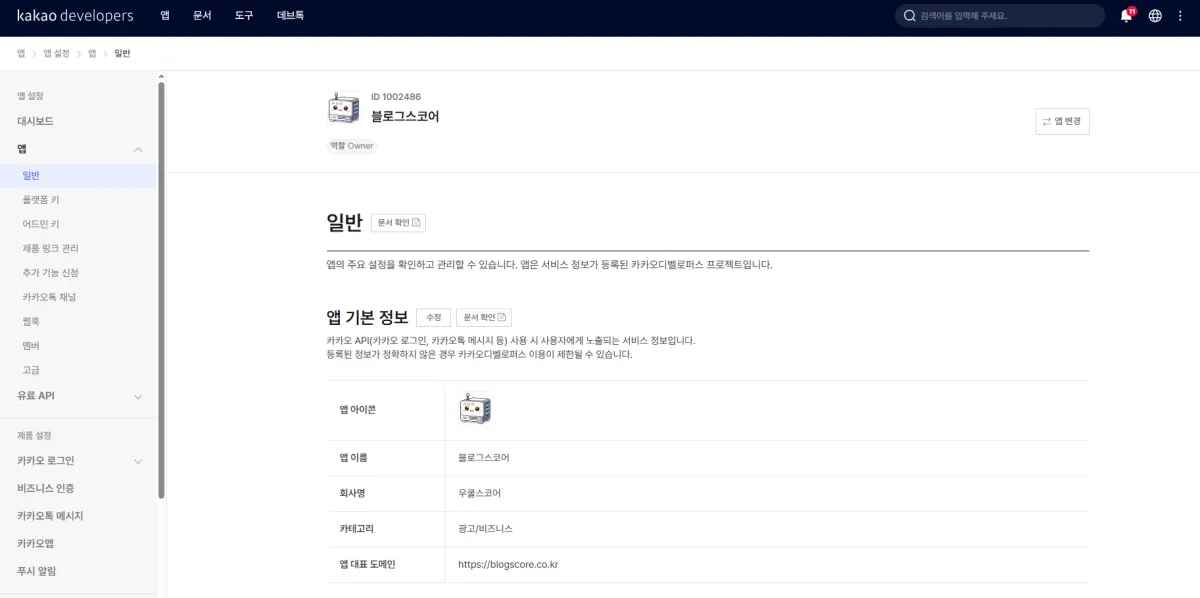
- Configure in Kakao Developer
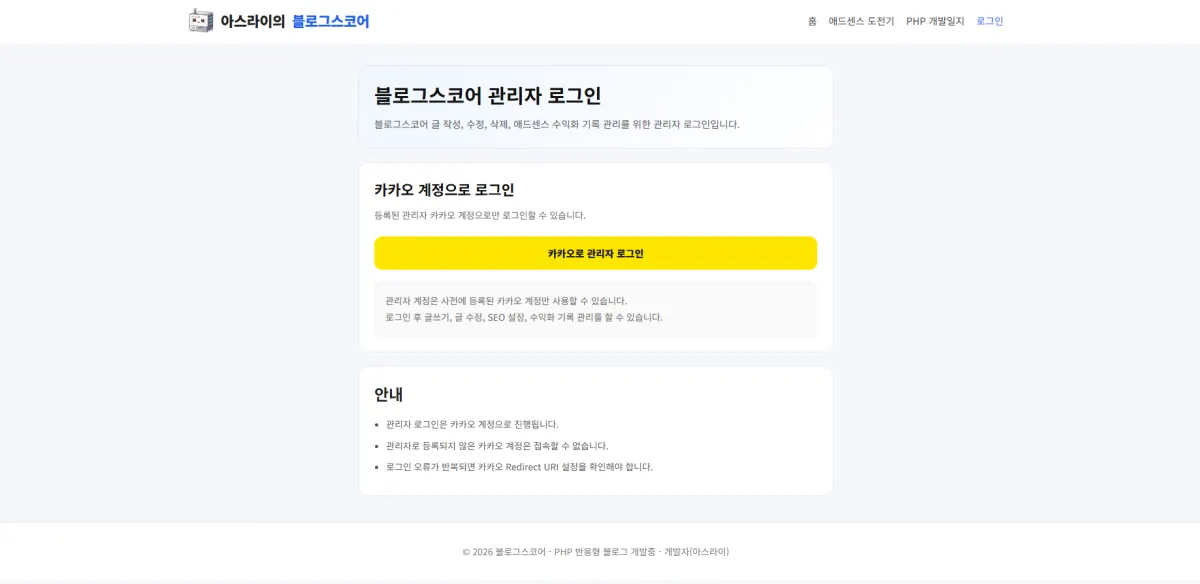
- login.php
- users.php
- logout.php
With the user functionality now complete, next I'll create pages for writing, editing, and viewing posts!
FAQ
Why use KakaoTalk login instead of traditional username/password?
Most Koreans use KakaoTalk, and it's more secure with mobile access. The site follows privacy laws by reducing the need for users to provide personal information.
Korean Source
This article is an English localization of a Korean-language report from BlogScore. Original: [2일차] 카카오톡 로그인 기능 추가하기