
Adding Emoji and Auto-Scroll Features to Your Chat Application
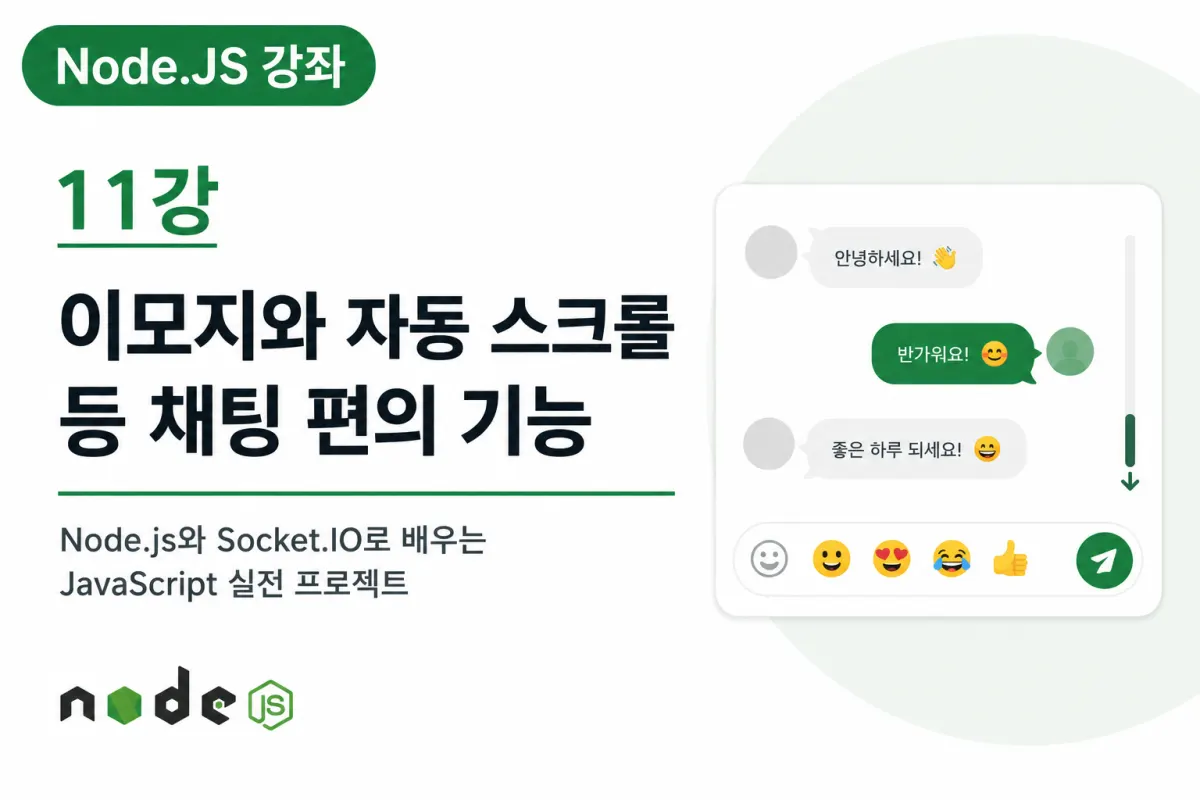
Welcome.
So far, we've implemented real-time chat, nicknames, online user lists, chat rooms (Rooms), and private messaging features.
The core functionality of our chat service is now mostly complete.
However, compared to actual messaging apps, it still feels a bit lacking.
In this lesson, we'll add various chat convenience features to make the user experience smoother and more intuitive.
While these are small additions, they're crucial elements in real-world services.
Why User Experience (UX) Matters
Even with similar functionality, services that are easier to use receive better ratings.
For example:
Messages automatically scroll down as new ones arrive.
Pressing Enter sends the message immediately.
Easily insert emojis into conversations.
The input field remains active after sending a message.
All these features contribute to better user experience.
Auto-Scroll Feature
As chat continues, messages accumulate over time.
If new messages arrive but the screen stays at the top, users will have difficulty seeing the latest conversation.
Therefore, it's standard practice to automatically scroll to the bottom whenever a new message is added.
This is a basic feature used by most messaging apps.
What If Users Are Viewing Older Messages?
Automatically scrolling all the time can actually be inconvenient.
For example, if users are reading older messages and the screen suddenly jumps to the bottom, it's very disruptive.
In real-world development, this is commonly handled by:
Auto-scrolling only when at the bottom of the chat window
Maintaining current scroll position if viewing from the top
This project will start with basic auto-scroll functionality.
Send Messages With Enter Key
Most messaging apps send messages when users press Enter, which is much faster and more convenient than clicking a button.
Additionally, many services allow line breaks by using Shift + Enter, creating an interface users are already familiar with.
Input Field Auto-Focus
After sending a message, keeping the input field active allows users to immediately type their next message without clicking it again.
This creates a more natural chat environment by eliminating the need for repeated mouse clicks.
Though small, this feature significantly improves usability.
Clear Input Field After Sending
After sending a message, the input field should automatically clear to avoid having previous text remain.
If old content stays, it becomes inconvenient for typing the next message.
Clearing the input field after sending is standard in nearly all messaging apps.
What Are Emoji Features?
Text alone often struggles to convey emotions effectively.
This is where emojis come into play.
For example:
😊 😄 👍 ❤️ 🎉
Using these emojis makes conversations feel more natural and expressive.
Most modern messaging apps support a wide range of emojis.
Creating an Emoji Selection Menu
While users can type emojis directly, clicking an emoji button to select from a list is generally more convenient.
For example:
😊 😄 😂 😍 😎 👍
Providing commonly used emojis in a selection menu makes them easy to choose from.
Message Length Limitation
In real services, very long messages are often limited to prevent server strain and screen distortion.
For instance:
Maximum 500 characters
Maximum 1000 characters
Applying a reasonable length limit is recommended for this project as well.
Blocking Empty Message Sending
If users can send empty messages, unnecessary data will continue to be sent to the server.
Therefore, it's best to prevent sending when:
The input is only whitespace
No content has been entered
This is a standard feature in real services that must be implemented.
Additional Convenience Features
Beyond the features covered, chat services often provide:
Message copying
Automatic URL linking
Time stamps
Date separators
Typing indicators
Unread message notifications
This project will focus on core features first, with additional functionality to be added in future lessons.
User Experience Completes the Product
Sometimes, simple convenience features provide higher satisfaction than complex functionality.
Since real-time chat applications are used extensively over time, even small convenience features can significantly impact user experience.
The features implemented today are standard in most messaging services.
Lesson Summary
In this lesson, we covered implementing auto-scroll, Enter key sending, input field auto-focus, and emoji support to enhance chat functionality.
While not core features, these convenience elements significantly improve the user experience.
Our chat application now more closely resembles a real messaging service.
Next Lesson Preview
In the next lesson, we'll implement image upload and real-time image sharing features.
Add photo sharing to our chat application to create more diverse communication experiences.
FAQ
Why is auto-scroll important in chat applications?
Auto-scroll ensures users see the latest messages without manually scrolling, improving real-time communication flow.
How do emoji features enhance user experience?
Emojis allow users to express emotions more naturally than text alone, making conversations feel more personal and engaging.
Korean Source
This article is an English localization of a Korean-language report from BlogScore. Original: [Node.JS 강좌] 11강 이모지와 자동 스크롤 등 채팅 편의 기능 추가하기