
7 Essential Checks Before Upgrading to Windows 11
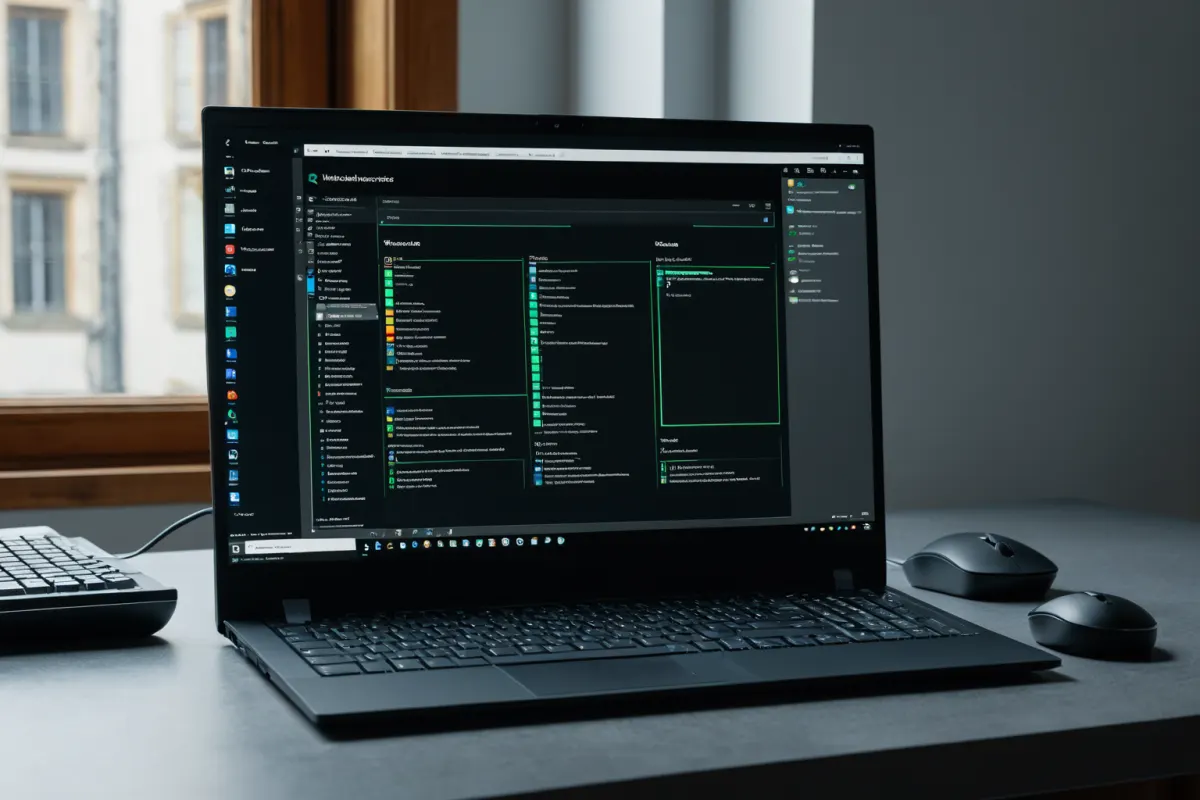
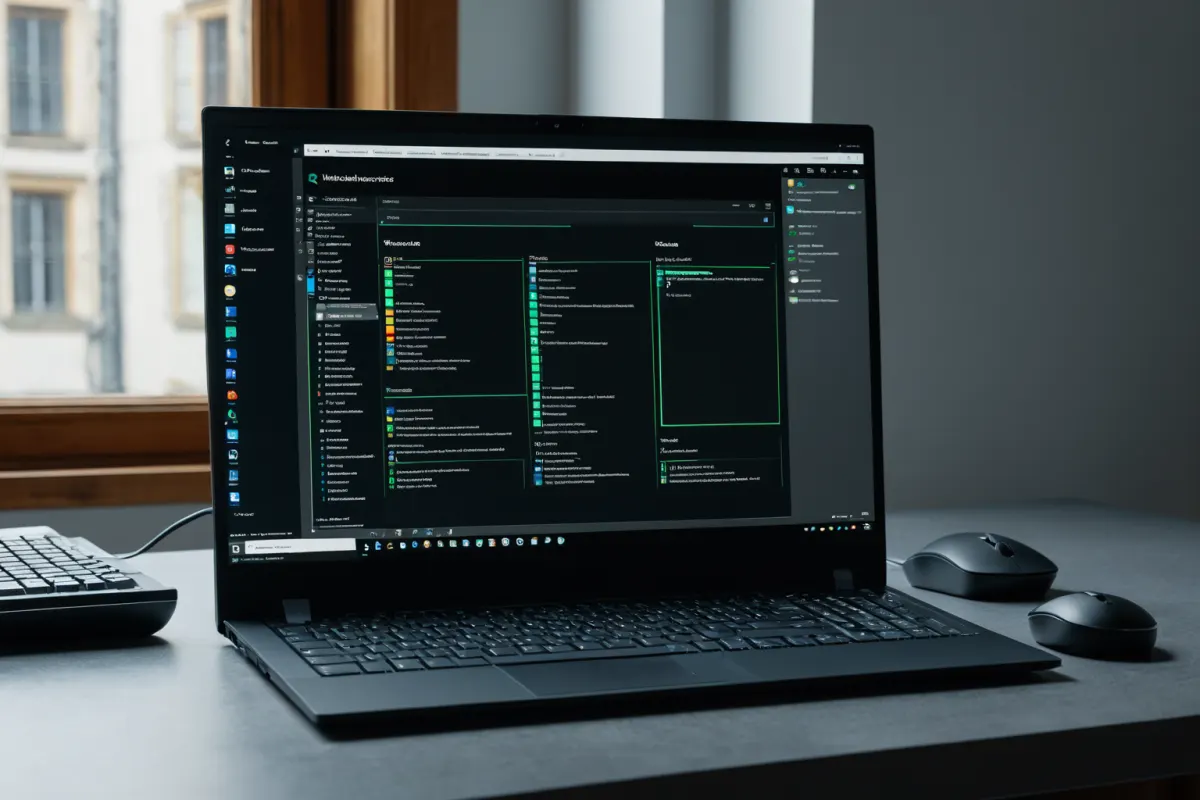
Essential Checklist Before Upgrading to Windows 11
Before upgrading to Windows 11, check compatibility requirements such as processor generation, TPM settings, and Secure Boot. Microsoft announced its Windows 11 transition support policy starting in May 2025, with approximately 40% of global endpoints still running Windows 10. This increases security risks due to the end of Windows 10 security patch support.
Check Compatibility Requirements
Windows 11 requires newer processor generations and needs TPM 2.0 and Secure Boot enabled. Verify these settings in System Information before upgrading. Specifically, Intel CPUs must be 8th generation or later, and AMD processors need Zen 2 or higher. TPM 2.0 is a security module providing hardware-based security features, which can be activated in BIOS/UEFI settings. Secure Boot ensures only trusted bootloaders are allowed, preventing malicious software intrusion.
Utilize TeamViewer DEX Solution
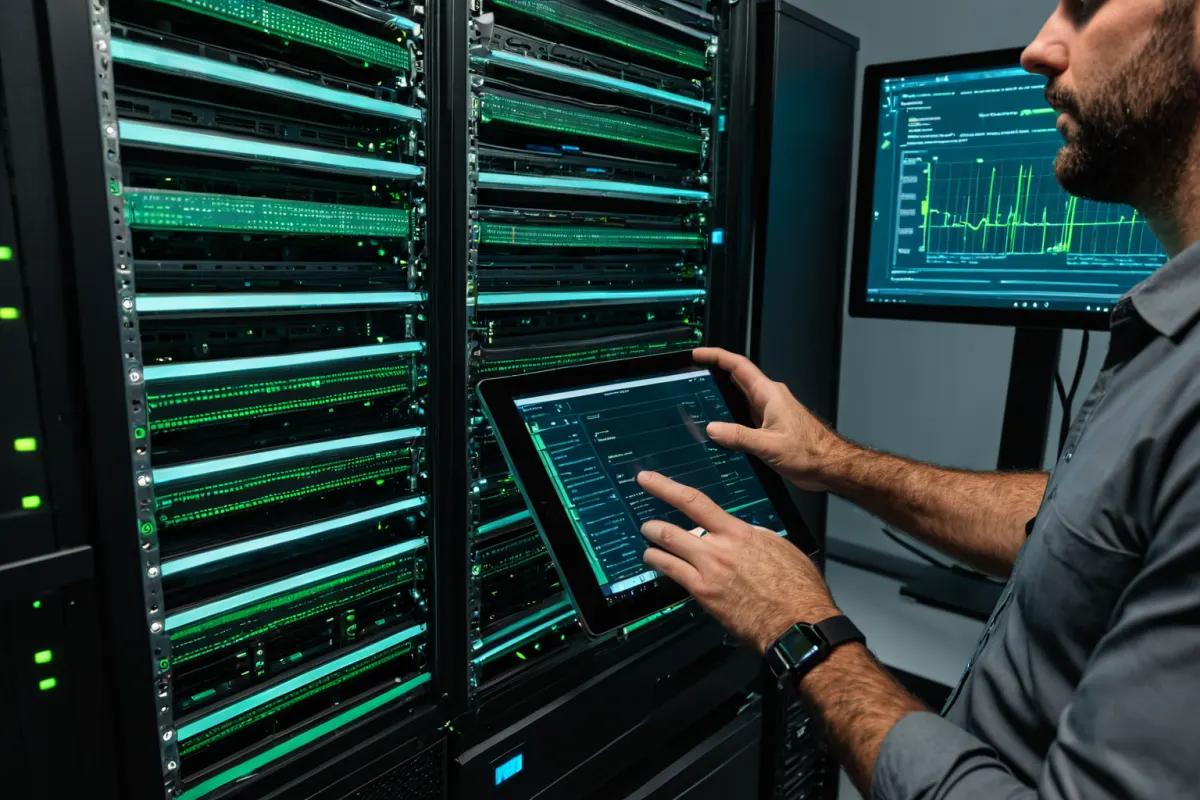
TeamViewer DEX offers a Windows 11 readiness pack that allows IT teams to monitor device status in real-time and track compliance before and after upgrades. The solution automatically checks compatibility requirements like processor generation, TPM settings, and Secure Boot. According to TeamViewer analysis, about 40% of global endpoints still run Windows 10, which can lead to security vulnerabilities. DEX helps prioritize upgrades based on this data.
Current Windows 10 Usage and Security Risks
About 40% of global endpoints still use Windows 10, which poses security risks as it no longer receives security patches after its support ends. Microsoft's May 2025 announcement of transition support policy serves as a critical warning for Windows 10 users.
Windows 11 Update Schedule
The Windows 11 24H2 update, featuring enhanced AI capabilities, will be rolled out sequentially starting in October 2024. This update aims to improve user experience and provide new AI-based features. The more stable 25H2 update is scheduled for wider release in June 2026, offering a more reliable environment for global users.
Essential Checks Before Upgrading
1. Check processor generation: Intel CPUs must be 8th gen or later; AMD needs Zen 2 or higher.
2. Enable TPM 2.0: Verify in BIOS/UEFI settings.
3. Enable Secure Boot: Set the same location.
4. Confirm core software compatibility: Ensure essential programs support Windows 11 before upgrading.
Frequently Asked Questions
Is it necessary to enable Secure Boot when upgrading from Windows 10 to Windows 11?
Yes, Secure Boot is a mandatory requirement for Windows 11 installation. It must be enabled in BIOS/UEFI settings.
Will security patches still apply after Windows 10 support ends?
No, security patches will no longer be provided after Windows 10 support ends. Upgrading promptly is recommended.
Is TeamViewer DEX a free solution?
TeamViewer DEX is an enterprise solution; specific pricing details can be found on the official website.
References
- [Feature] "What Games Can You Play on a Mac?" (www.inven.co.kr)
- [Daily IT News] SKT Launches Next-Gen AI Platform 'Who is Auto 2.0' and More (biz.newdaily.co.kr)
- [Industry News] Hyundai Motor Group Establishes First Public Welfare Foundation 'Industrial Safety Coexistence Foundation' (www.greened.kr)
You can find similar articles in one place.
View Related ArticlesFAQ
Is it necessary to enable Secure Boot when upgrading from Windows 10 to Windows 11?
Yes, Secure Boot is a mandatory requirement for Windows 11 installation. It must be enabled in BIOS/UEFI settings.
Will security patches still apply after Windows 10 support ends?
No, security patches will no longer be provided after Windows 10 support ends. Upgrading promptly is recommended.
Is TeamViewer DEX a free solution?
TeamViewer DEX is an enterprise solution; specific pricing details can be found on the official website.
Korean Source
This article is an English localization of a Korean-language report from BlogScore. Original: 윈도우11 업그레이드 전 꼭 체크해야 할 사항 7가지