
5 Important Things to Watch Out for When Sharing Files via WeTransfer
WETRANSFER Phishing Attack Precautions
Phishing emails impersonating WeTransfer and credential theft attacks have been reported continuously since 2019. Emergency alerts were issued in February and June 2021, emphasizing that users should avoid clicking links from unofficial sites. This is a case of the service's popularity being exploited by cybercriminals.
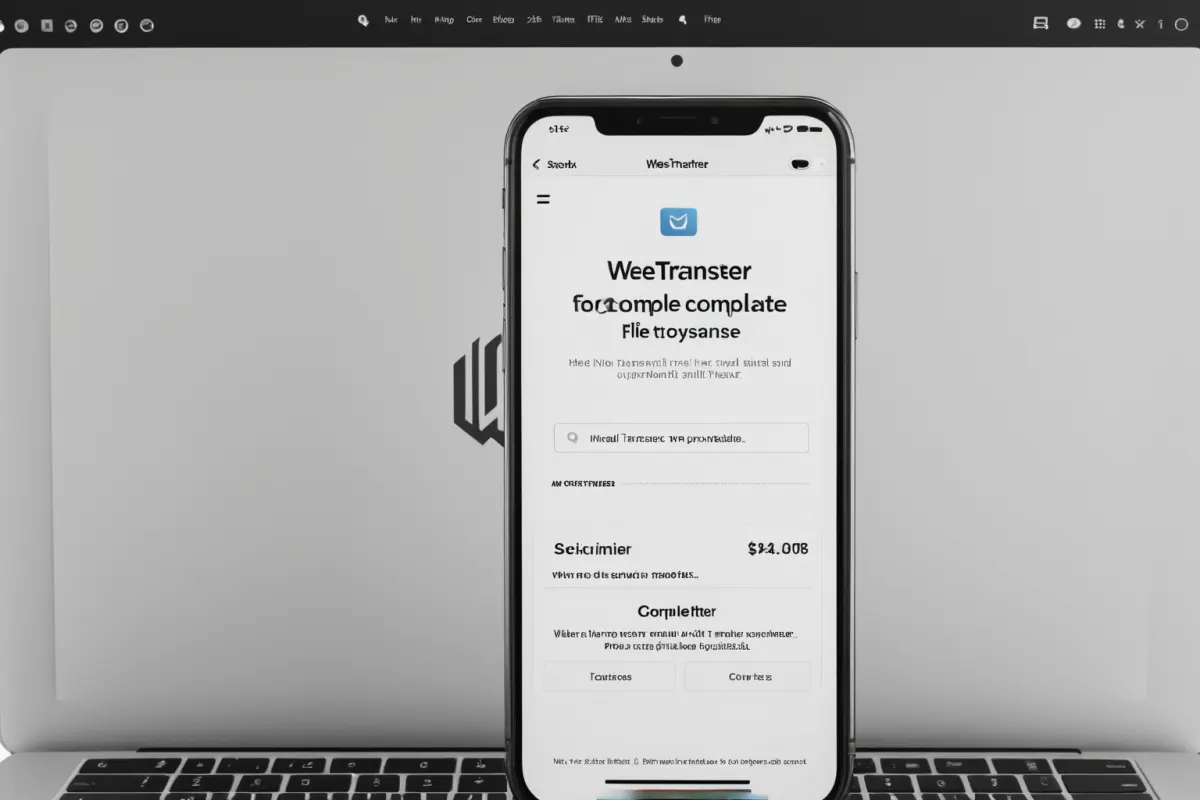
Phishing Email Impersonation Examples
Phishing emails impersonating WeTransfer began spreading in June and July 2019. According to security news, a security incident related to WeTransfer occurred on June 24, 2019, followed by credential theft attacks reported on July 26, 2019. These were cybercrimes exploiting WeTransfer's file transfer functionality, leading to user account information leaks.
Timeline of Security Incidents
A security incident was reported on June 24, 2019, followed by a credential theft attack on July 26, 2019. On February 2, 2021, an emergency alert was issued regarding phishing emails impersonating WeTransfer, and on June 15, 2021, a warning about phishing emails disguised as file transfer sites was published. All these cases involved cybercriminals using WeTransfer's official domain to steal user information.
Phishing emails typically arrive with subject lines like 'File Transfer Completed via WeTransfer' or 'File Download Request,' using domains similar to the real WeTransfer site to build trust. This tactic is designed to make users click links without suspicion.
How to Verify the Official Site
The official WeTransfer website address is https://wetransfer.com. Users must confirm that any link received in an email includes this domain. Be cautious of variations like 'wetransferr' or 'wetransfer.net,' which are often used in phishing attempts instead of the correct 'wetransfer'.
Before clicking a link in an email, hover your mouse over it to see the actual URL. If it doesn't match the official domain, delete the email immediately and ignore any suspicious messages.
How to Handle Suspicious Emails
If you receive a suspicious email or message about file sharing, delete it immediately without opening it. File-sharing emails are often from untrusted senders. Since WeTransfer is an official service, always use the official site for personal file transfers.
Do not click on any links in the email body; instead, directly access WeTransfer's website to send or receive files. Phishing emails aim to steal user account information, so never open suspicious emails.
Recommended Password Reset
If you've been exposed to a phishing attack through your WeTransfer account, immediately change your password. Use a complex combination for your password and enable two-factor authentication for added security.
It's also advisable to reset passwords for your email account and develop the habit of checking whether links in emails belong to the official domain. This is especially important for work-related email accounts, which should have stricter security settings.
File Sharing Precautions
When using WeTransfer, double-check file size and recipient information. If a recipient doesn't download a file after it's sent, the file is automatically deleted, so additional security measures may be needed.
Similar phishing attacks can occur with other file-sharing services, so always verify official domains and ignore suspicious emails for all such platforms. This is especially critical in business environments where security policies must be strictly followed.
Case Analysis
The June 24, 2019 security incident was a case of WeTransfer's popularity being exploited to steal user account information. On July 26, 2019, a credential theft attack was reported, where phishing emails were used to leak users' login details.
The emergency alert issued on February 2, 2021, was due to the widespread distribution of WeTransfer impersonation phishing emails. As confirmed in security news, these emails arrived with subject lines like 'File Transfer Completed,' tricking users easily.
The June 15, 2021 warning emphasized that phishing emails disguised as file transfer sites were continuously being distributed. This involved using domains similar to WeTransfer's official domain to deceive users into sharing their information.
Safe File Sharing Practices
For safe file sharing, only use the official WeTransfer site and never click links from emails. Request recipients to send files directly through WeTransfer for maximum security.
Additionally, when creating a WeTransfer account, ensure you enter your email address and password correctly and activate additional security settings. Using two-factor authentication significantly reduces the risk of hacking.
Key Information to Verify
The official WeTransfer website address is https://wetransfer.com. Any domain other than this is a variation used in phishing attacks. Always confirm that links received in emails match this address.
If you receive a phishing email, delete it immediately and scan your system with security software. For work-related accounts, resetting passwords and implementing additional security measures is highly recommended.
Frequently Asked Questions
Q: I received an email impersonating WeTransfer. What should I do?
A: Delete it immediately and access the official WeTransfer site to send or receive files. Do not open suspicious emails or messages.
Q: My WeTransfer account was hacked. How should I handle this?
A: Immediately reset your password and enable two-factor authentication. Also, strengthen security settings for your email account.
Q: What is the official WeTransfer website address? A: The official address is https://wetransfer.com. Any other domain is a variation used in phishing attacks.
Frequently Asked Questions
Phishing emails impersonating WeTransfer and credential theft attacks have been reported since 2019, with emergency alerts issued in February and June 2021. Users should avoid clicking links from unofficial sites, verify the official WeTransfer address, and ignore suspicious emails. It's also recommended to reset passwords and enable two-factor authentication for enhanced security.
When using file-sharing services, always confirm the official domain and never click on untrusted links. This is the most effective way to prevent personal information leaks and hacking risks.
You can view similar articles in one place.
View Related ArticlesFAQ
I received an email impersonating WeTransfer. What should I do?
Delete it immediately and access the official WeTransfer site to send or receive files. Do not open suspicious emails or messages.
My WeTransfer account was hacked. How should I handle this?
Immediately reset your password and enable two-factor authentication. Also, strengthen security settings for your email account.
What is the official WeTransfer website address?
The official address is https://wetransfer.com. Any other domain is a variation used in phishing attacks.
Korean Source
This article is an English localization of a Korean-language report from BlogScore. Original: WETRANSFER로 파일 공유할 때 주의해야 할 점 5가지